AgentSunday
Participant
September 1, 2020
Answered

export white path fills as transparent to make a line drawing

  • September 1, 2020
  • 2 replies
  • 639 views

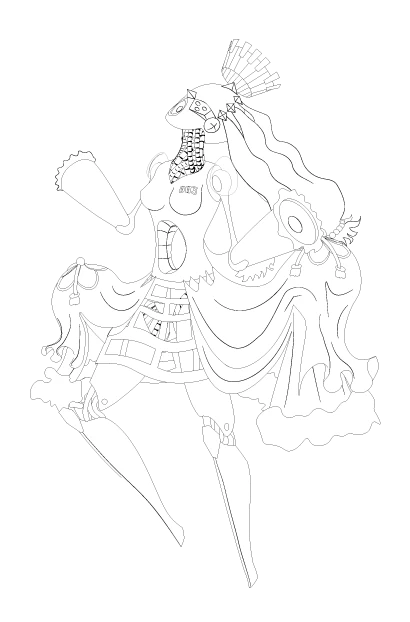
I have a complex object I created using various paths, blending options, and fills to create a comic-book style line drawing.  The white fills are necessary to keep parts of other paths or lines from being visible, but I'd like them to export as transparent while preserving the image, to make it like an ink drawing that I could place over a watercolor. Any ideas?
 

This topic has been closed for replies.
Correct answer carlosgarro

Hi.

Make a group and change the blending mode to Multiply.

Best Regards

2 replies

carlosgarro
Community Expert
carlosgarroCommunity ExpertCorrect answer
Community Expert
September 1, 2020

Hi.

Make a group and change the blending mode to Multiply.

Best Regards

AgentSunday
Participant
September 1, 2020

Thanks so much! This was incredibly helpful.

Doug A Roberts
Community Expert
Community Expert
September 1, 2020

Make them all transparent, group the whole figure and tick Knockout Group in the opacity panel.

AgentSunday
Participant
September 1, 2020

Not quite what I was going for. Did I miss something? If I click the "make mask" button on that panel, everything disappears. Is there some trick to it?


Doug A Roberts
Community Expert
Community Expert
September 1, 2020

You don't need to make an opacity mask. Just a knockout group.