


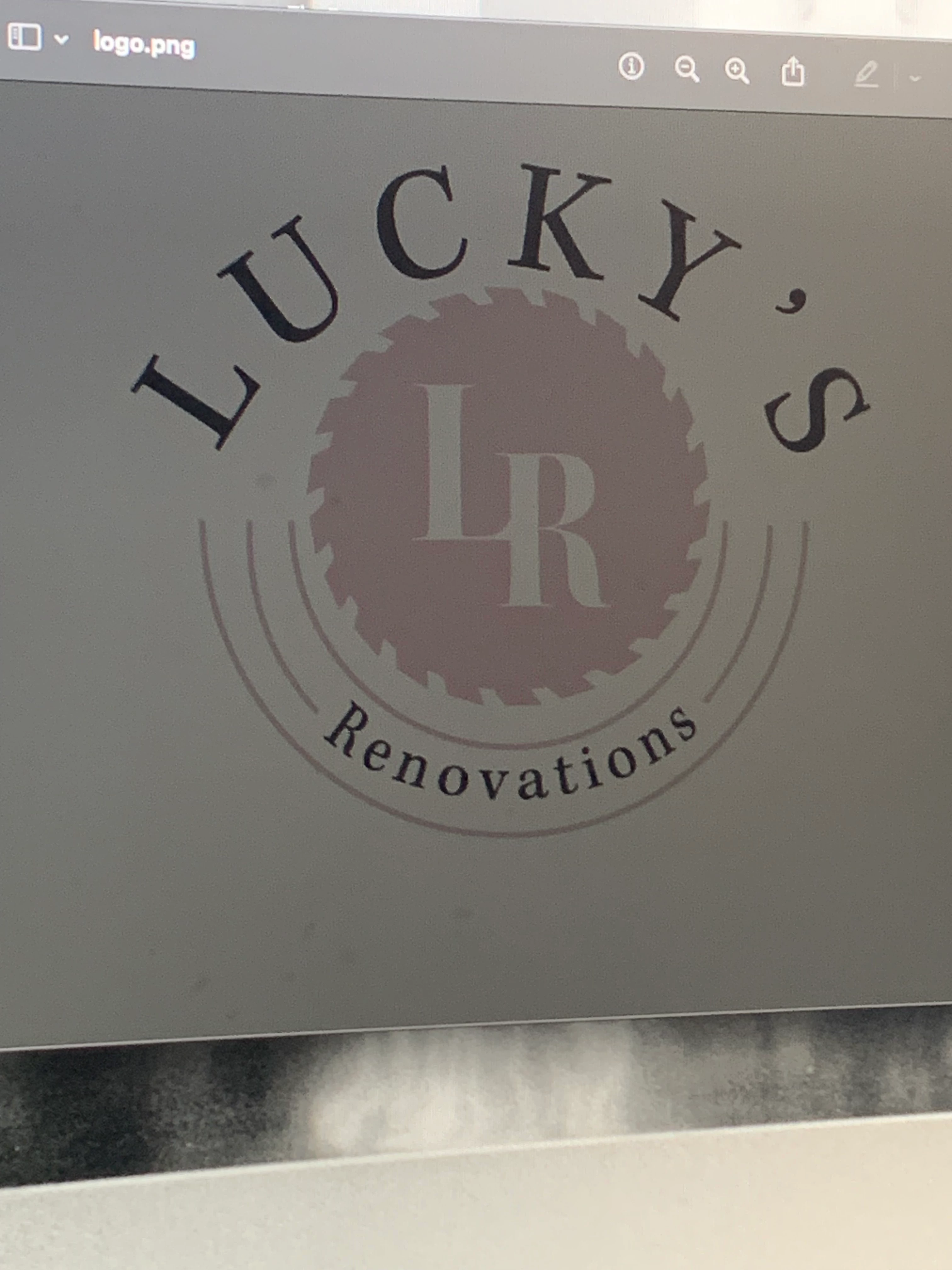
Exported PNG looks incorrect
Made a logo in illustrator and it looks totally fine - I want the first version to be transparent for web and print. I’ve only tried exporting as png for web ( export as & export for web) both saved files give me the first picture attached which is a white background pink(?) graphics and black text that is all grayed out. (I haven’t even tried vectoring for print yet) but when I airdropped that file to myself on my phone in my gallery it’s looks fine until I open it then it looks like the dark version attached. However when I upload it to this thread from that same file on my phone (third image attached) it’s totally fine? I believe it’s my error idk if I just made it wrong or if I’m not tidying up loose end before exporting but any help is appreciated thanks!

 AdChoices