


Exporting a complex shape to PNG results in unintentional holes
Hi, Adobe community, I'm encountering a really strange export bug with my Illustrator project that I cannot shake off.
I've created this little shape using the Spiral tool and the width tool and applied a gradient along the stroke. Pretty simple:
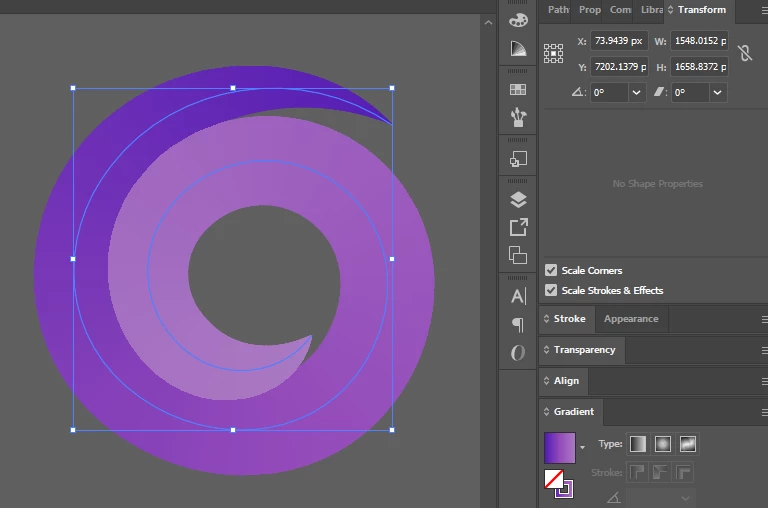
I'm extremely happy with the result, but when I export it to PNG, the final result has these really nasty holes that I cannot get rid of:
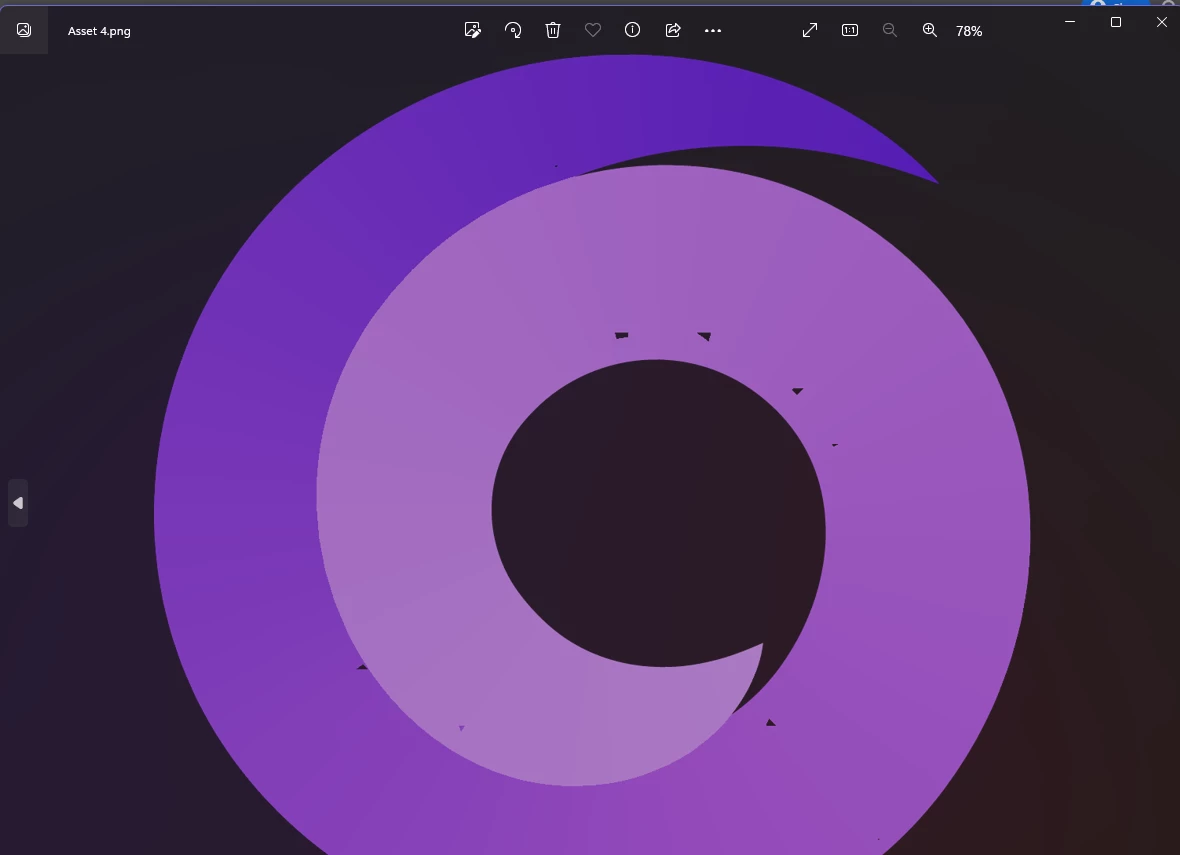
The number and severity of the holes relates to the physical pixel size of the object, and I cannot figure out a size that results in the holes disappearing.
I've tried making the shape REALLY big (about a quarter of the maximum canvas size), REALLY small, and playing around with the export settings, but I cannot figure out the cause.
This is what the spiral's geometry looks like when I activate the width tool:
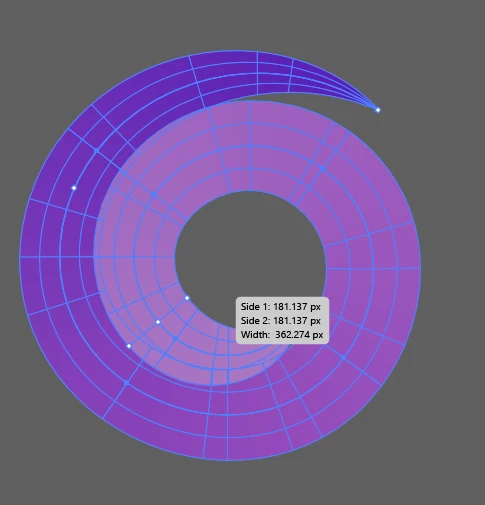
Is there anything else I can try to remedy the issue? I'm sure it's a bug relating to the export feature (it probably does not like this really curvy stroke geometry), but I do not know what I should do about it. Any help is appreciated!
 AdChoices