Participant
August 26, 2020
Question

Exporting AI to PDF makes trace borders appear

  • August 26, 2020
  • 2 replies
  • 1407 views

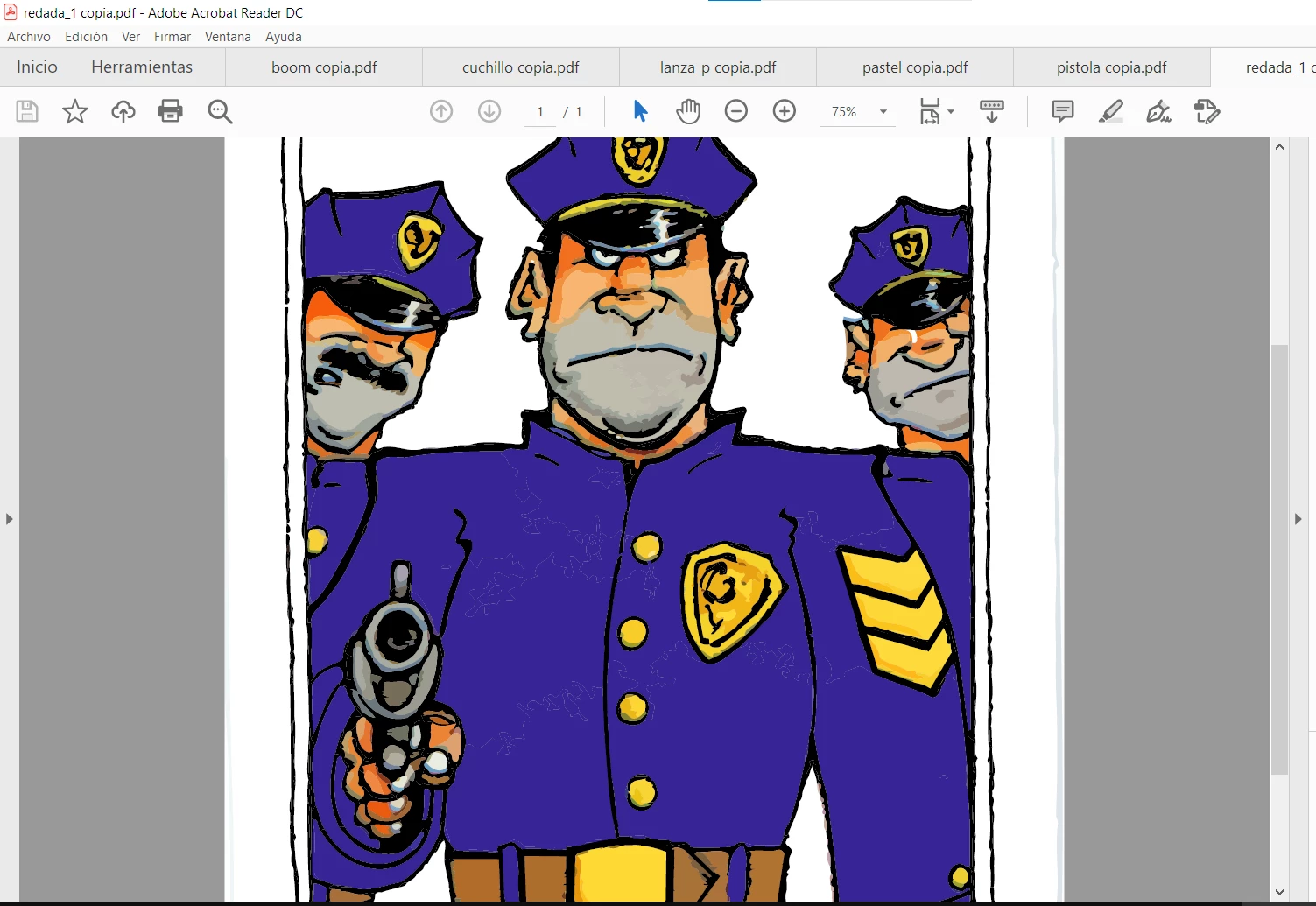
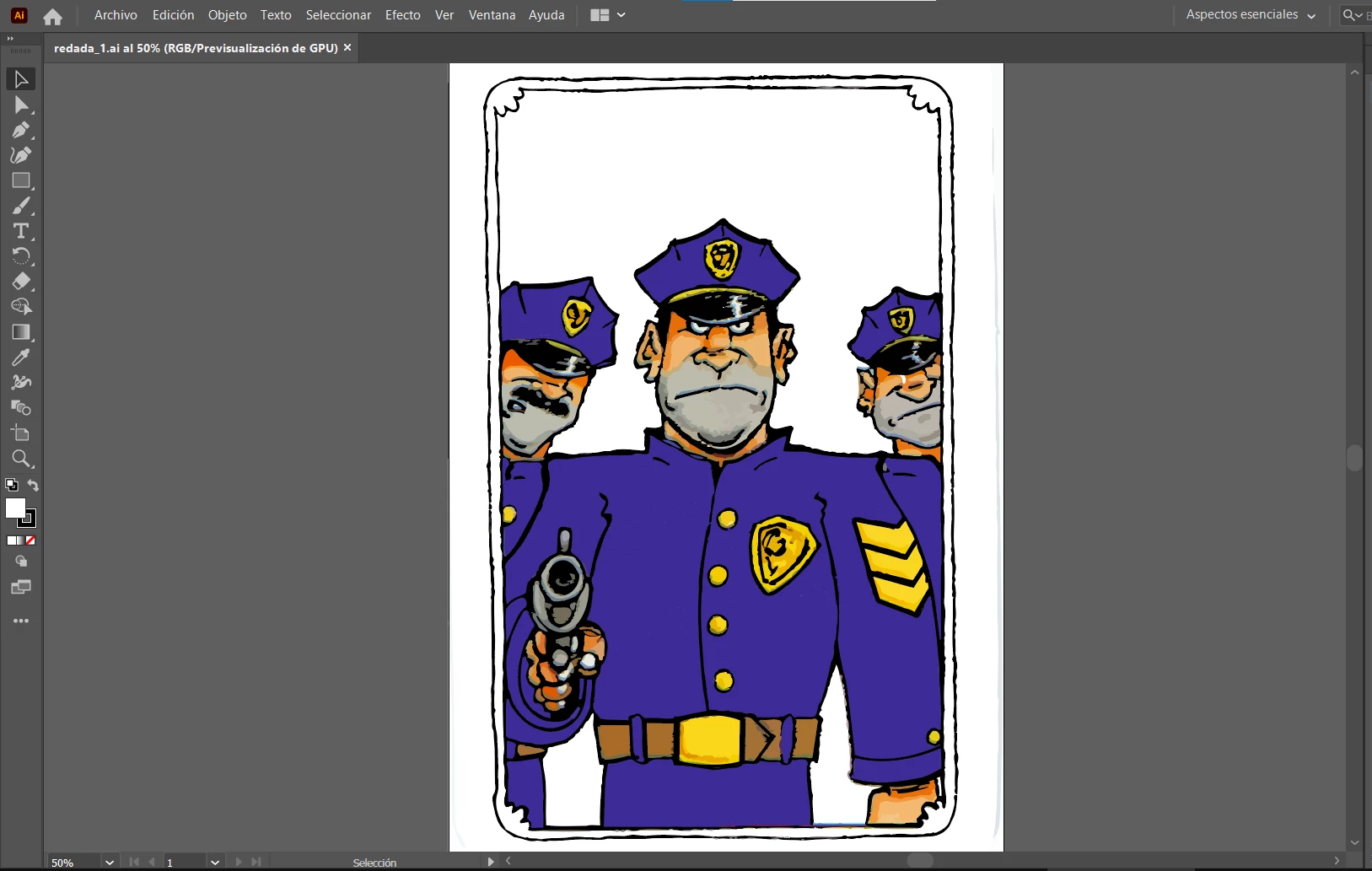
Hi, Im trying to export to PDf my AI from Illustrator. On Illustrator my picture shows ok, but when i export it to PDF, in Adobe Reader the borders of traces are shown distorting my picture.


Ive attached photos of my problem. As you can see there are borders there that also appear when printed, but the curious thing is that if I open the same PDF in Illustrator, those porders are not shown.

I need help.


Thanks


This topic has been closed for replies.

2 replies

Monika Gause
Community Expert
Community Expert
August 26, 2020

That is happening because the Live trace gets automatically expanded in the PDF and Antialiasing just works like this.

Maybe you can get a slight improvements when turning on "Overlapping" in the Advanced tracing options.

Mylenium
Legend
August 26, 2020

You need to enable overprint preview in Acrobat just like you do in AI and/ or use a PDF preset that auto-enbables it like e.g. some print-production ones do. Of course this doesn't really fix the underlying issue outside a print workflow. If this is for screen usage and will be presented e.g. as an SVG in a browser, you have to clean up the areas, merge them or apply actual extra strokes to cover up the gaps.


Mylenium