
Exporting assets in Illustrator coming out darker when there's a shadow
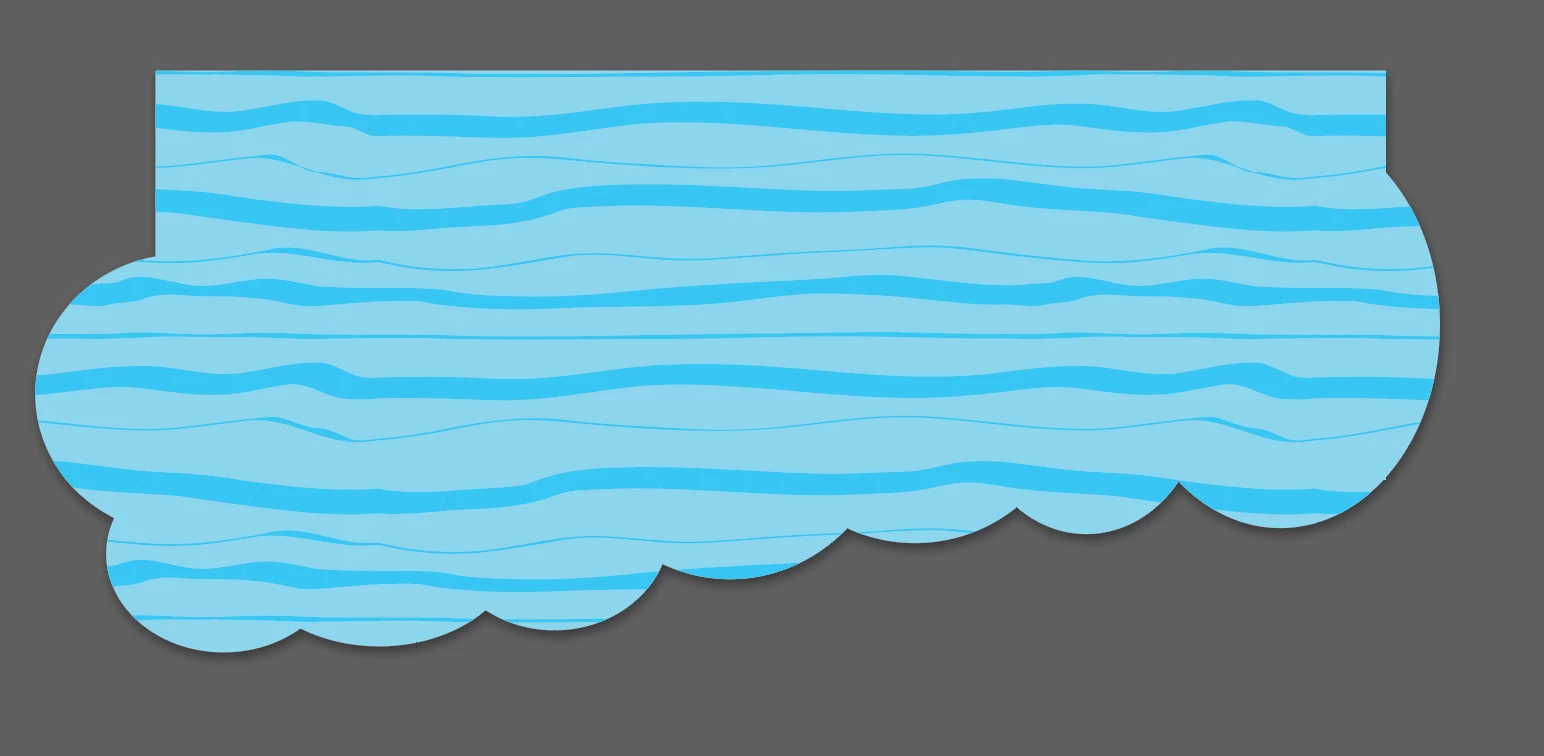
I'm having an issue I can't figure out. When I export an asset (or even full artboards) as either JPG or PNG, one particular shape comes out much darker when the shadow is applied than it appears in app or even in print. If I export as PDF, it also looks fine. I thought it might be an opacity issue, but the shape is at 100% opacity so I can't figure it out. It only happens with this one shape. I will post some samples.
The first image is the export of a PNG with the shadow turned on. The second is the PNG export with the shadow turned off. The third is a screenshot from within the app. This shape overlaps some other images and nothing shows through. You can see in the screenshot, it's over a dark background and the color is exactly the same as if it were over white. The opacity of the colors within the shape are 100%. I cannot figure out why the shadow seems to be bleeding through and causing the one color to be darker. The lines are the same color in both images. If I export it with a white background, it exports at the right color.
Any ideas I can try? This is part of a flyer design and it makes exporting it to JPG as a digital version very challenging as this one asset comes out in the wrong color every time.


 AdChoices