


Participant
Jun 5, 2019 10:45 PM UTC
Question

Exporting extra space around artboard

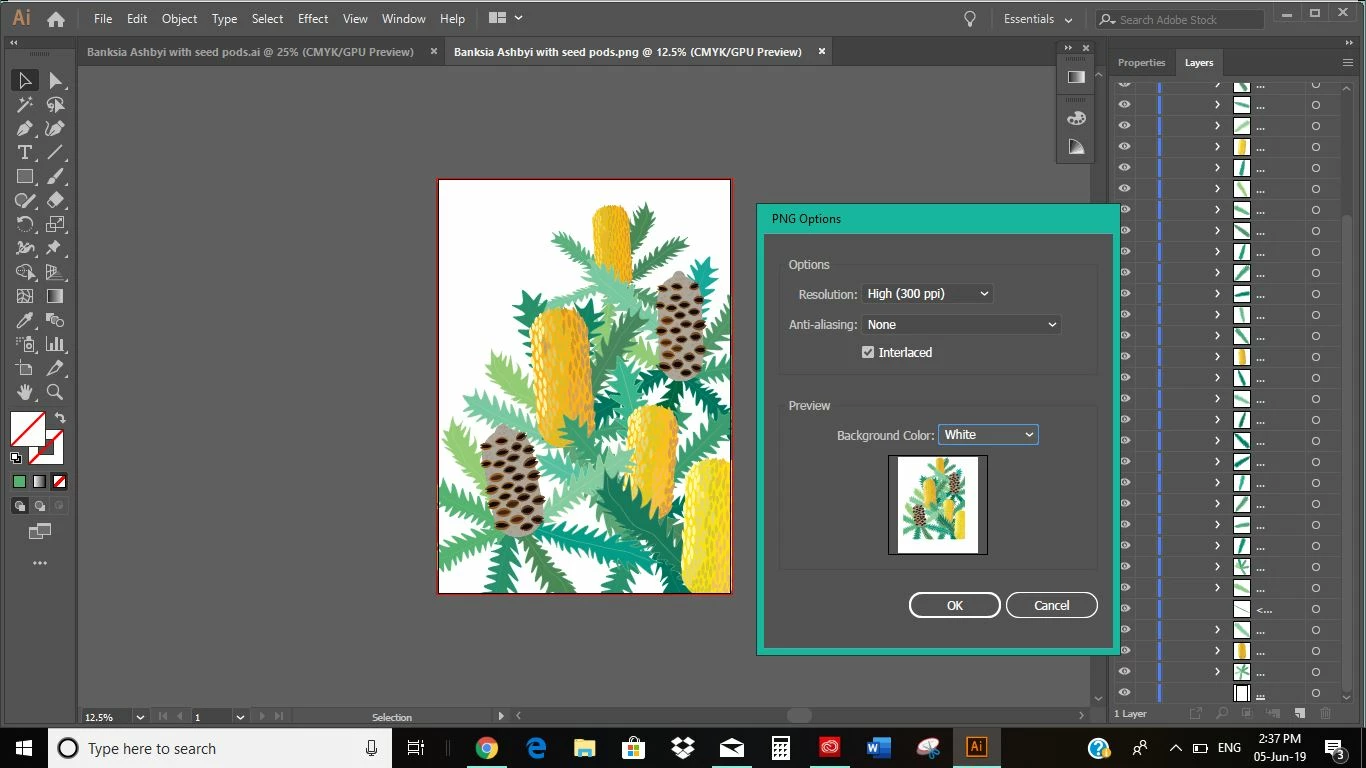
Hi, I'm trying to export a file to PDF, however everytime I do this it is exporting extra space around my artwork that is not there. How can I resolve this?

Adobe Illustrator crashed and went non responsive then had to shut down and recover the file. I then tried creating a new file and copying the artwork across, however I'm still having this issue.
14 replies

Participant
Aug 21, 2024 8:40 PM UTC

Hey this is really old but I found the solution!! Check "Use Artboards" in the export popup under "Format." fixed it for me.

Translate
Participant
Sep 26, 2024 5:29 PM UTC

THIS SAVED ME! THANK YOU!

Translate
mikeywetzel
Participant
Nov 21, 2019 2:07 PM UTC

So, basically no one knows how to fix this. I've been scouring the web, and this issue apparently goes back for years, and the same non-solutions are offered: change your bleed (which is already zero), check outline mode (which show no issues), check your clipping mask (I have none to begin with), check your artboard size (it's correct), etc..

Older non-solutions suggest some save options, which don't seem present in 2019 versions.

jdanek, have you since found a solution?

Translate
Monika Gause
Community Expert
Community Expert
Nov 21, 2019 2:22 PM UTC

Please upload the AI file and the PDF to Dropbox or the like so someone can take a look at it.

Translate
Joely10623436
Community Expert
Community Expert
Jun 11, 2019 5:26 PM UTC

The problem is the OFFSET/BLEED of your canvas…

Translate
Participant
Jun 19, 2019 4:08 AM UTC

Hi Toughmedia, I've tried to export in a file with no bleed and I get the same result

Translate
Inspiring
Jun 6, 2019 1:26 AM UTC

It looks like your artboard is smaller than the page size. 

Translate
Participant
Jun 7, 2019 4:44 AM UTC

Thanks, Can you please run me through how to change my page size, so its the same as my artboard?...as I didn't actually know there was one and can't seem to see any answers when I google it

Translate
italosan
Community Expert
Community Expert
Jun 7, 2019 10:55 AM UTC

Hi, to change the size of your artboard, all you have to do is click on window> artboards. Then in that window click on the symbol to the right your artboard. This will bring up Artboard Options. There you can modify the width or height.

Translate