
Question
Exporting seamless patterns from .AI file to .jpg
Hi
I need to create .jpg tiles for seamless patterns and am looking for some advice please.
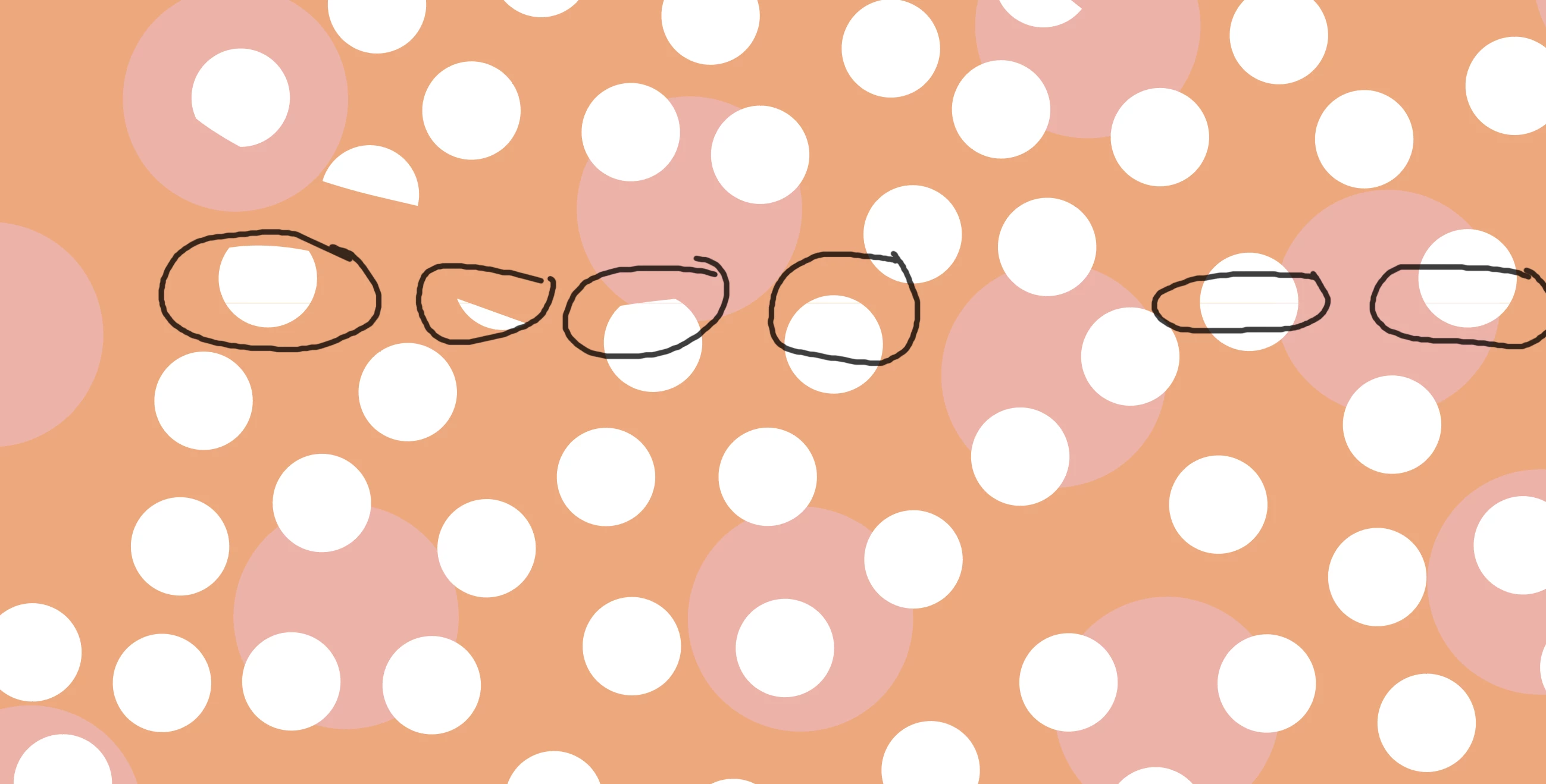
I create the repeat as an .ai file, then once finished, export as a .jpg. When I then try importing into either InDesign (for a portfolio age) or an online portal for getting samples printed, I'm getting a very thin line between the tiles.
I've looked at the exported file/s and can see that the edge (normally just one) has a one/two pixel band on the outer edge which is a couple of shades lighter in colour than the pattern. This is what seems to be causing the line.
The original tile has bleed and goes over the edges of the artboard, therefore there is no tone or colour change. Has anyone had this and managed to fix it?
Thanks in advance.


 AdChoices