3 replies

Ton Frederiks
Community Expert
Community Expert
April 19, 2024
Ton Frederiks
Community Expert
Community Expert
March 29, 2024

There is something strange with the New Document Profiles.

When they contain artwork, it is not visible when you create a new document based on that profile preset.

But it becomes visible when you, in your case export as SVG using Export for Screens Asset Export. It will include the artwork from the New Document Profile.

Another example is when you drag artwork from a document based on that profile  to a CC Library, it will include that artwork when you (alt) drag it into a new document.

Can you open the New Document Profile that you use for the problem documents (could be named Print.ai, Art & Illustration.ai, Web or Mobile) and check if it contains artwork?

User > Library > Application Support > Adobe > Adobe Illustrator (version number) > (your language) > New Document Profiles

Participant
April 22, 2024

Thank you so much for replying, you're a life saver! You really helped me fix my problem. Turns out, my new document profile for Web documents contained the artwork for some reason.

For anyone else with this problem, here's how to get to the files to fix it:

  1.  Go to the settings file of the most recent version of Illustrator that you're using. Just type in these addresses without the quotations to Windows Explorer or Finder

    Windows: "%AppData%\Adobe\Adobe Illustrator <version> Settings\<locale>\x64"

    macOS: "~/Library/Application Support/Adobe/Adobe Illustrator <version>/<locale>"

  2.  Then go to New Document Profiles and go through each Ai file on the list. All of them should be blank. The one that isn't is the one that's creating the problem when exporting as an SVG. Just delete the artwork and save. Then everything should be fine. 


Anshul_Saini
Community Manager
Community Manager
April 22, 2024

Hi All (@rodb64966356 @Ton Frederiks @Celina265730365ydl),


We are sorry for the trouble. The product team has investigated and found that the issue occurs only with Asset Export. We've logged a bug for this.

For workarounds:
  1. Use File > Export As, choose SVG
  2. Open the profile used (New Document Profiles), remove any art on the canvas, save, and relaunch.


Also, I just wanted to check with you all. Are the CC Library assets causing the issue for you, or is the document profile?


I will be looking forward to your response.


Best,

Anshul Saini

rodb64966356
Participant
March 29, 2024

I have been trying to export an SVG selection.

I have done this many times before without an issue.

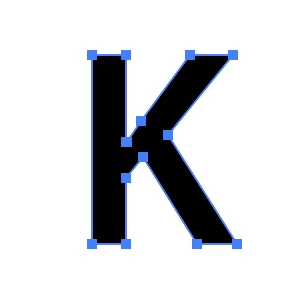
I am trying to export letters and - yes - I have done outlines. 


This time I export the letter K.

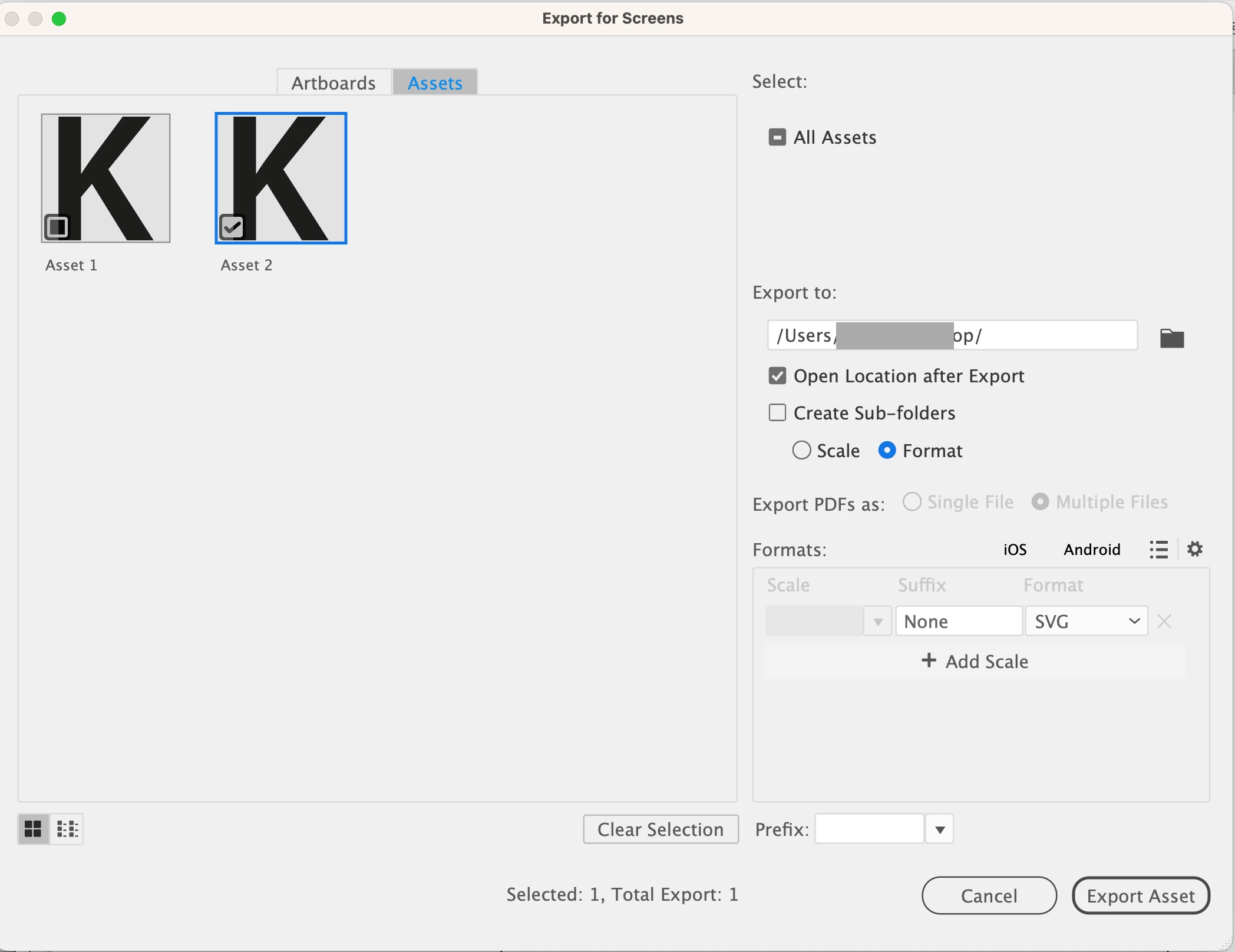
In the assets pop-up window, it appears to be OK.

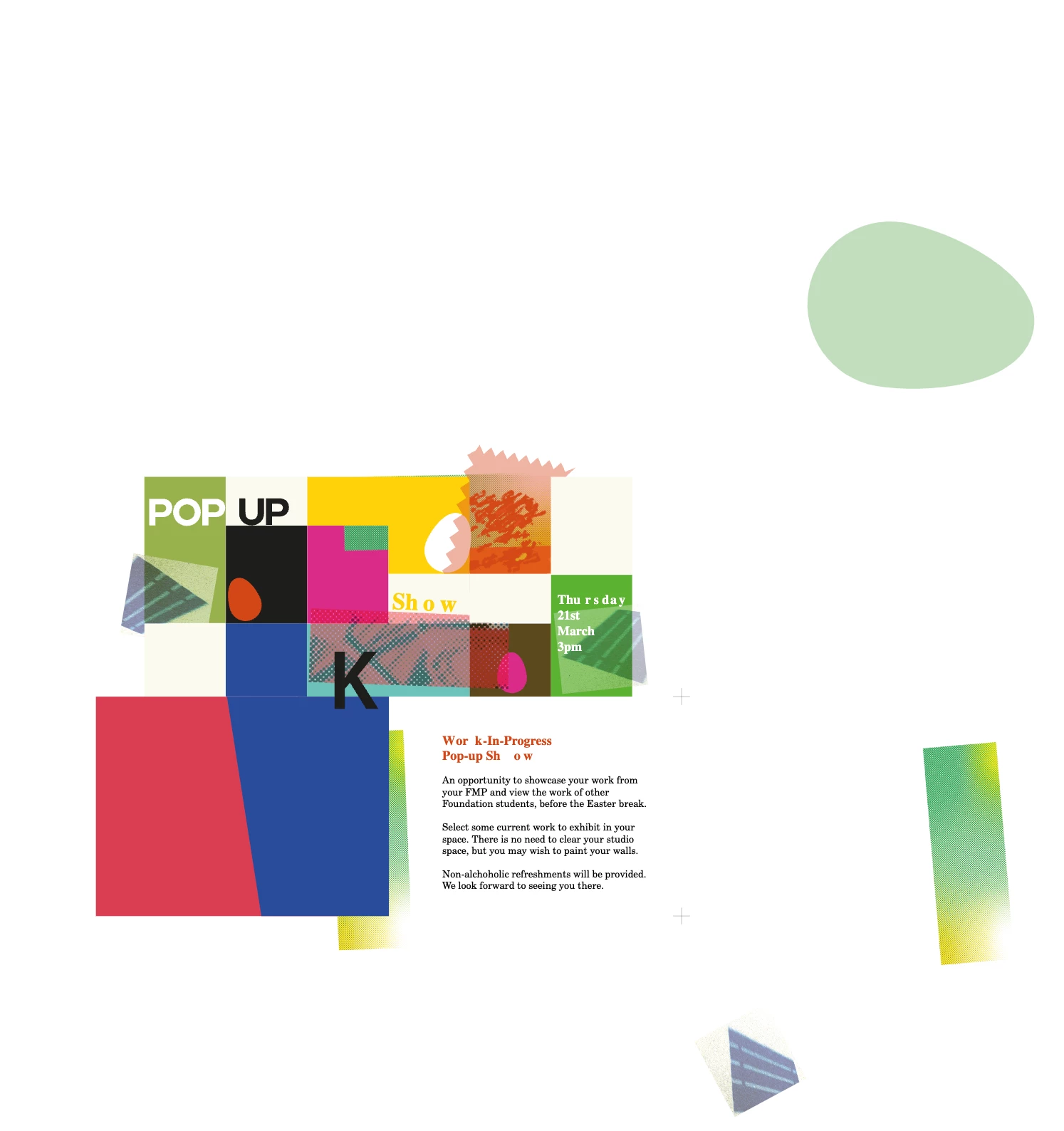
But when I export, it downloads a 12mb file bringing a large unwanted old document with it.

This artwork is not even in this document.

I have since deleted the old document from my computer to try and change this.

I have uninstalled and reinstalled Illustrator.

I have tried trashed and opened new ai/aic files, and imported them into different programs to test but I can't shift it.

The screenshot shows the letter K - surrounded by the other file which no longer exists!

Please if anyone knows the answer I would be most grateful


Monika Gause
Community Expert
Community Expert
March 29, 2024

That old file is not linked to the file you are working in?

rodb64966356
Participant
March 29, 2024

No, not at all - unless I'm missing something.

Every new file I start and I get this.

Thx