
Exporting SVG issues, Elements are not exporting properly when exported to SVG from Illustrator
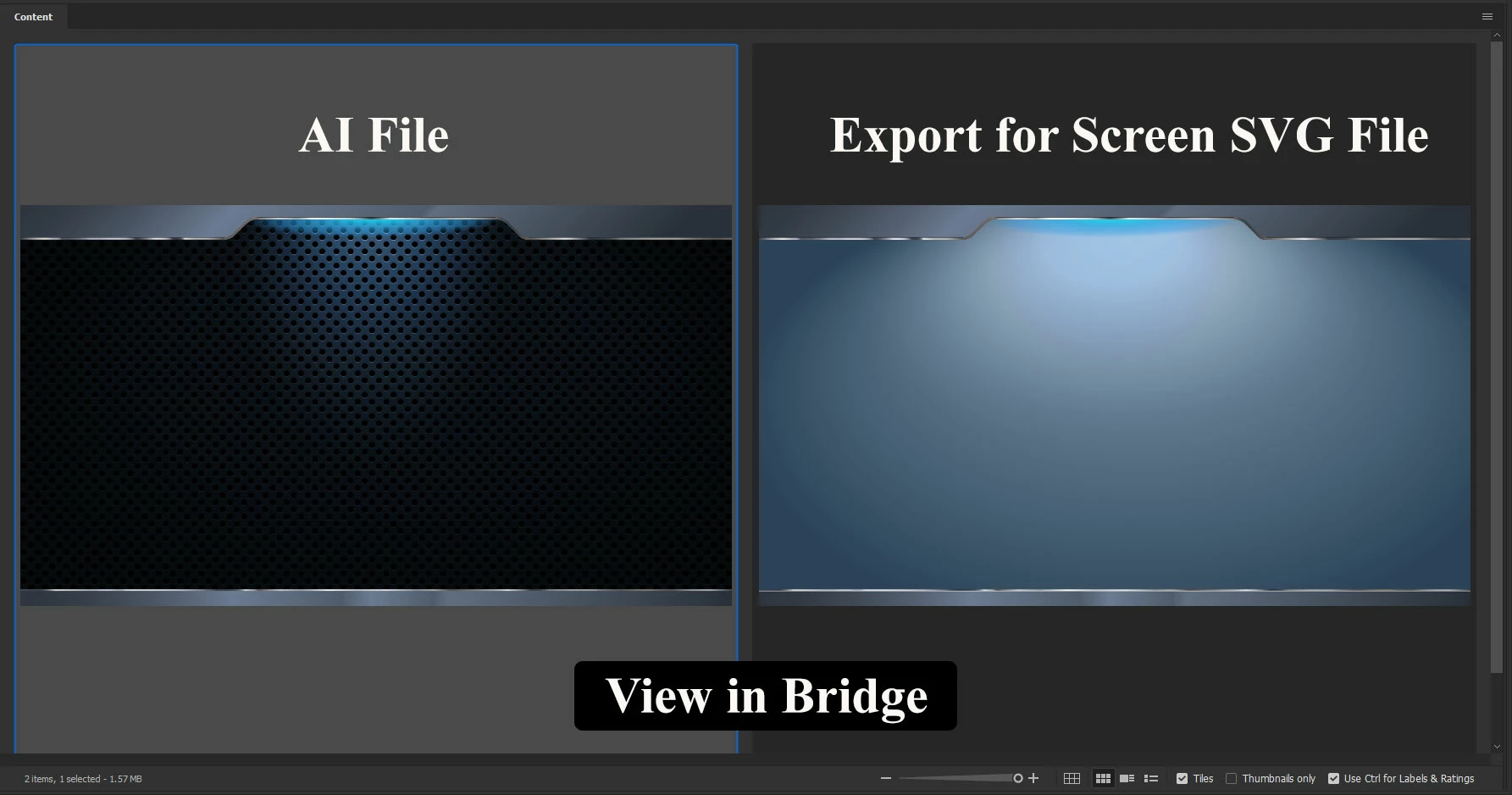
I am having an issue when I design graphic in illustrator then export to an SVG. The SVG are used on a website within SharePoint. The graphics look fine saving as jpg, png, tiff, ai, but when I export to SVG it is almost like it is making a negative reversing everything. Therefore it looks totally different.
I don’t have issues all the time making SVGs this happens everyone in a while and I don’t know why. I can separate the layers or I can combined them, no change. dosn't matter if I expoxrt to scree or go under Save as I have the same result. I can see the SVG how it would look in Bridge without having the programmer post the picture, then coming back to me.
This is what I see in Bridge:
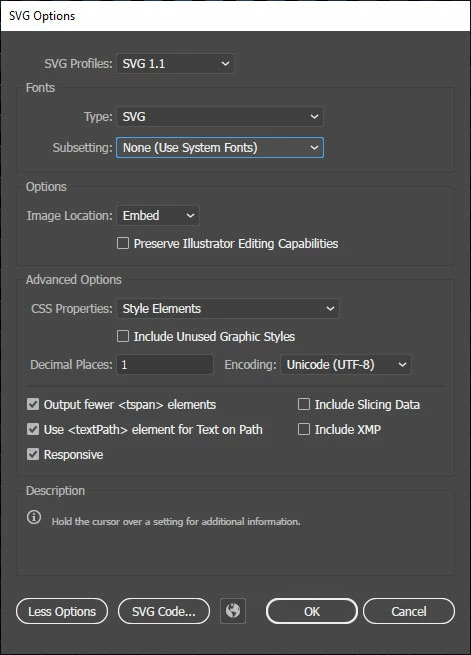 These are the settings under Save as
Am I missing something?? I want to stop running into this issue in the future, so any suggettions would be greately appreciated.
 AdChoices