patrickj85776599
Inspiring
August 15, 2018
Answered

Exporting to PDF and EPS in illustrator causes matte colors

  • August 15, 2018
  • 2 replies
  • 2741 views

Hi.

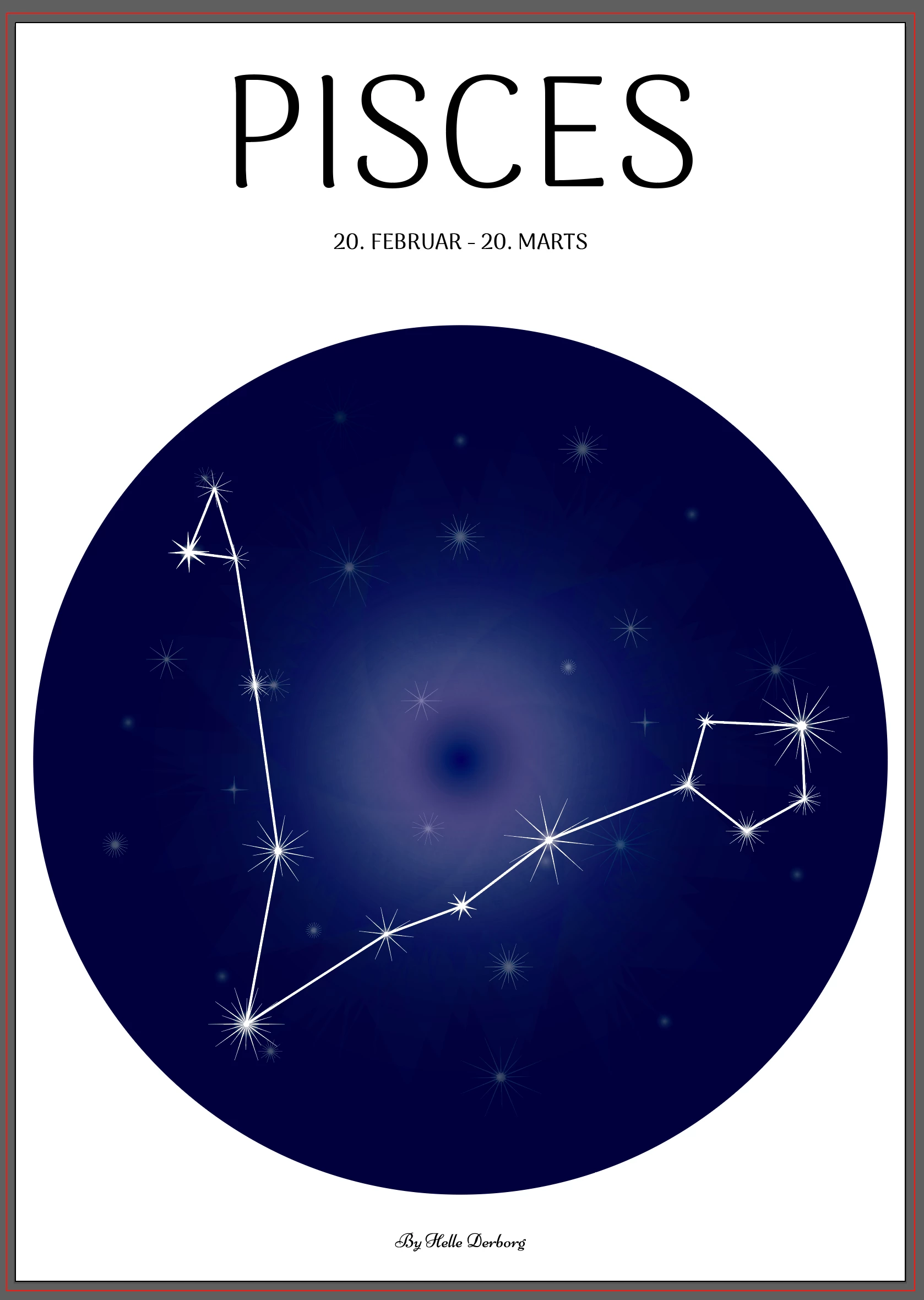
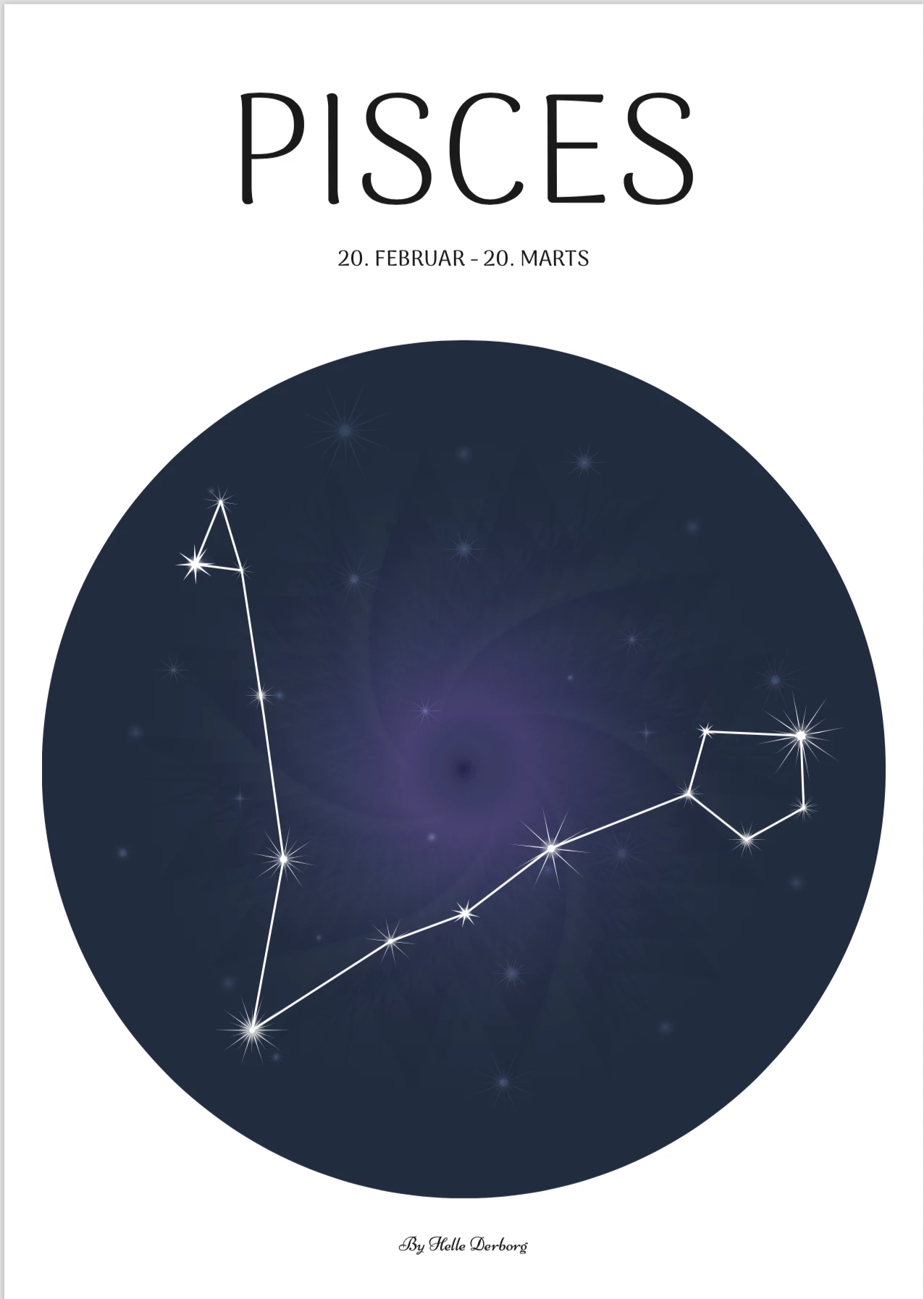
Recently when I export my illustrations etc. in Illustrator to i.e PDF, it changes the colors when opening the PDF.

It becomes much more matte and I cannot for the life of me, figure out why this is happening.

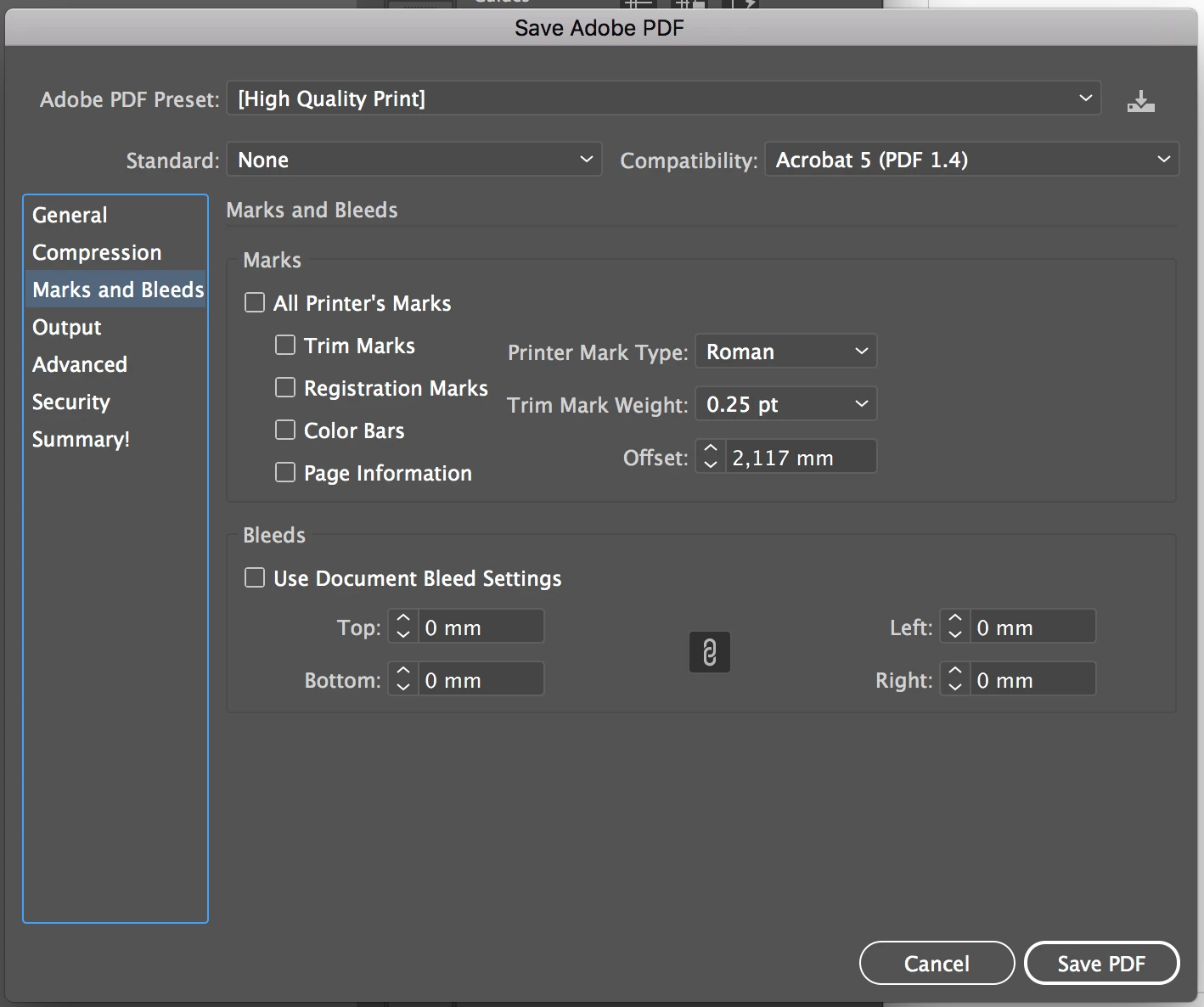
I created the illustration using CMYK and I didn't change any color spacing etc in the export.

Here is how it looks in Illustrator: (Colorful and basically how I want it to look)
Here is how the PDF looks: (All matte and boring looking).
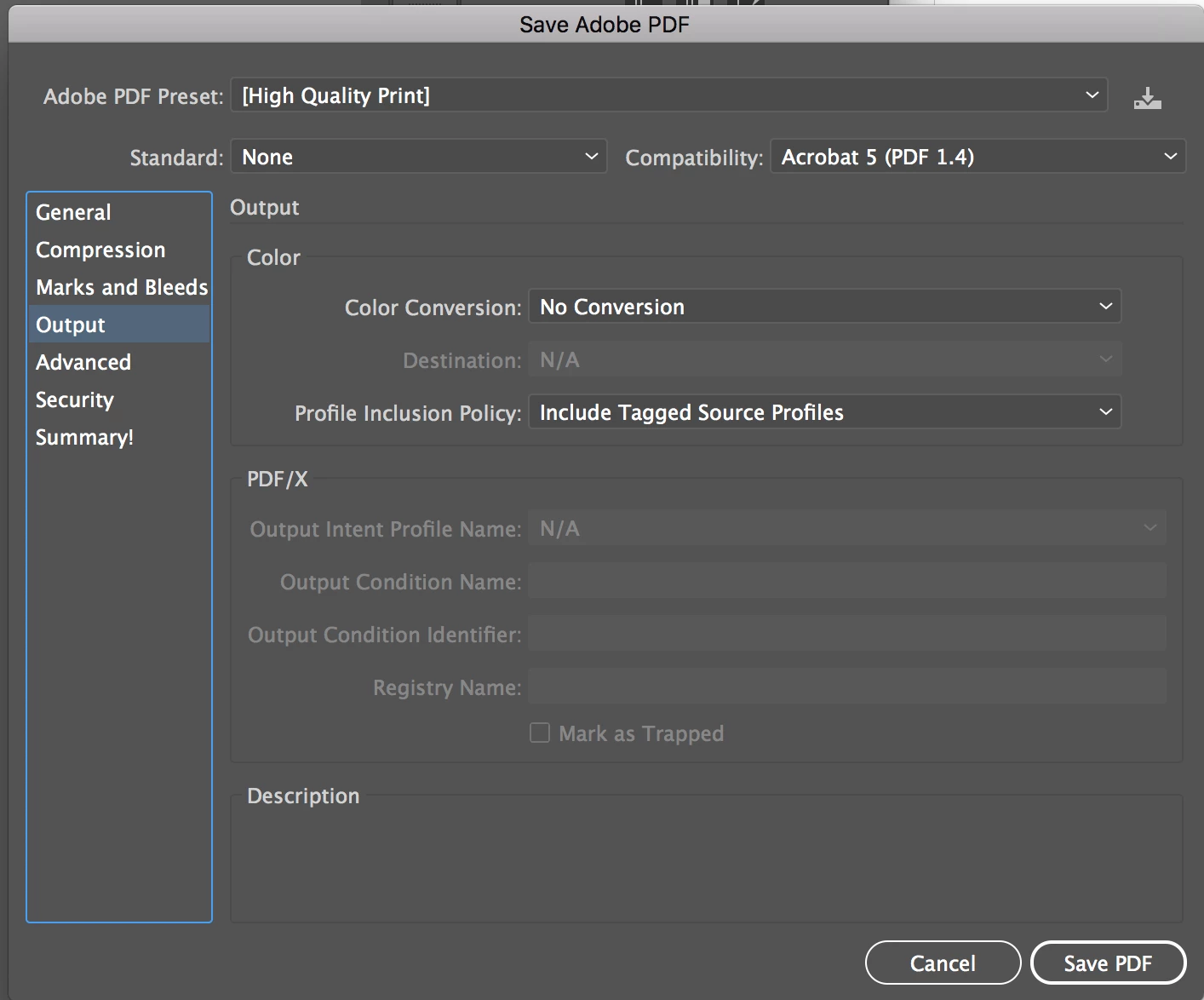
And here is my export settings:
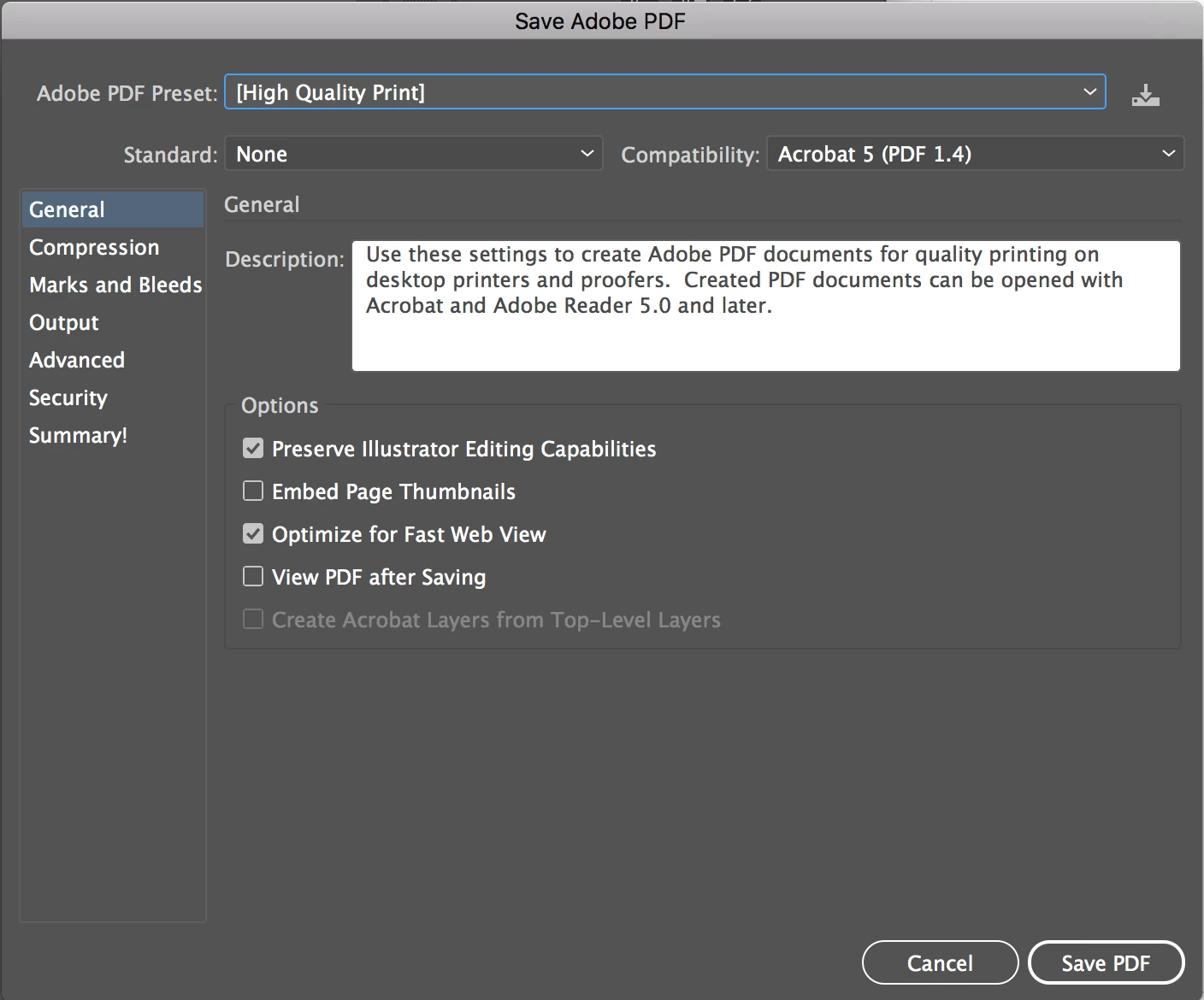
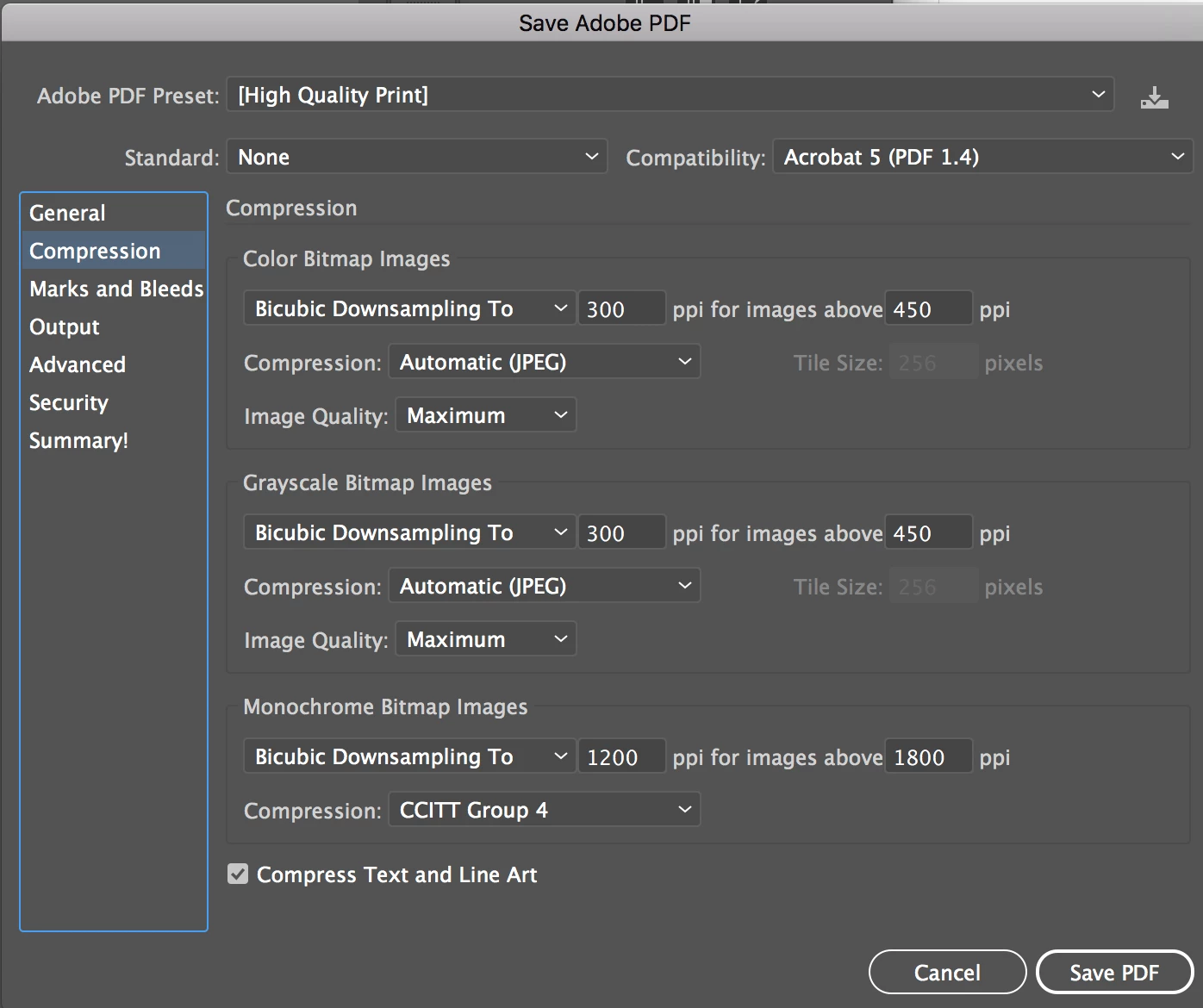
Lastly, I apologize for the long post, but I felt like the pictures explained better than words would.

I hope someone can tell me where I go wrong.

Btw, I have tried changing the "Profile Inclusion Policy" to "Don't Include Profiles".

Thank you in advance.

This topic has been closed for replies.
Correct answer Monika Gause

Did you just define colors in CMYK or is this also a CMYK document?

How is color management set up?

Which application do you use to view the PDF? Anything other than Acrobat makes no sense here.

2 replies

manal shanableh
Legend
August 16, 2018

How you have done the blue circle? radiant or mesh?? you must select each color and make sure it is CMYK from swatches panel.

patrickj85776599
Inspiring
August 16, 2018

You mean, like this?

manal shanableh
Legend
August 16, 2018

I mean if this a gradient color you must select each gradient slider and from color panel make sure to convert it as CMYK. thats why i asked how you done the blue circle!

Monika Gause
Community Expert
Monika GauseCommunity ExpertCorrect answer
Community Expert
August 15, 2018

Did you just define colors in CMYK or is this also a CMYK document?

How is color management set up?

Which application do you use to view the PDF? Anything other than Acrobat makes no sense here.

patrickj85776599
Inspiring
August 16, 2018

Hi Monika.

As mentioned, the document is created as CMYK an my export settings are shown in the OP.

I haven't changed anything else, but I'm unsure what you mean by "How is color management setup".

I'm still rather new to the technical stuff in Illustrator, so please bare with me.

But the same even happens for an RGB document (both RGB and CMYK).

I hope you can explain your questions a bit more for me, so that I may answer your questions with the correct information :-)

Monika Gause
Community Expert
Community Expert
August 16, 2018

patrickj85776599  schrieb

I hope you can explain your questions a bit more for me, so that I may answer your questions with the correct information :-)

Color management is: Edit > Color Settings combined with the document's color profile combined with the export settings.

When you want to get reliable output, you will need to learn color management. This is just a very small introduction: Understanding color management, Adobe Acrobat

There's much more material available, free and paid.

In case you can read German, there's a good ressource for free.