zoec6211995
Participant
May 24, 2017
Question

Exporting transparency and blending modes (CMYK) to PDF

  • May 24, 2017
  • 2 replies
  • 11553 views

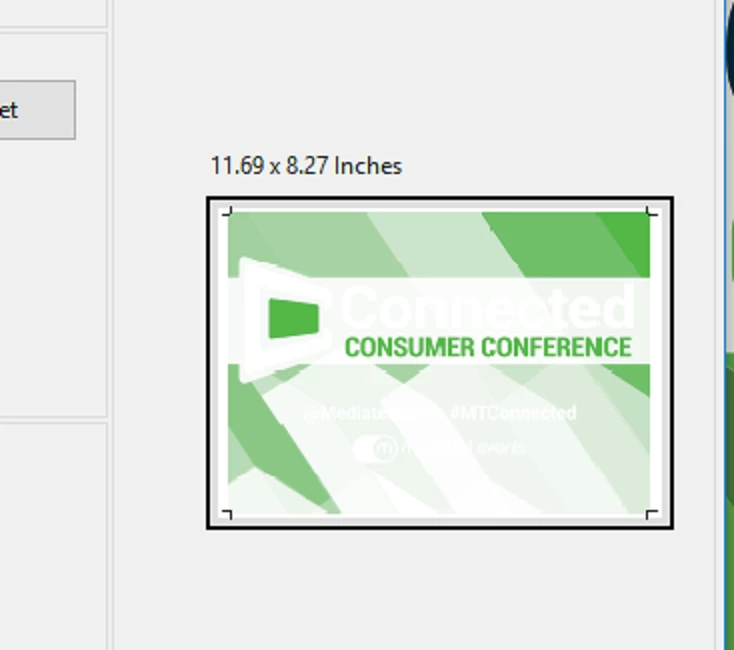
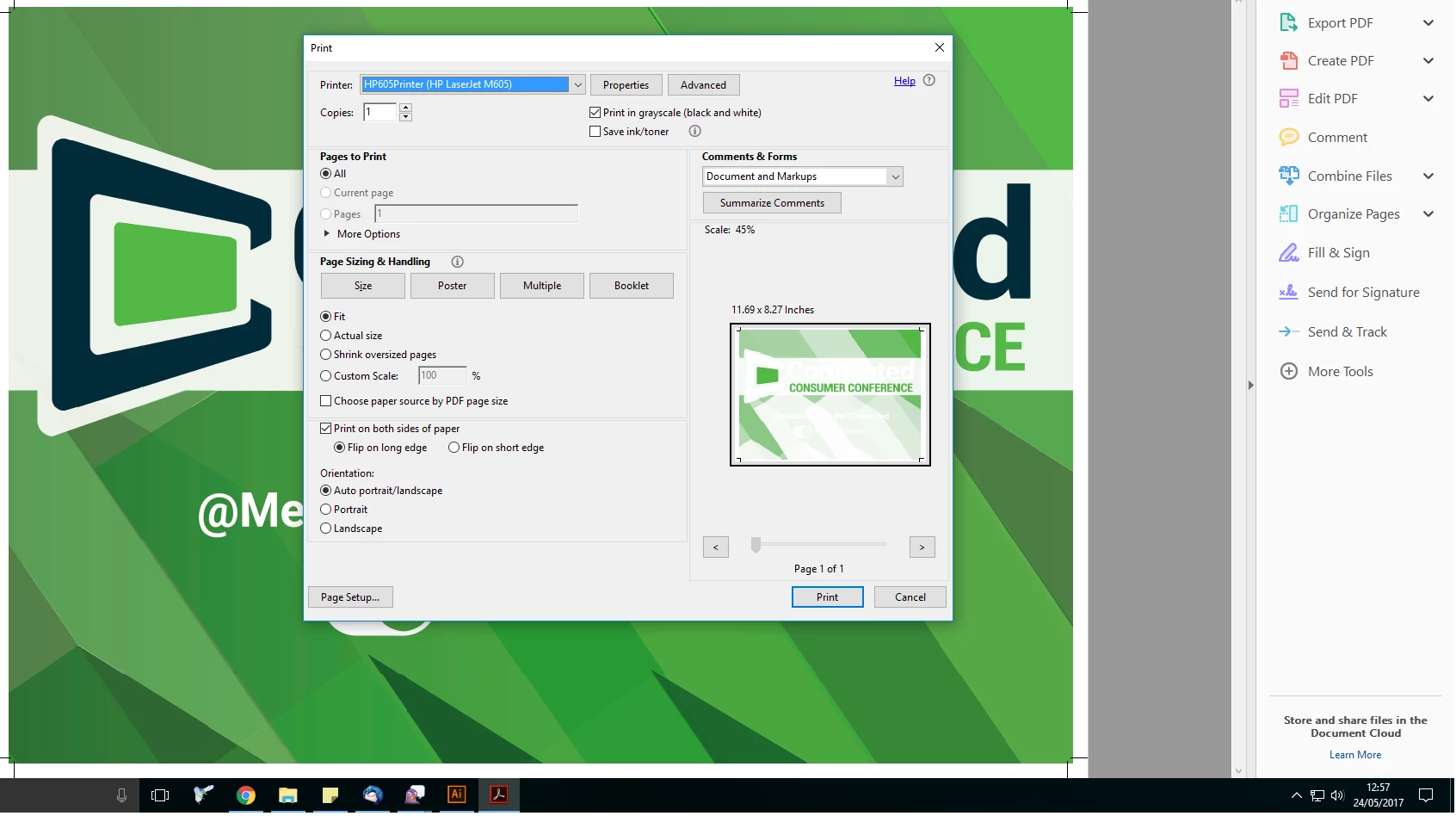
I've been having problems exporting Ai files for print to PDF, any file with transparency when exported now excludes parts of the images and comes up as white in the PDF print preview, I've tested it and it prints like this too.

I've tried rasterizing the artwork but this has no effect, and I sometimes work with large artworks that can't be rasterized.

I've tried exporting older files (from when I wasn't having this issue) and new files but the same thing happens.

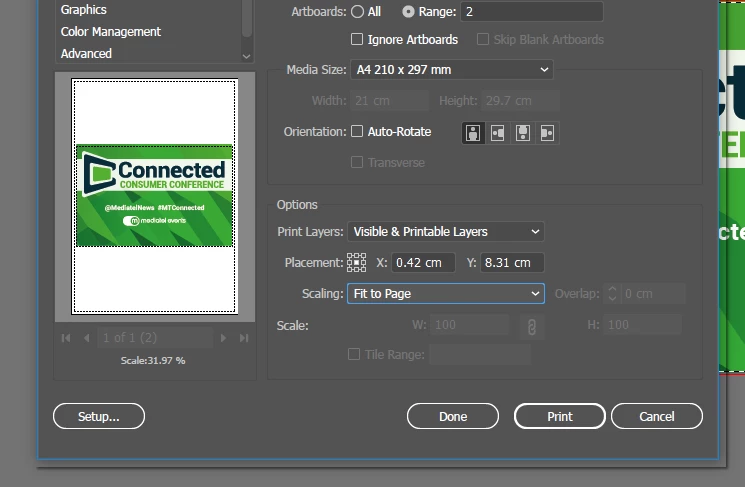
The print preview in Ai appears and prints fine so it must be the process of compressing. Examples below.

Please help!
This topic has been closed for replies.

2 replies

Luke Jennings
Inspiring
May 25, 2017

In your print settings, go to Advanced> Output> Simulate Overprinting (on). I suspect you are using spot colors in your file, as well as transparency effects. It's best not to use spot colors, if you don't intend to print in spot colors. You can change them to 4C in the swatches panel, or use the Ink Manager when printing from Acrobat. Here is some good info about spot colors:

Also, change the transparency blend space to cmyk.

https://indesignsecrets.com/ink-manager-forget-step-exporting-pdf.php

Monika Gause
Community Expert
Community Expert
May 24, 2017

How exactly is this file set up?

How is this built?

How exactly do you export it? Which options?

What is setup for preview in Acrobat?

zoec6211995
Participant
May 24, 2017

Thanks for your response,

I create a new document in colour mode CMYK, I create the artwork with vectors in illustrator

I use 'Save a copy' and select Adobe PDF

PDF/X-1A:2001

which sets the compatability to Acrobat 4

I use Bicubic downsampling compression with the preset values

Warnings about compatibilty with Acrobat 4 and "This file contains spot colours and transparency....unexpected results..."

I'm not sure about setup for preview in Acrobat, do you mean the page display prefences?

Monika Gause
Community Expert
Community Expert
May 24, 2017

Especially how is overprint preview set up?

And how is transparency flattening in Illustrator set up?

Do you know about transparency?

If not, please read the documentation:

A Designer's Guide to Transparency for Print Output, Adobe | Adobe Illustrator | Portable Document Format

Please read that, because it would be too much to explain it in a forum post. And then maybe you get some ideas of what to check in your artwork.