
Known Participant
March 4, 2021
Answered

extend a straight line

  • March 4, 2021
  • 3 replies
  • 1096 views

Hello,

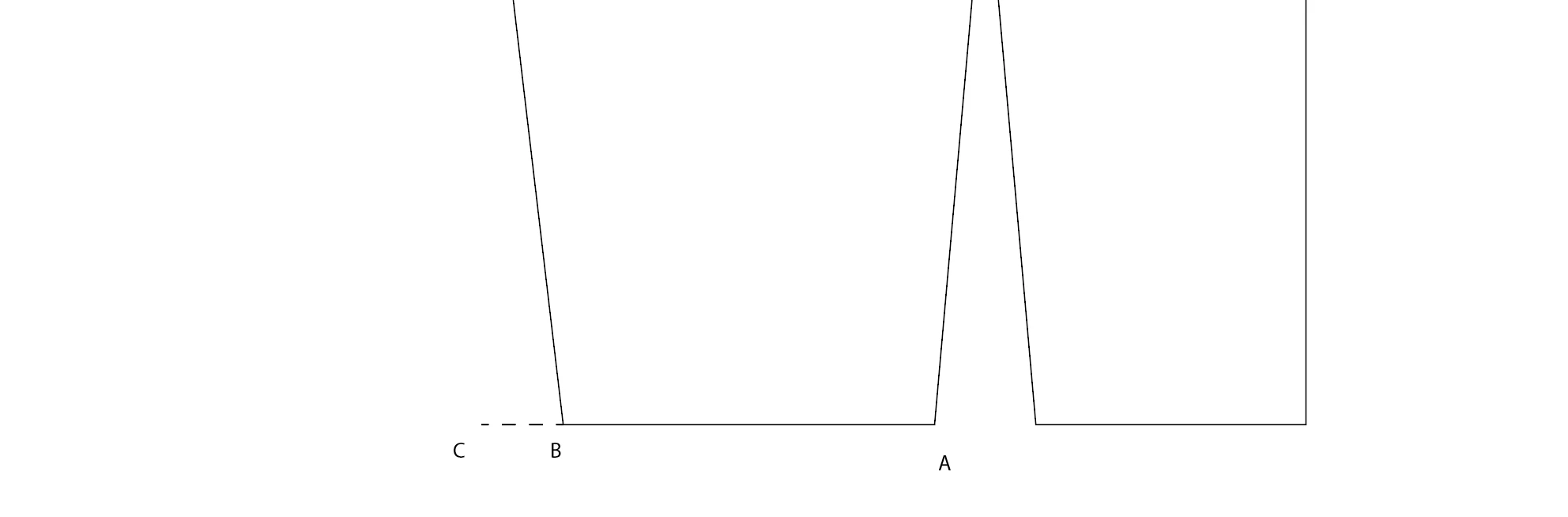
I want to add 1.5 cm to line A-B but I would like to do so by adding +1.5 in the line length window (in this case, the line is extended and it moves). I would like to block point A so that the line grows towards C by 1.5cm. How to do?
 

This topic has been closed for replies.
Correct answer SJRiegel

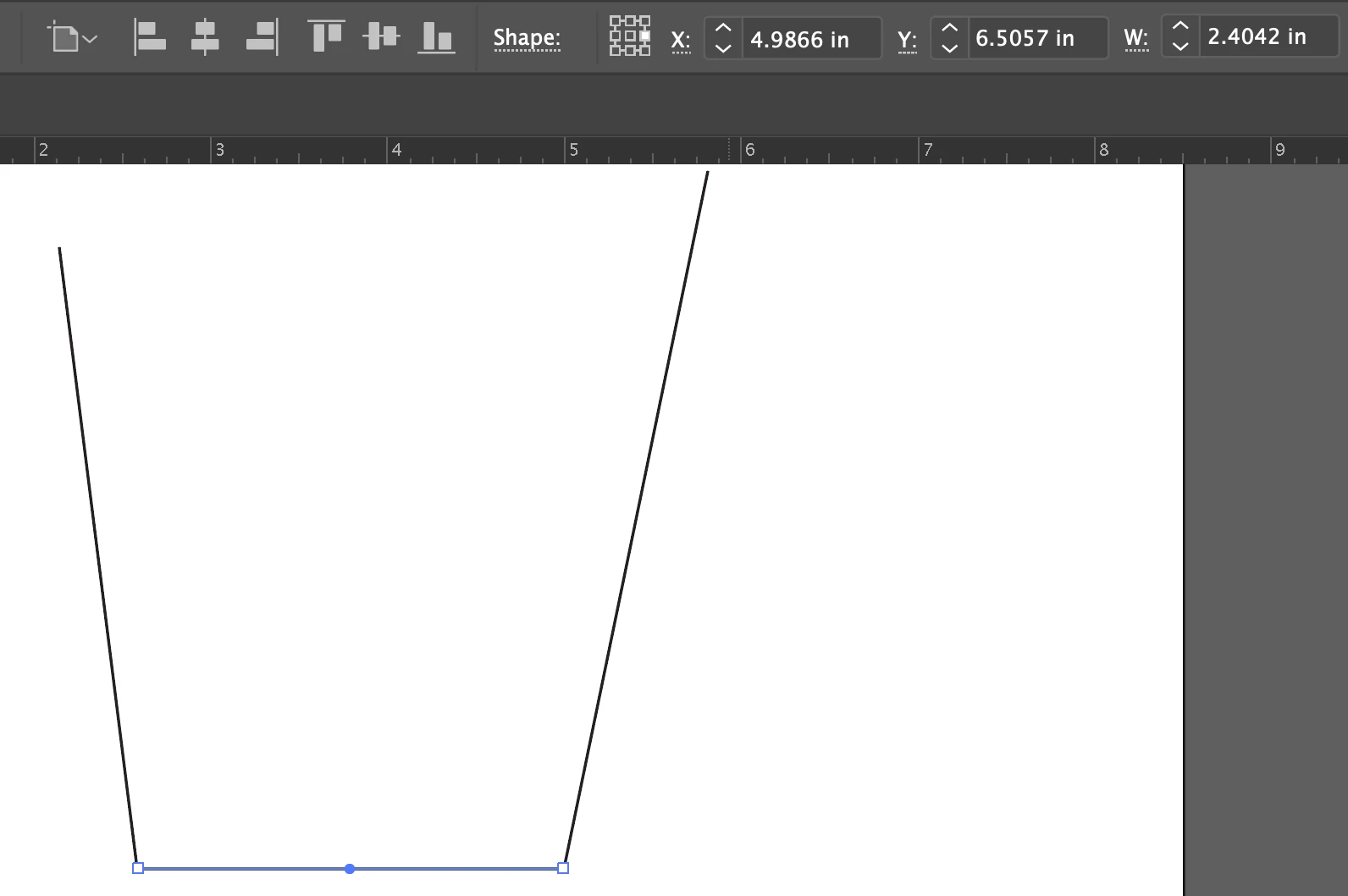
Before putting in your new length value, change the object's reference point to the center-left one. (The graphic in the top bar just to the right of the word Shape.

3 replies

Ton Frederiks
Community Expert
Community Expert
March 4, 2021

Good to hear we could help.

SJRiegelCorrect answer
Legend
March 4, 2021

Before putting in your new length value, change the object's reference point to the center-left one. (The graphic in the top bar just to the right of the word Shape.

emmaBaAuthor
Known Participant
March 4, 2021

thank you.  i understand. 

Ton Frederiks
Community Expert
Community Expert
March 4, 2021

Direct select point B only.

In the Transform panel type  -1.5 after the X value and hit return.

emmaBaAuthor
Known Participant
March 4, 2021

thank you so much