Inspiring
November 5, 2021
Answered

Extremely weird Eyedropper Behavior

  • November 5, 2021
  • 1 reply
  • 1051 views

Hello,


I am encountering some extremely unusual behavior from Illustrator, that I have never seen before. I've tried completely closing the app, without any improvement. 


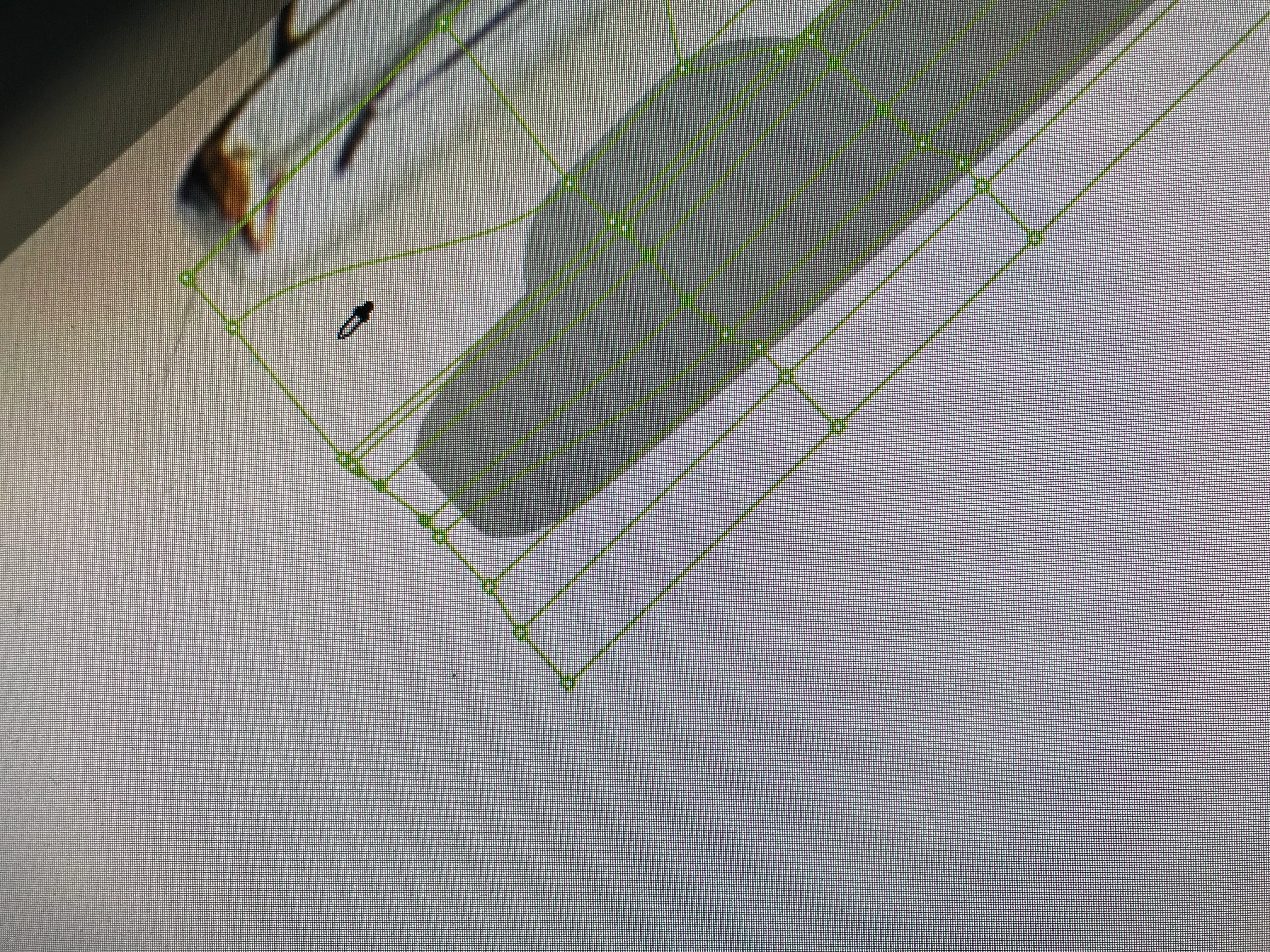
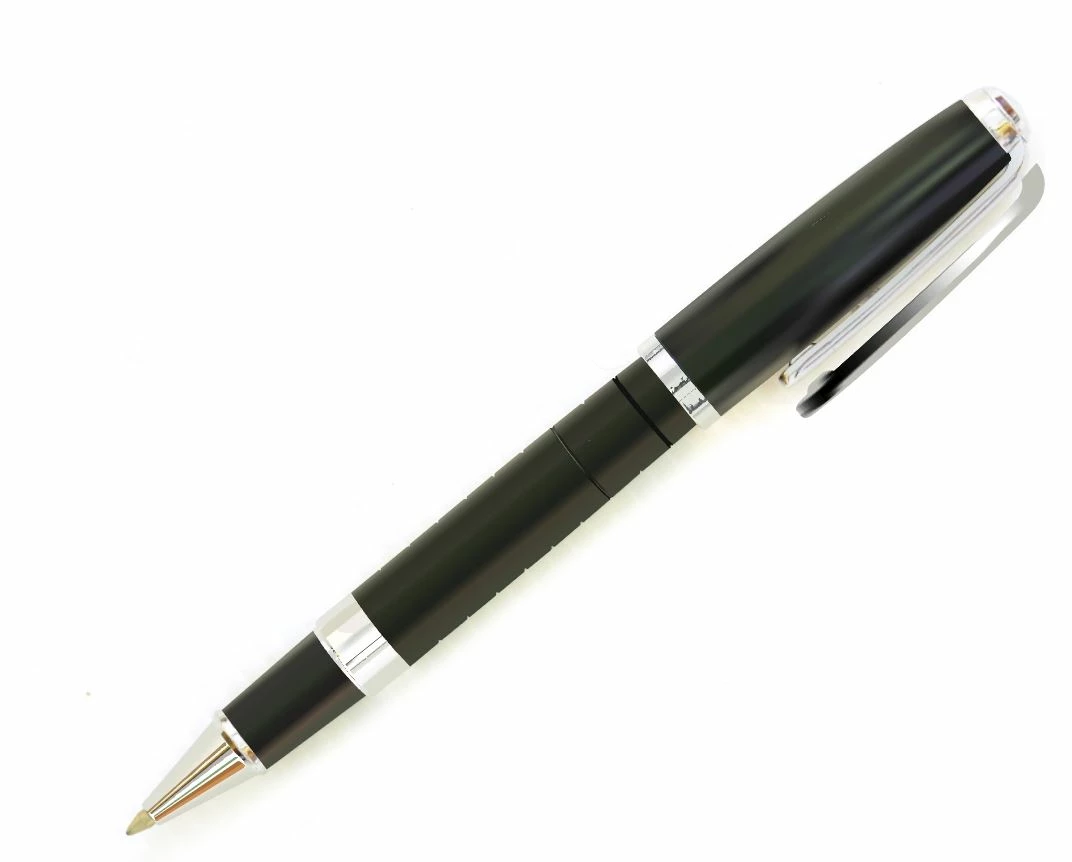
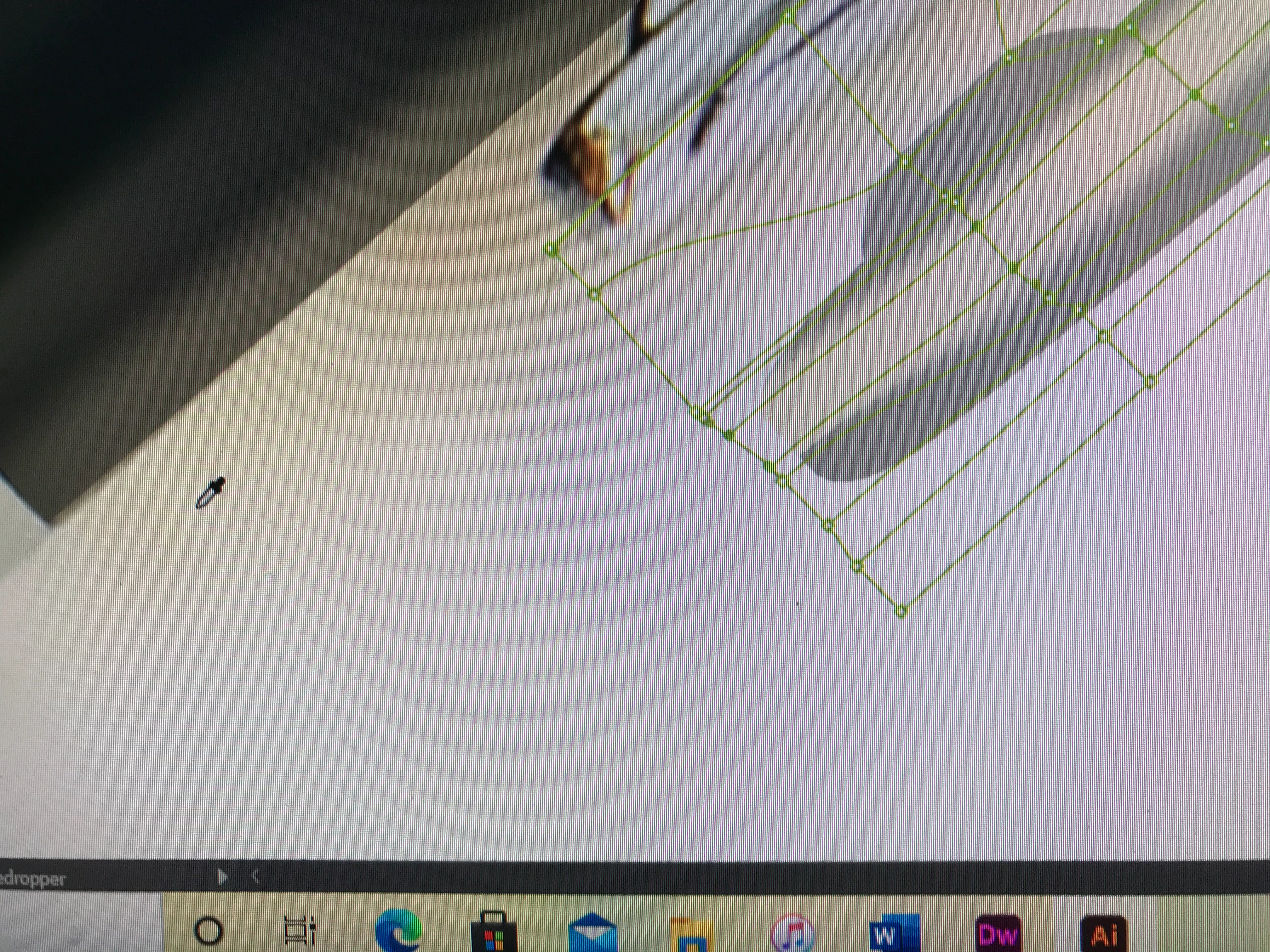
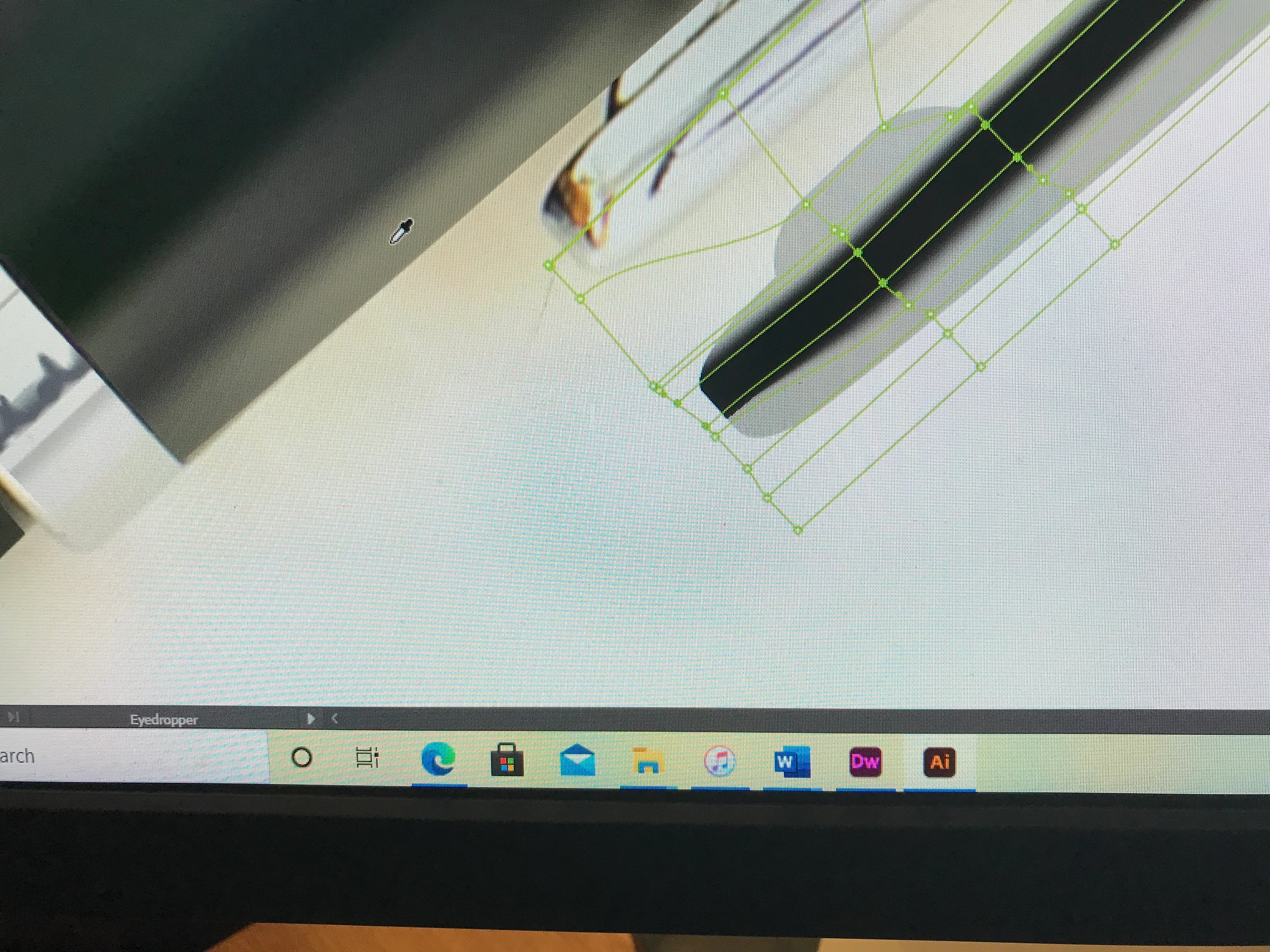
Basically, it is how the Eyedropper tool response to one area of the artboard vs. another, in effort to alter a Gradient Mesh clipping path, to resemble the prototype's appearance. The Eyedropper tool extracts accurate colors in some areas and incorrectly goes to a shade of black, or the selected fill color automatically, when extracting other areas. The selected color within the gradient mesh points corresponds with where I clicked the Eyedropper tool on the artboard in each image. 


Any advice would be much appreciated.
 

Sand Patch

This topic has been closed for replies.
Correct answer Trains1985

I rebooted the computer in its entirety again, and it made no difference.


The jpeg image had been aquired from Dreamstime.com. I don't know if that could have any impact, or not.


Sand Patch


I think I've figured it out - FINALLY! This is worth knowing.


Okay. If you look very closely at Image #5, within the red rectangle, you will find that there is a faint, but crisp, color change of white. That is the result of Gaussian Blur effect, from a path I made as part of the pen's cap. When I turned it off, with the jpeg still present, activated the gradient mesh, and used the color Eyedropper tool to get a color, I successfully revised the color of the specified area of the gradient message, shown it Image #7.


However, shown in Image #6, despite the Eyedropper tool being over a white-bacground, the same selected area turned a default grey. Why? Because the tool was within the gradient mesh. I found that the color of the off-white, with the jpeg image and the Gaussian Blur present, worked the way it should, as long as it was OUTSIDE of the gradient mesh.


Thanks for your help!


Sand Patch

1 reply

Monika Gause
Community Expert
Community Expert
November 5, 2021

Do you press the shift key while picking up colors from photos?

Inspiring
November 5, 2021

>Do you press the shift key while picking up colors from photos?


No. I tried that uppon your recommendation, but it made no noticable difference. The only thing I have needed to do to get a similar color in the past is just to click on the Eyedropper tool (I).


Sand Patch

Inspiring
November 5, 2021

When was the last time you rebooted the computer?


Pressing the shift key is needed for picking up colors from images.

Do you perhaps have some aggressive firewall running?

Is Google Chrome running? Or some screensharing software? Maybe you can try and reboot the computer and afterwards run only Illustrator.


I rebooted the computer this morning, and the .AI file continues to have the same behavior.


Never have I read/heard anything abount using the shift key being required, to load an Eyedropper tool to get similiar color. I just hit the "I" key, move the curser over to my desired color, click on it and it has been loaded for filling paths.


The only firewall software that I have turned on I know of is my Microsoft Essentials.


Typically, I have a browser running, while I am using .AI. I only use Edge because Chrome is less secure.


I'll try rebooting the computer again but I doubt that it will make any difference.


Sand Patch