Participant
January 13, 2023
Question

Eyedropper picking up white only

  • January 13, 2023
  • 2 replies
  • 477 views

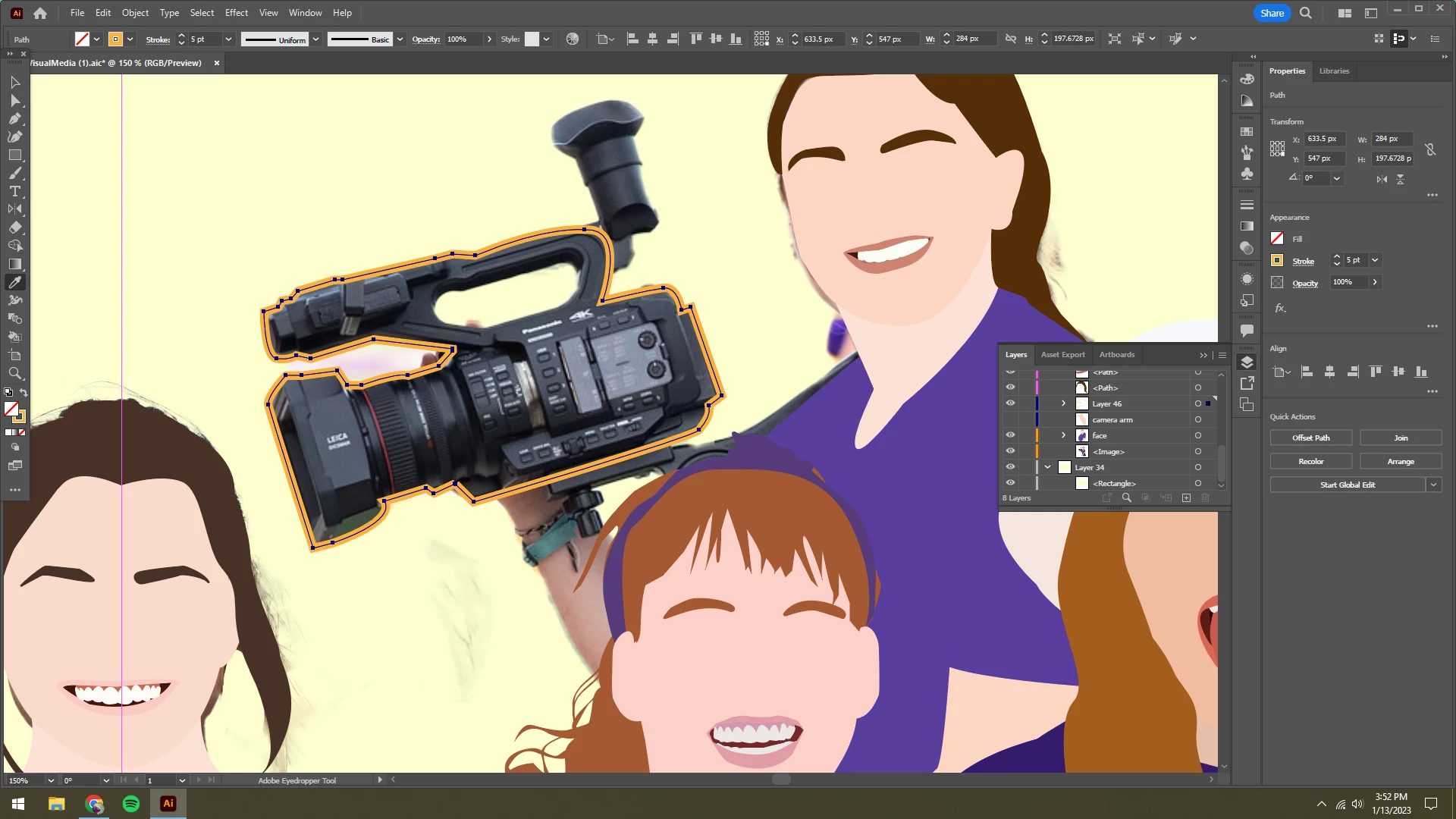
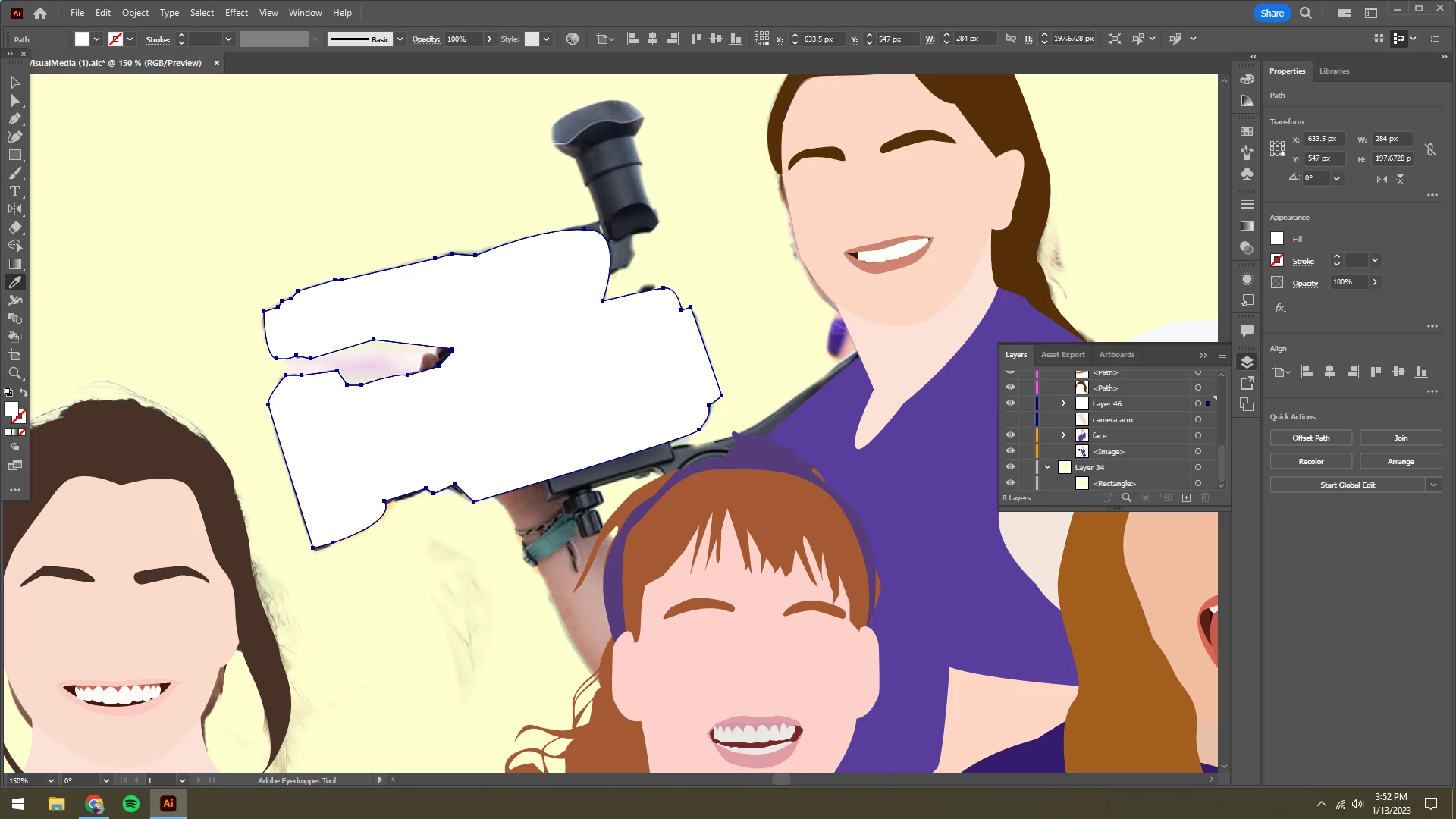
Help!! I'm creating a group 'faceless' portrait and I'm not able to get the eyedropper to pick a color from the photo I'm using. The weird thing is, this wasn't an issue for all the other people I outlined! I tried holding the shift button with the eyedropper and it still shows up white.


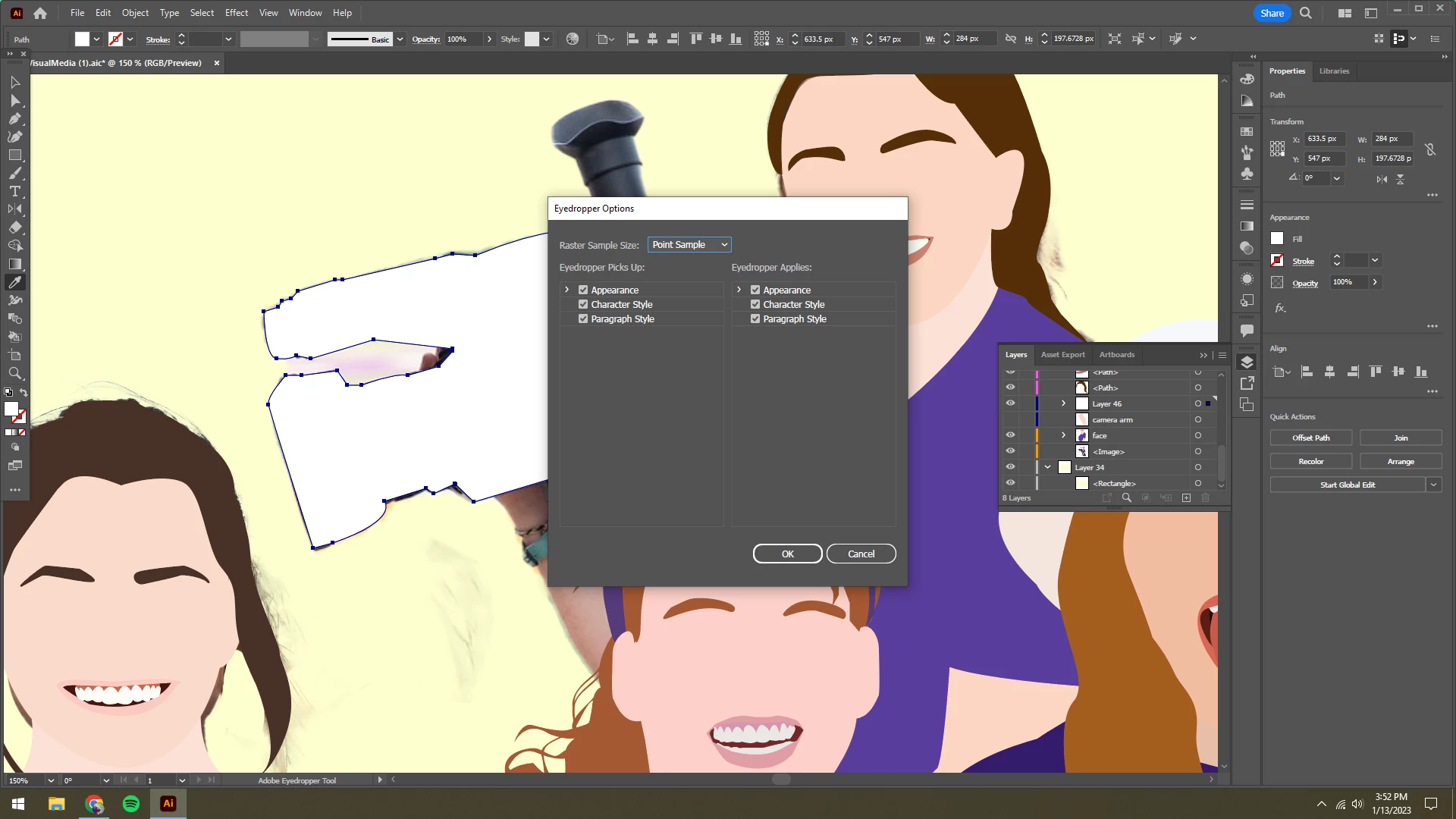
I drew the basic shape of the camera (outlined in yellow so you can see) but it turns to white with no outline no matter what the color picker chooses. Last screenshot shows the eyedropper options. Any tips? What am I missing?
This topic has been closed for replies.

2 replies

Anubhav M
Community Manager
Community Manager
January 25, 2023

Hello @madilewis104,


Thanks for reaching out. I hope the suggestions shared by Monika helped resolve the trouble with Eyedropper.

Feel free to reach out if you have more questions or need assistance. We'd be happy to help.


Thanks,

Anubhav

Monika Gause
Community Expert
Community Expert
January 13, 2023

Pressing shift while clicking with the eyedropper does not help?

Participant
January 13, 2023

Well, I got it to work, but only once. The next object I click, holding shift again, and it picks up white only, even when the pixel is clearly darker.

Monika Gause
Community Expert
Community Expert
January 13, 2023

Is that photo perhaps in a mask?

Are you clicking directly on the photo? The sample size should be larger than point size.