
Eyedropping Image Colors is Inaccurate (In every program)
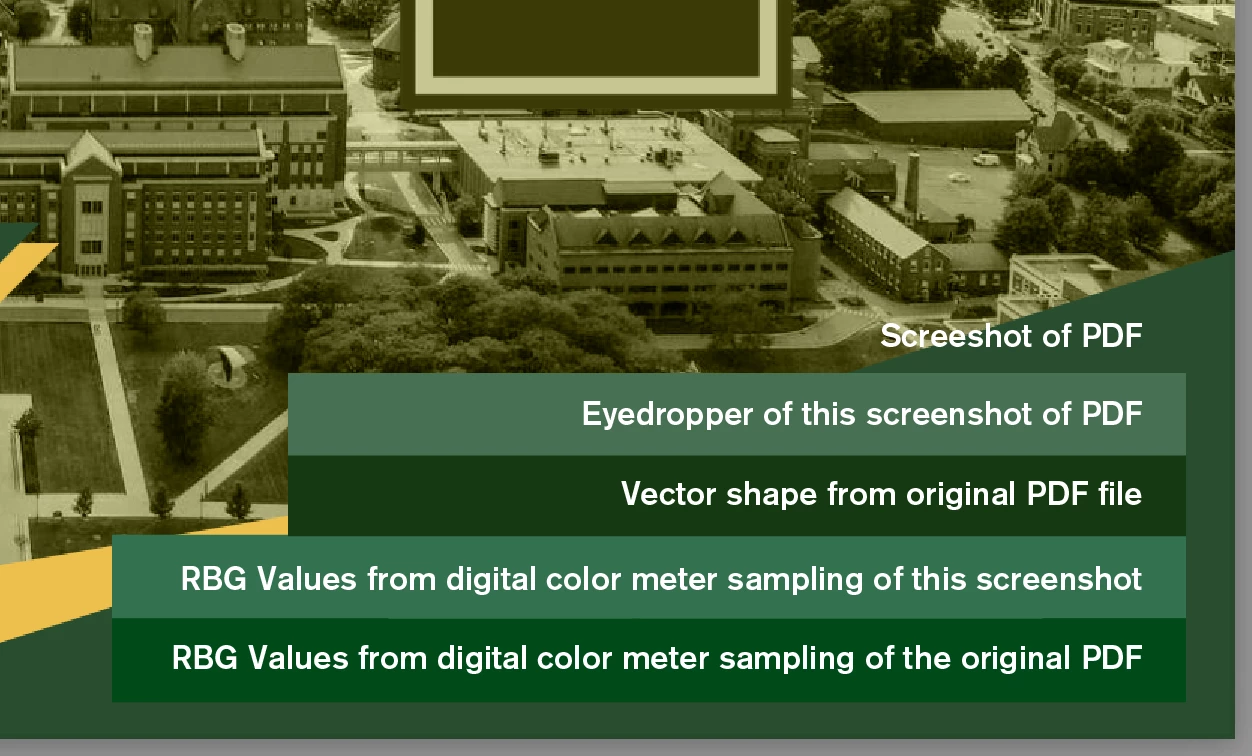
When I eyedropper images the colors are obviously wrong. I've tried using the digitial color meter to sample the color of the original files and the screenshots, and those values are all inaccurate too (see image). I've tried changing the color profiles and making sure I'm not mixing CMYK and RGB files (all the regular stuff) with no luck.
Maybe it's something about the laptop display's color mode and the program's color settings not matching. I don't know anything about that.
Eye dropping vector to vector or from one program to another works, but that's it. In short, if I want to match a color from an image in any Adobe program the only thing I can do is eyeball it, and I need it to be more accurate than that. If you could help I'd appreciate it.


 AdChoices