



f15 key not working on actions panel
hello fine community,
Using Mac Illustrator 28.7.3 and cannot get the f15 key to work when assigned in the actions palette on my wired extended keyboard with numpad.
I've disabled the brightness+/- in the system and flipped the toggle to use fn as function keys already, so that key should work... but it isn't.
Works if i use another fn1-14 key, but all attempts to assign f15 have failed.
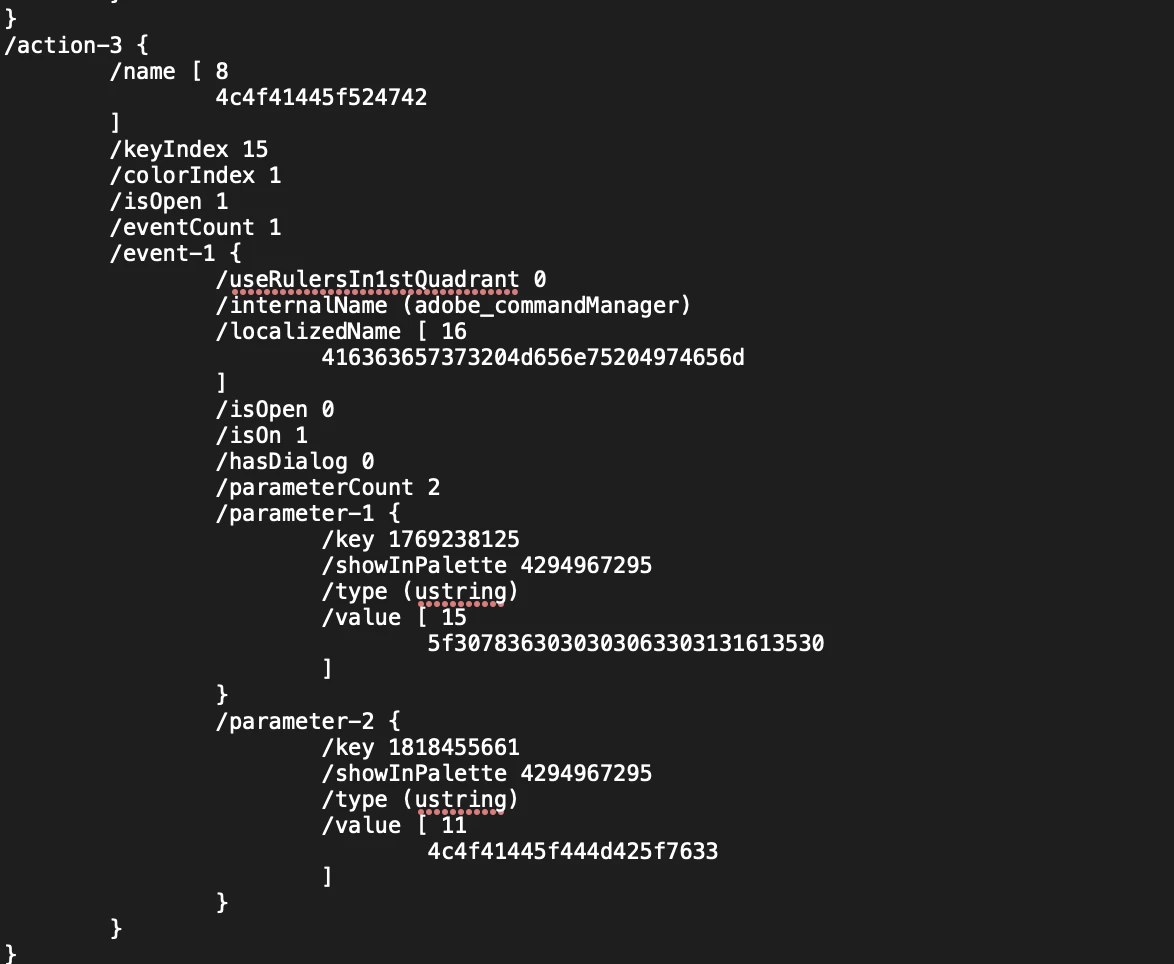
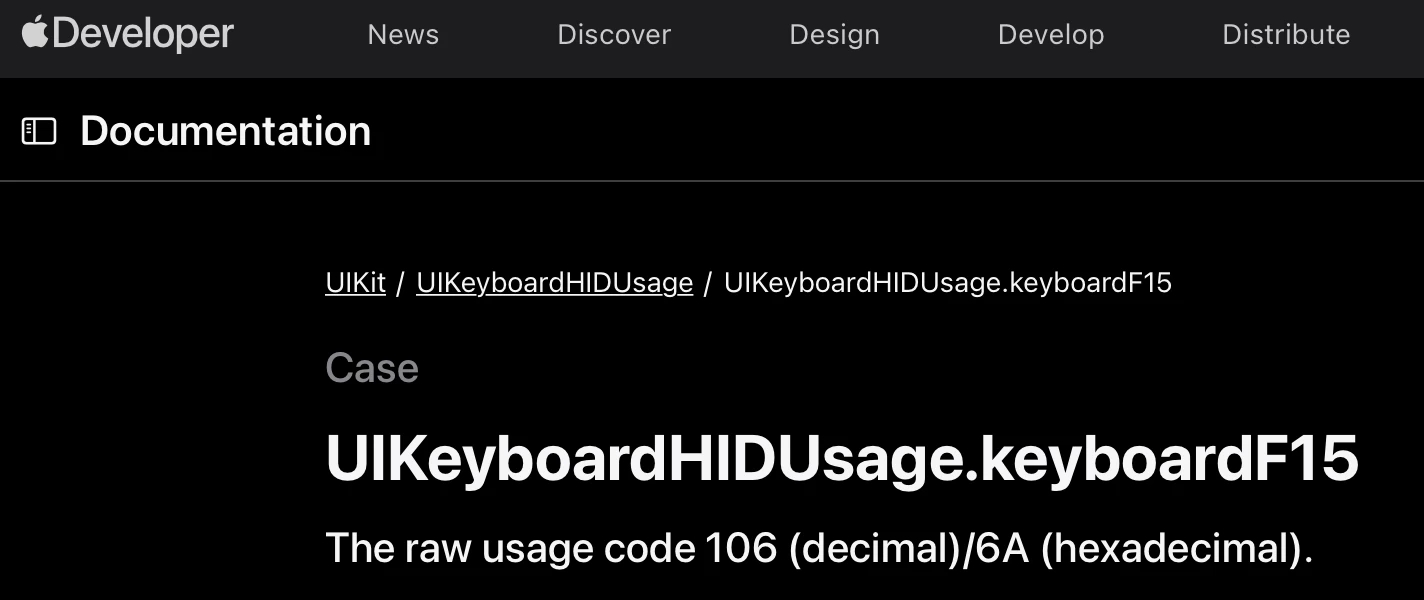
I noticed in the actions code that illustrator uses a "keyIndex" as opposed to a UI raw usage code 106 (decimal) or 6A (hexadecimal)... is that part of the problem? Can i specify the correct one... as far as i can tell the f15-f19 keys on my keyboard are not assigned to anything and i'd love to use them without installing a 3rd party key mapper.
The keyset (from keyboard shortcuts) doesnt allow me to specify a specific menu item (script), otherwise i'd ignore actions altogether, but hopefully someone here has experience with at least getting f15 to work properly. Any help is appreciated!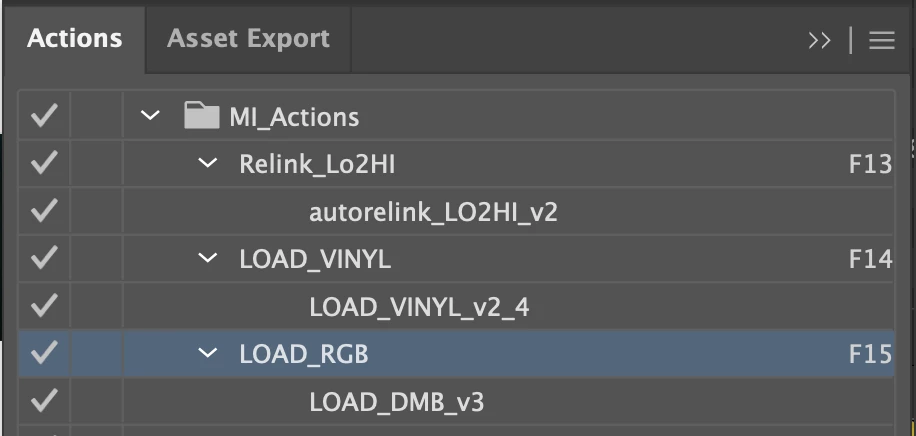

 AdChoices