



Question
Feature request: Missing Link search
When a link is missing in inDesign, you can at least copy the name to paste into your computer's search bar.
In Illustrator you have to manually type it in! FROM MEMORY.
It's a staggeringly manual process that I can't believe hasn't been fixed. If there's 20 links it can take ages to sort out.
A simple solution would be 'search for link' I've even designed an icon for you:
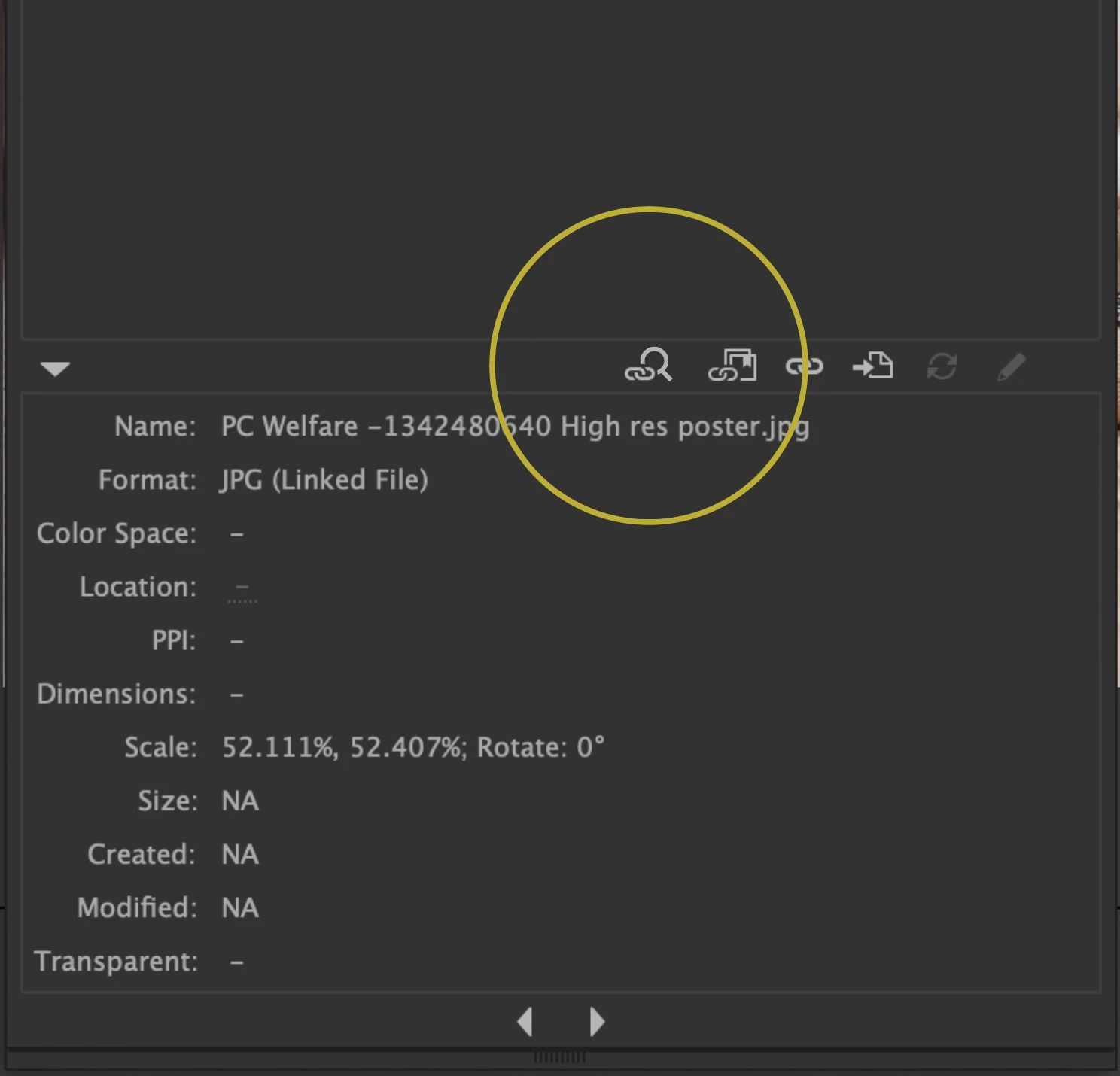
Which opens the finder window with the search bar already filled in. Couldn't be simpler!
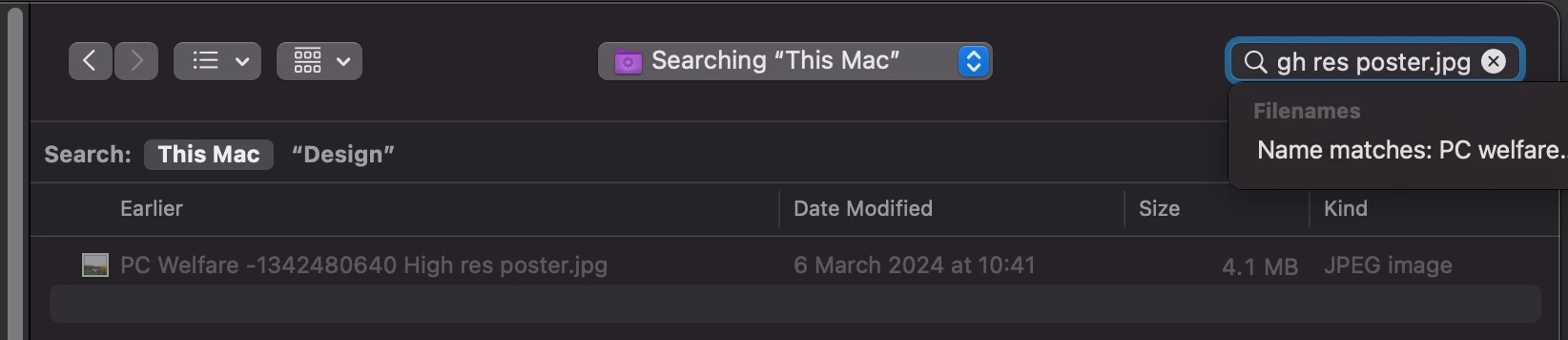
All that anyone with a missing link does is type in the name into that search bar - but if there's a spelling mistake or a massively long name it can be a real pain in the neck.
 AdChoices