


January 7, 2026
Question

Fichier introuvable, mémoire insuffisante, etc.

  • January 7, 2026
  • 1 reply
  • 156 views

J'avais déjà quelques problèmes avec Illustrator, notamment l'affichage de l'erreur "fichier introuvable" que j'imputais à un OS que je n'avais pas réinstallé depuis un moment et seulement 20go d'espace disque.


J'ai donc réinstallé un MacOS tout neuf et il me reste 600go d'espace libre. Et c'est maintenant pire que tout. Quand j'ouvre d'ancien fichiers qui ne posaient pas de problèmes je me retrouve maintenant avec le message suivant :
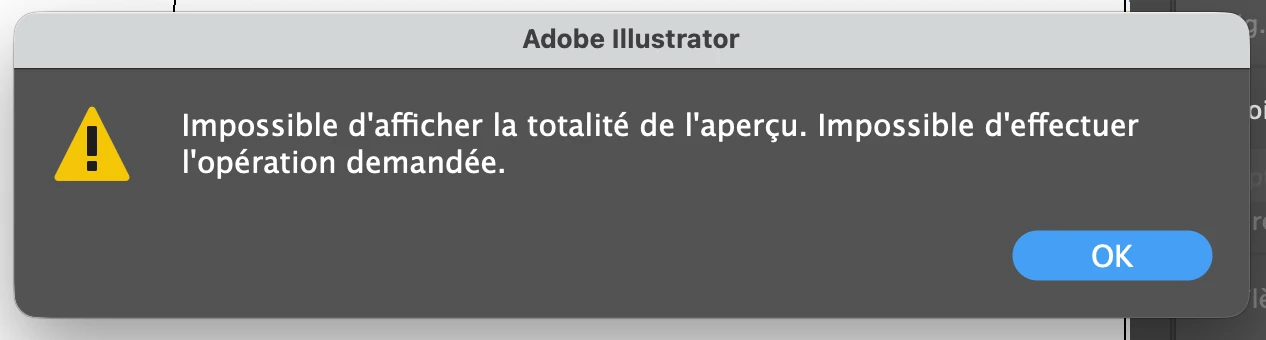
Romain289973213xge_0-1767793819089.png

quand j'essaie de sauvegarder un fichier vide j'ai le message : 
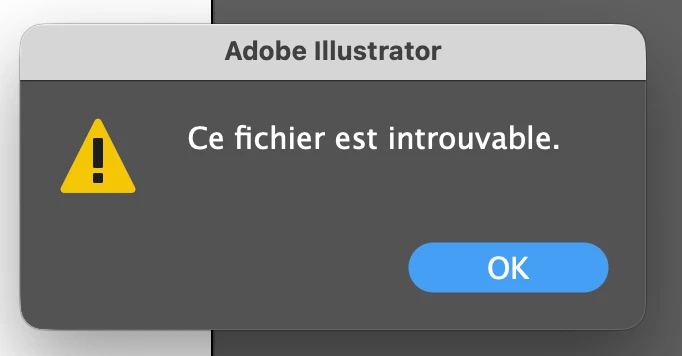
Romain289973213xge_1-1767793862507.png

Il m'est donc impossible de sauvegarder mon travail ! Je suis bloqué avec un abonnement à 79€/mois qui devient complètement inutilisable. Que se passe-t-il ??? je ne pense pas que ma config soit à plaindre pourtant... Et je précise que j'ai la dernière version d'Illustrator.
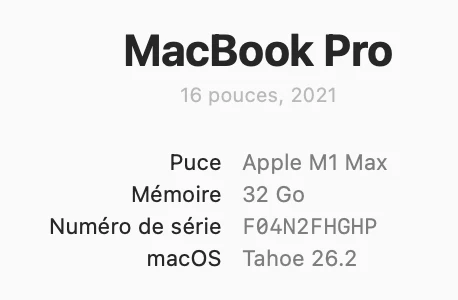
Romain289973213xge_2-1767793960947.png


D'ailleurs ne pas avoir d'autre support qu'une aide en ligne indigestement immense et inutile ou forum me semble plus qu'insuffisant en 2026... Désolé mais je suis très mécontent et je ne vois pas ce qui me retient de couper mon abonnement si ce problème n'est pas résolu...


1 reply

Abhishek Rao
Community Manager
Community Manager
January 7, 2026

Hi @28997321,


Thanks for sharing the details, and sorry for the inconvenience. Just to confirm, when you mention the latest version, do you mean Illustrator 30.1, as that is currently the most recent release? In the meantime, please try renaming the CEP folder to CEP.old from /Library/Application Support/Adobe, then relaunch Illustrator and check if the issue persists. If it does, please rename the UXP folder to UXP.old from both /Library/Application Support/Adobe and ~/Library/Application Support/Adobe, relaunch Illustrator, and test again.

Additionally, please try toggling GPU Performance in Illustrator Preferences under Performance, relaunch the app, and see if that makes any difference. Also, go to Illustrator Preferences > Plug-ins & Scratch Disks and set the Primary scratch disk to Startup Disk and the Secondary to Macintosh HD. Even if both point to the same disk, please try this and share your observations.


Once done, kindly update us with the results, so we can assist you further.

Abhishek

January 8, 2026

Thank you for your answer. I did your changes (rename CEP folder, both UXP folders, and disable GPU) and nothing changes. 

Is there a possibility that this issue is thrown by the fact that the files are in a synced icloud folder ? Then maybe when icloud checks updates the link is lost ? 

The "file not found" popin appears only after a while when I don't use it so maybe it's this ?