Participant
June 28, 2020
Question

"File.ai is unkown format and cannot be opened" error while opening files in Illustrator 2015

  • June 28, 2020
  • 2 replies
  • 374 views

Hi all 


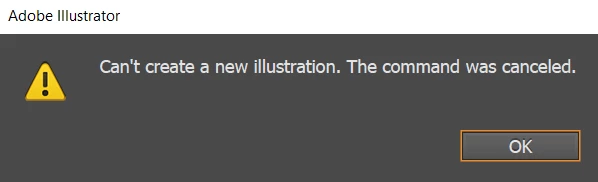
I am trying to create a new file with Illustrator (2015.3.1), but for some reason as of recently I am unable to do so. I am using Windows 10. Any clues/ideas what might be going wrong? 

A bit strange for such a sohpisticated software to have such bugs.
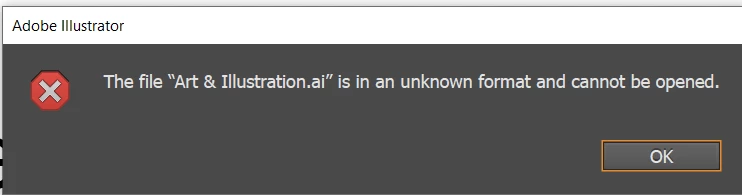
The same issue is with opening an existing files. 


{Renamed by MOD}

This topic has been closed for replies.

2 replies

Ashutosh_Mishra
Inspiring
July 11, 2020

Hi there,


Thanks for reaching out. I hope your issue is resolved by now. We'd appreciate if you can share the solution with us here. It'll help other users having similar concern.

If you still have issues, please share information asked by Monika in earlier response so that we can understand your issue better and assist accordingly. Looking forward to your response.


Regards,

Ashutosh

Monika Gause
Community Expert
Community Expert
June 28, 2020

Did you update the system recently?

Did you install any third party plugins?

When was the last time you could use the file?


It's absolutely possible that files go corrupt. I haven't seen that happen to my own files, but it happens. Where did you save the file?


Being unable to open files or to create new ones is often related to a missing printer. But usually in that case Illustrator crashes and doesn't show this kind of messages. But of course that is something you could investigate: set up a PDF printer if you don't have a physical one.


I suppose you already restarted the system? Reset the Illustrator preferences?