
Question
File converting to outlines upon download
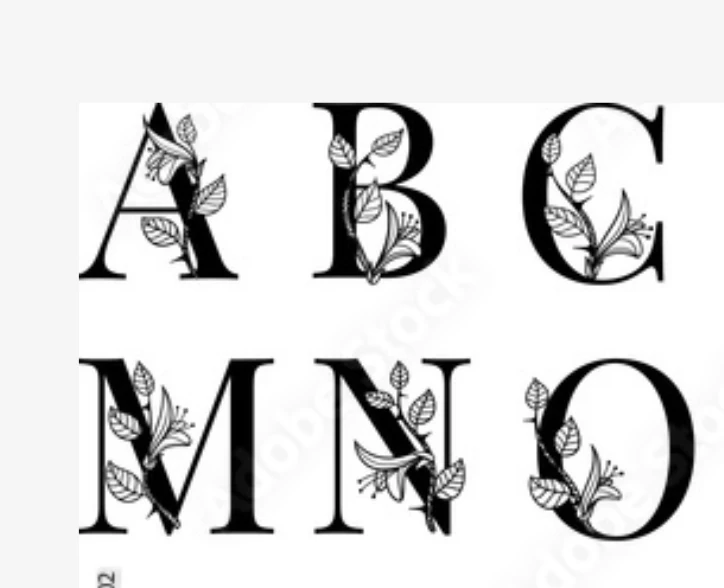
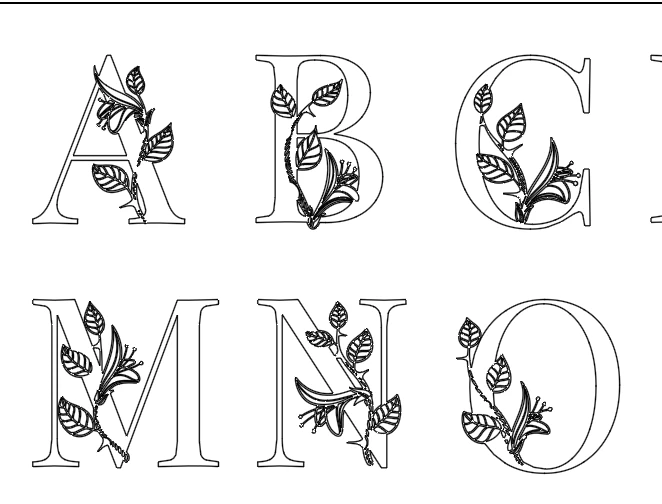
So the strangest thing is happening and I can't figure out how. I'm downloading an image from Adobe Stock. So the first snap shot is from the Adobe site. You can see the letters are solid black. When I downloaded the first time they came into my illustrator correctly. But when I went to download the same file again they appeared to come in just as outlines. I've tried several times to convert them back to solid to no avail.
#1 Could someone let me know how this happened.
#2 What can I do to revert to the original file?
Thanks!
 AdChoices