

File path setting or how to change the way my linked files are getting saved.
Hey,
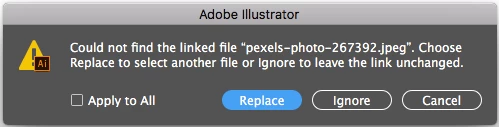
Let me just explain what I mean by dynamic file path. I use a Mac book pro and and iMac at the same time and both use dropbox as a storage system (as my server) when I save a file from my Mac I will always have to replace the images when working on the Mac. I know I can embed the files but then they will be huge and clunky.
I know it's because the computer and laptop have different names so when the file place comes up the only thing different in the file path is the computer name
Macbook:/dropbox/customer files/ ..etc
I was wondering if there was a way round this, like a setting that would save the file path with out the computer name?
Other wise I will have to setup and eternal server to the router and I would rather not have to do that.
 AdChoices