This topic has been closed for replies.
Correct answer Ton Frederiks

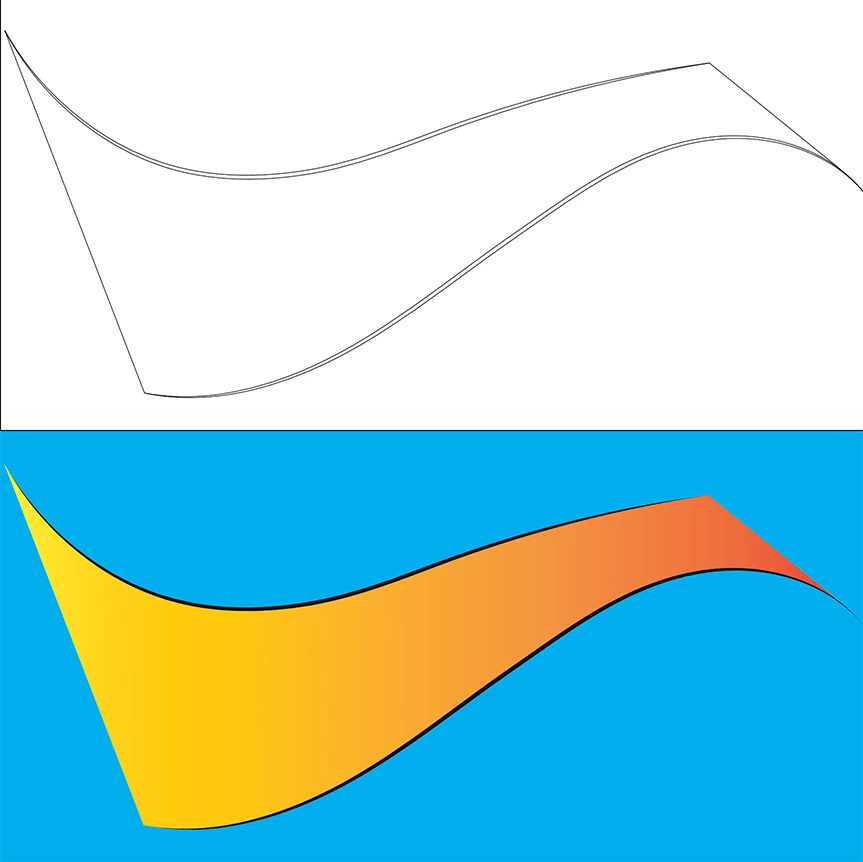
You can use Live Paint.

Make a Live Paint group of the 2 paths.

Draw lines between the paths and give them no stroke or fill. (see top picture of the outline mode)

Select the Live Paint Group and the lines and click Merge Live Paint (or Object > Live Paint > Merge).

Use the Live Paint Bucket to fill the shape.

1 reply

Ton Frederiks
Community Expert
Ton FrederiksCommunity ExpertCorrect answer
Community Expert
October 14, 2021

You can use Live Paint.

Make a Live Paint group of the 2 paths.

Draw lines between the paths and give them no stroke or fill. (see top picture of the outline mode)

Select the Live Paint Group and the lines and click Merge Live Paint (or Object > Live Paint > Merge).

Use the Live Paint Bucket to fill the shape.

LambdaEntAuthor
Inspiring
October 14, 2021

That did it! Thank you.

Ton Frederiks
Community Expert
Community Expert
October 14, 2021

Good to hear that helped.