
Question
Fill color exceeds shape lines
Using version 26.1, I'm having trouble with the fill of a shape exceeding (spilling out of?) the shape lines. I'm trying to color a quarter circle that is set into a square:
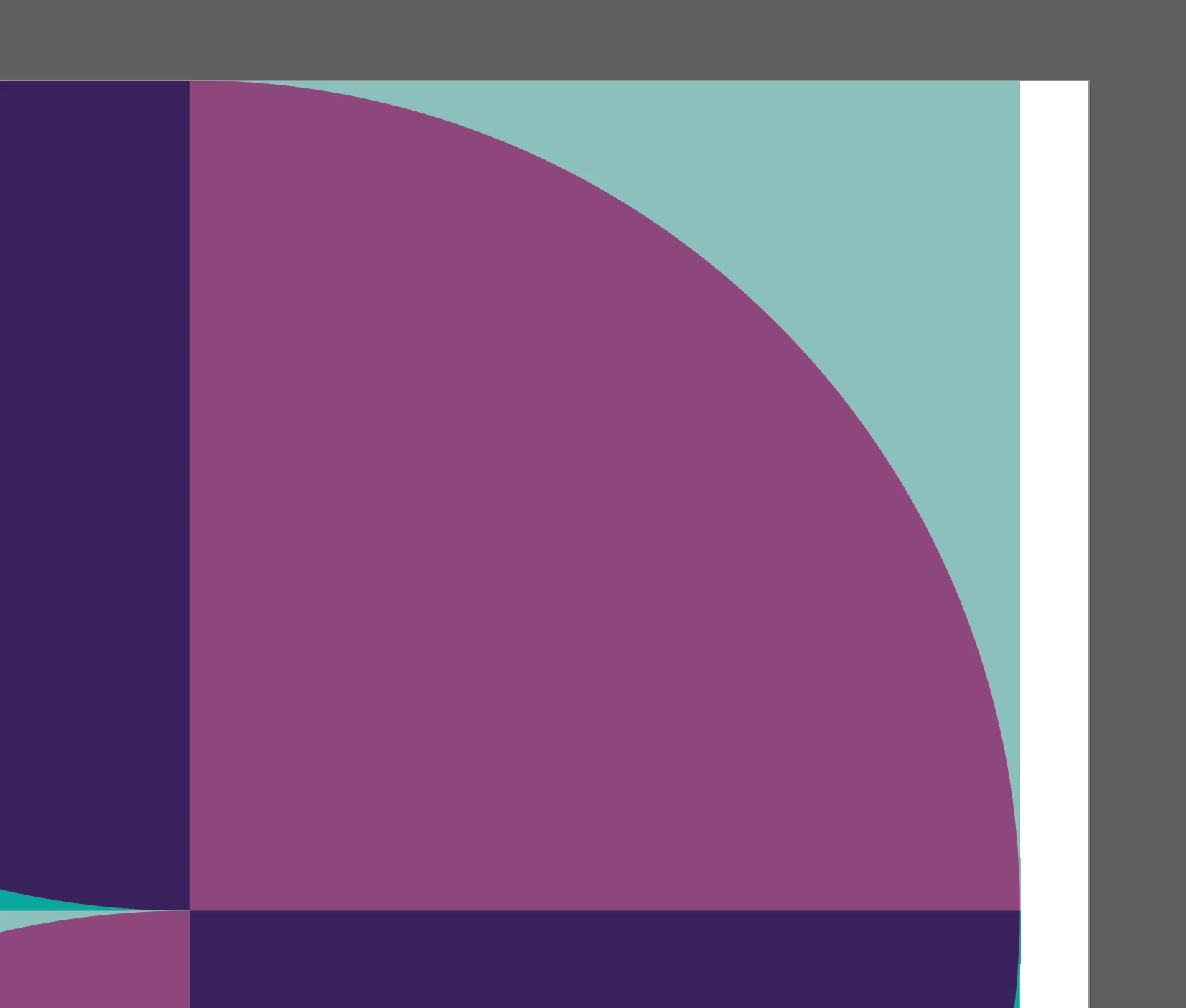
When I add color to the concave shape (light blue), it appears to bleed out of the skinny tips on the top and right-hand side:
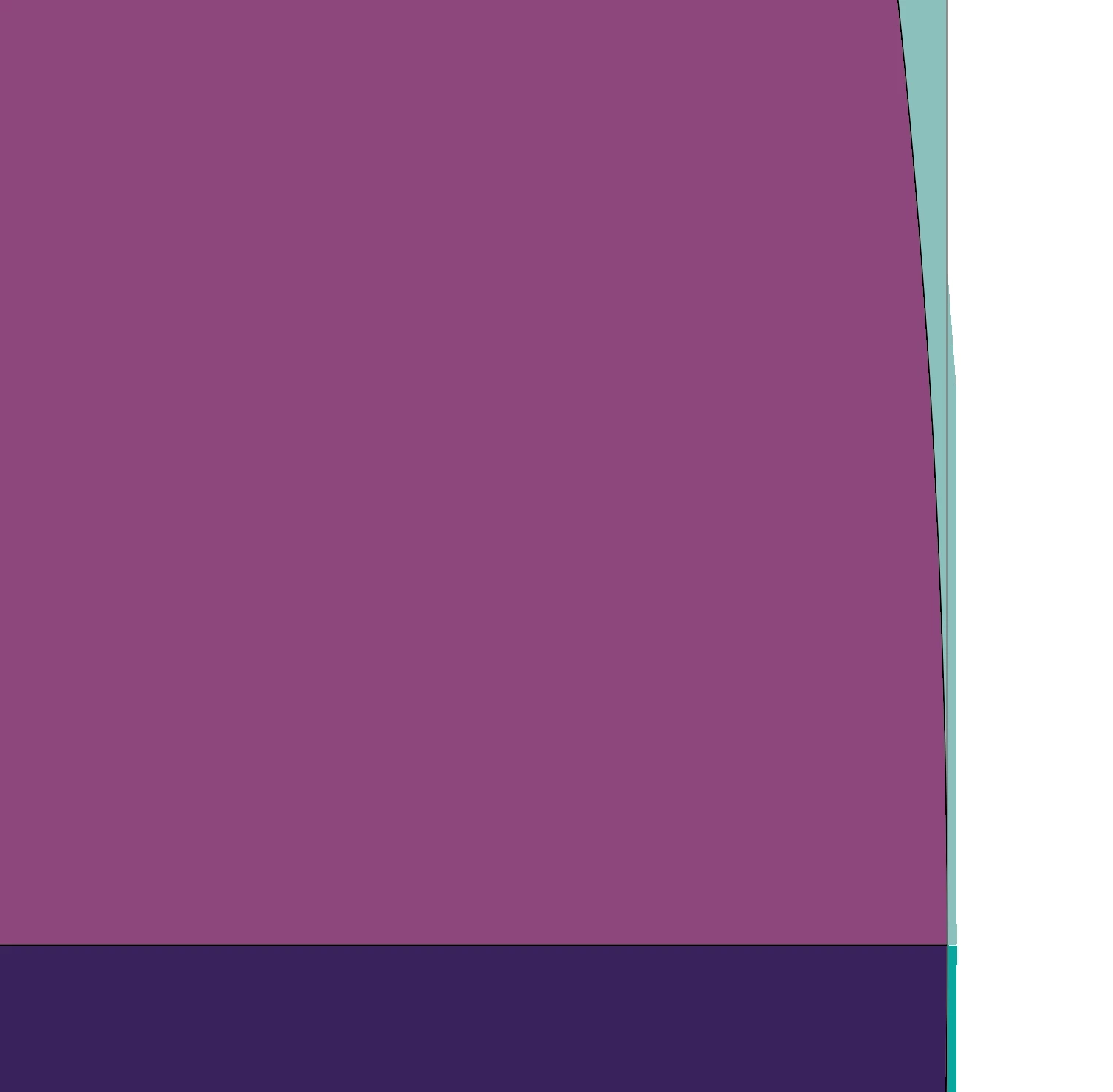
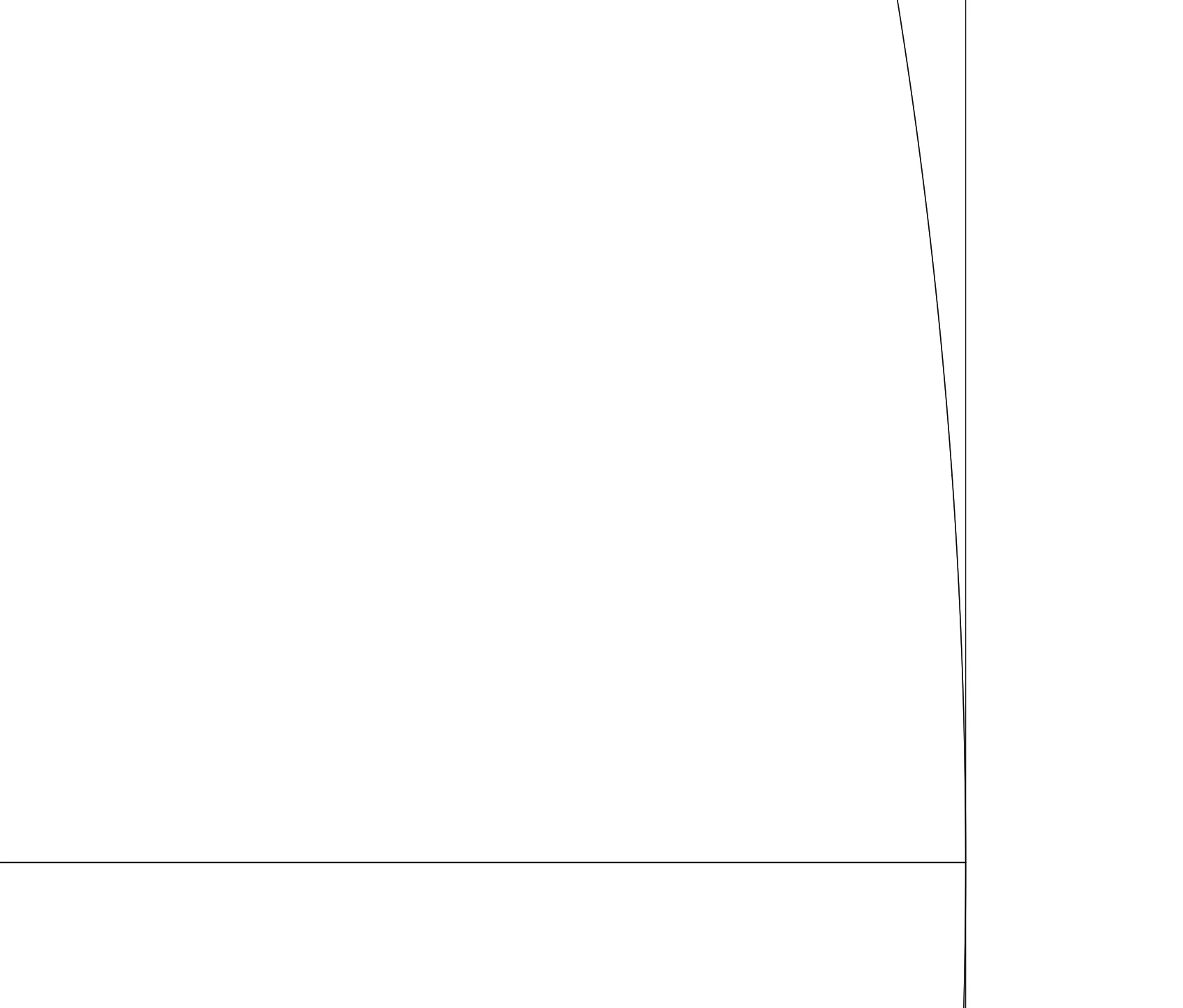
When I toggle to see the shape outline, the lines look clean, so I don't understand why the color appears outside the lines.
Any help is greatly appreciated!
 AdChoices