


Participant
April 22, 2025
質問

fill color is off from object borders

  • April 22, 2025
  • 返信数 1.
  • 251 ビュー

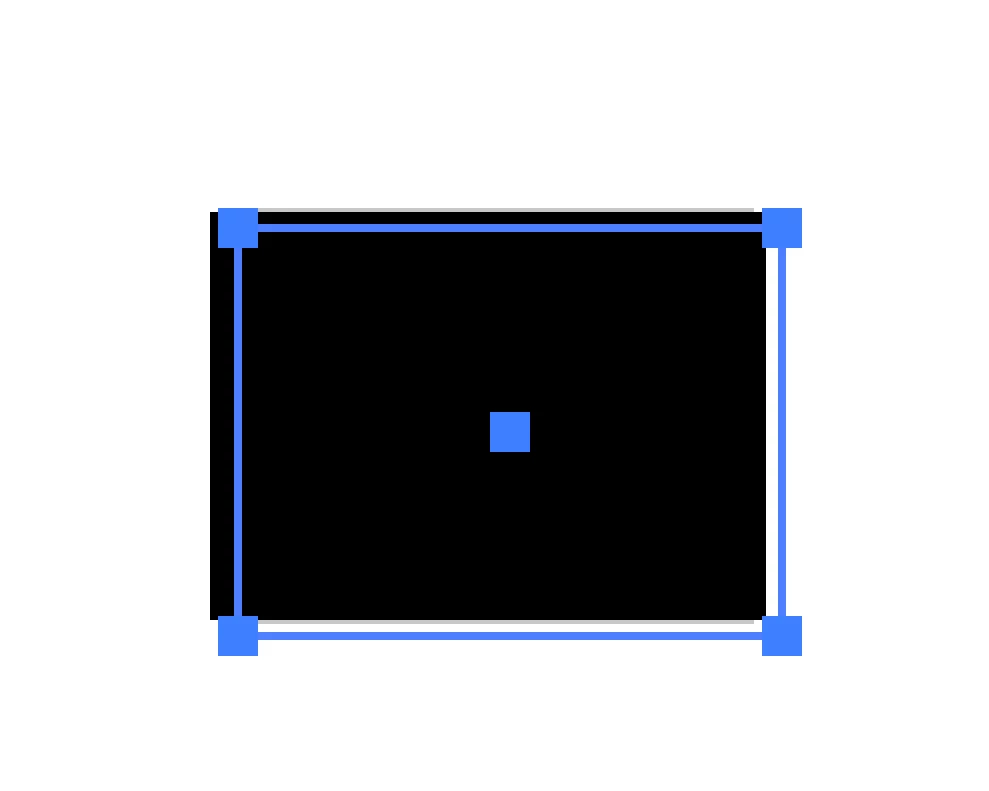
Hello. A problem I started having today was my fill color of objects are off a bit from my object borders. Attached is a pic. This is zoomed in as far as it will zoom (6400%). Is this normal when zoomed in this far? If i try to snap an object to the corner of an imported photo, it's off by that much. The second photo below is the result of snapping the corner point of an object to the corner point of a photo. Thanks in advance for any recomendations.

返信数 1

Ton Frederiks
Community Expert
Community Expert
April 22, 2025

You mean 64000%? Try to switch preview with Cmd or Ctrl E to see if it is caused by the GPU Preview.

phatsajak作成者
Participant
April 22, 2025

Yes, I missed a zero there. 64000%. So I guess switching out of GPU Preview doesn take care of the problem, but it really bogs down Illustrator, especially with larger files. When you zoom in to 64000%, is your fill color within your object borders in GPU Preview?

Ton Frederiks
Community Expert
Community Expert
April 22, 2025

Sometimes I see those inaccuracies when zoomed in and using GPU.

If it disappears when switching to CPU Preview, I know it is a preview error and I switch back to GPU to work faster.