josue_b_muñoz
Participant
March 7, 2022
Question

Fill color won't fill everything selected

  • March 7, 2022
  • 3 replies
  • 437 views

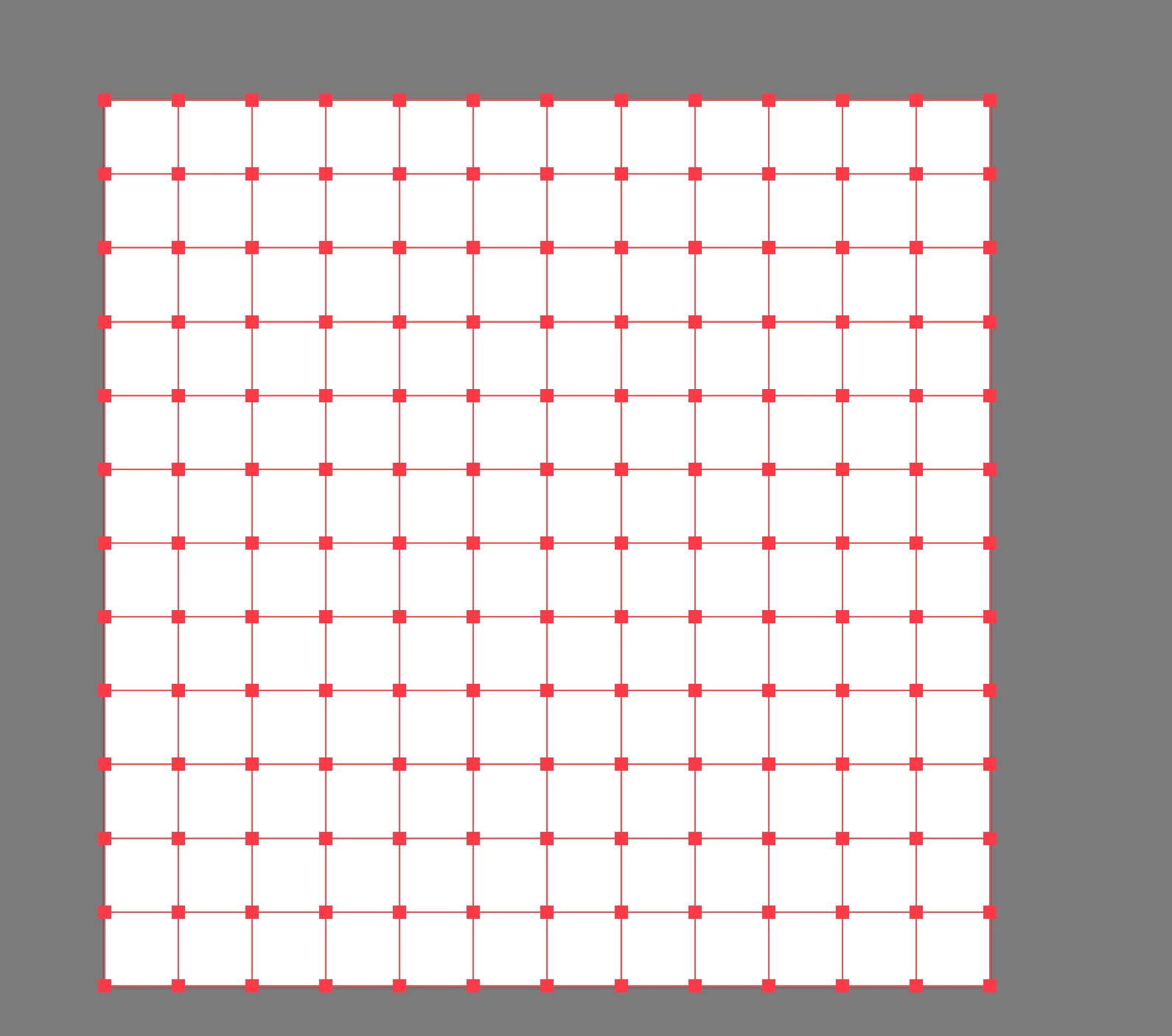
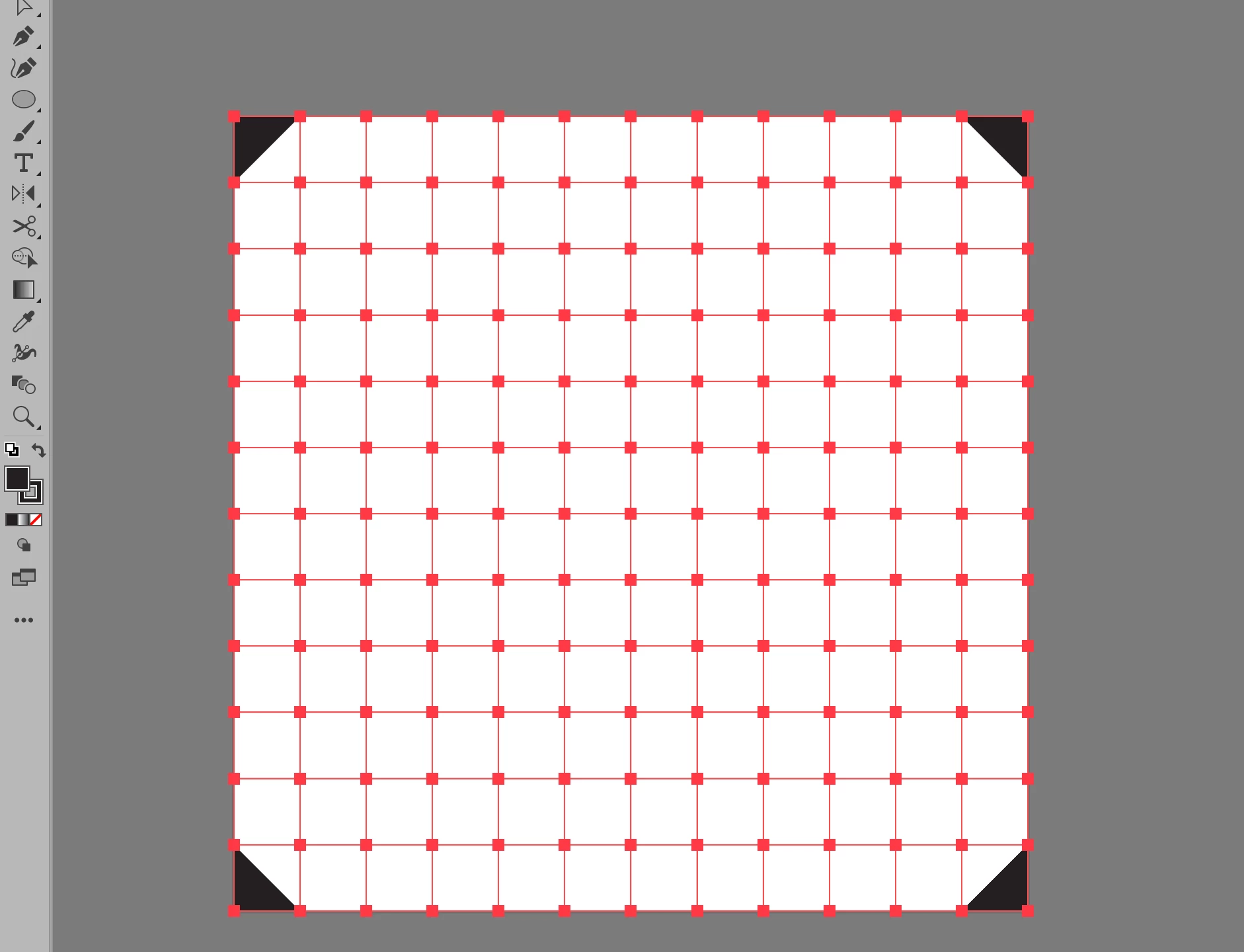
I'm trying to fill all of the squares with a black fill color but only the corners are getting filled. I've been using shift + x to toggle the stroke color to the fill color. 
 

This topic has been closed for replies.

3 replies

Anna Lander
Inspiring
March 7, 2022

Looks like you have drawn corners by 2 lines each one (horyzontal+vertical) and many separate short lines between the grid points. So you don't have any closed objects. Corners are filled by connecting the path endpoints with the shortest way (diagonal line), but other grid elements are just lines, not fillable at all. 
So now you can only do what Monika suggests: select all the grid cells and use the Live Paint Bucket tool (it is under the same button as Shape Builder tool)

Monika Gause
Community Expert
Community Expert
March 7, 2022

Try and use Live paint to fill it.

John Mensinger
Community Expert
Community Expert
March 7, 2022

It's not clear how the grid is constructed. If you can, please post another screenshot with all selected and the Layers panel in view. 

josue_b_muñoz
Participant
March 7, 2022

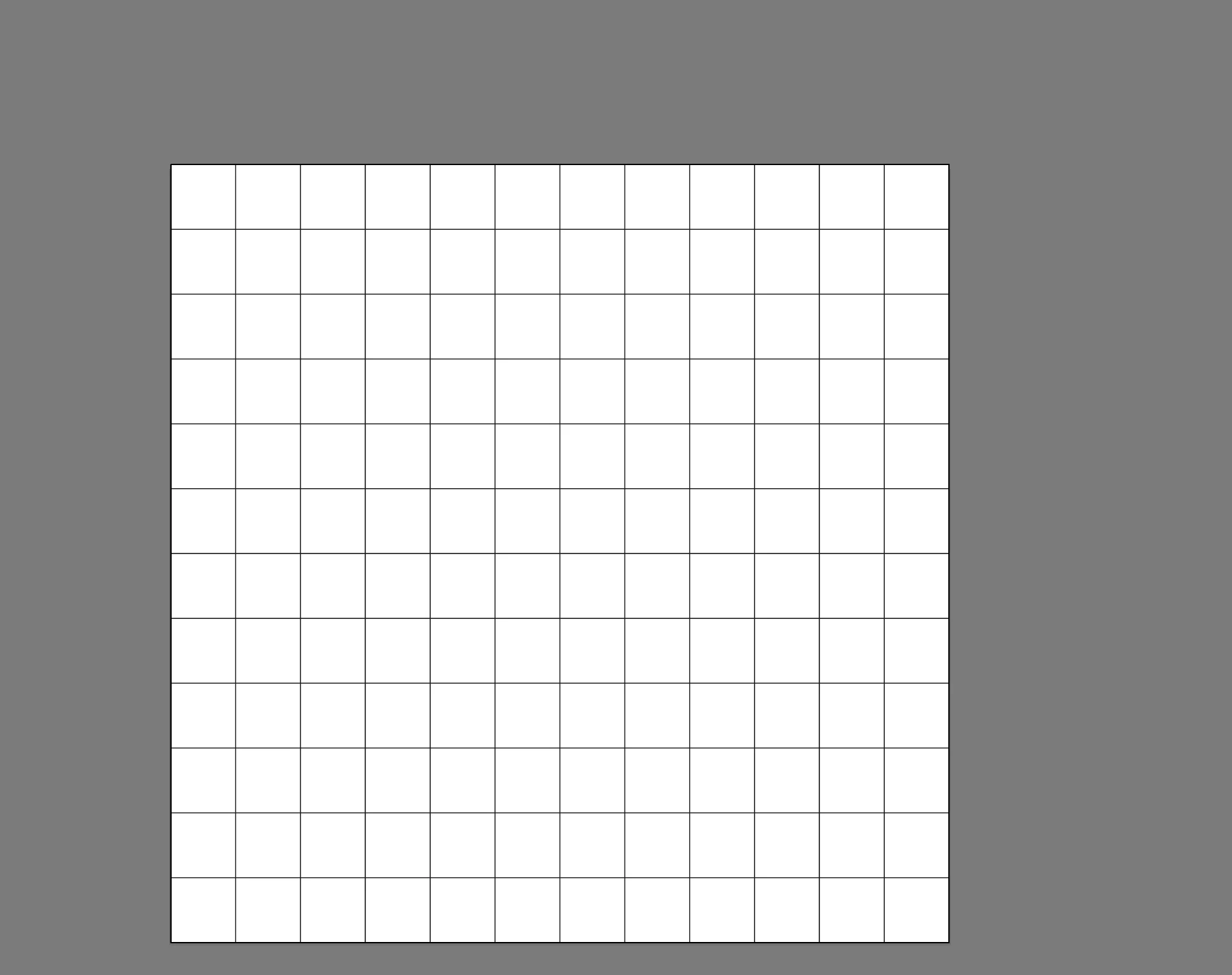
the live paint bucket did the trick but this was my layers panel 


Anna Lander
Inspiring
March 8, 2022

Yes, this is exactly what I told about: each element is a line, no objects to fill. Live Paint Bucket is the best tool in this case.