
Participant
September 11, 2024
Answered

Fill In PNG Image Created In Photoshop With Swatch

  • September 11, 2024
  • 1 reply
  • 324 views

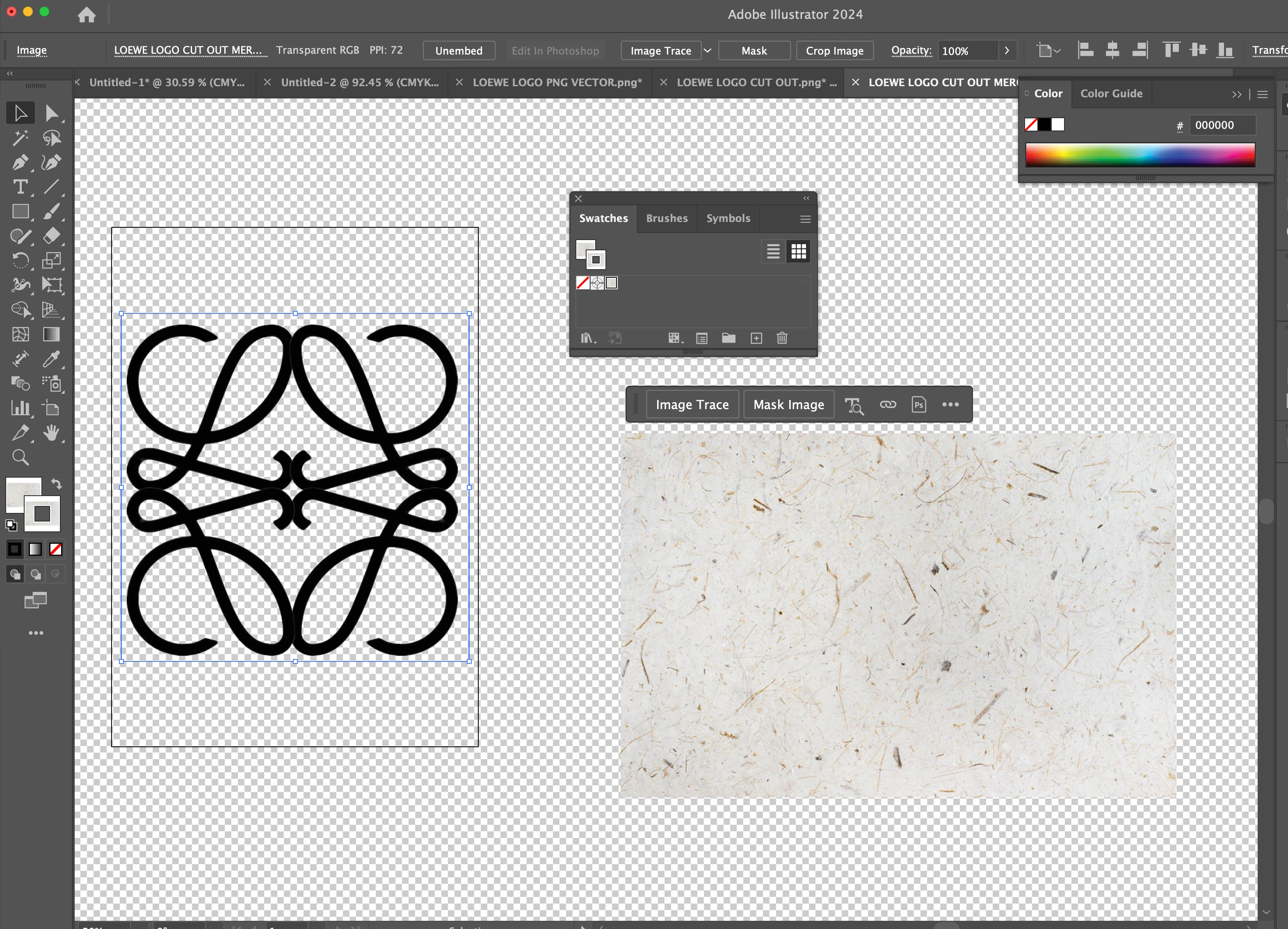
Hey there guys, I'm having trouble filling in my PNG image with a swatch. I've viewed tutorial after tutorial and seemed to be a straightforward process, but nothing I have tried is successful. Anyone have any idea what I need to do or what I'm missing? I need the logo to be the swatch shown, keeping the transparent background. Bonus: First things first, but I'd eventually need/like to make the logo overall thicker, if anyone could help on that would be soooo greatly appreciated, I've also looked everywhere and couldn't find anything. Thank you in advance!
 

This topic has been closed for replies.
Correct answer Ton Frederiks

If you want to fill an image with another image, Photoshop is probably the solution.

But you can use an Opacity mask in Illustrator too.

1 reply

Ton Frederiks
Community Expert
Ton FrederiksCommunity ExpertCorrect answer
Community Expert
September 11, 2024

If you want to fill an image with another image, Photoshop is probably the solution.

But you can use an Opacity mask in Illustrator too.

Participant
September 11, 2024

Thank you so much, photoshop did the trick.

Ton Frederiks
Community Expert
Community Expert
September 11, 2024

Good to hear you've got it working.