zfdhsdfhsfghdfj
Participant
Nov 15, 2016 11:24 PM UTC
Answered

Fill tool missing

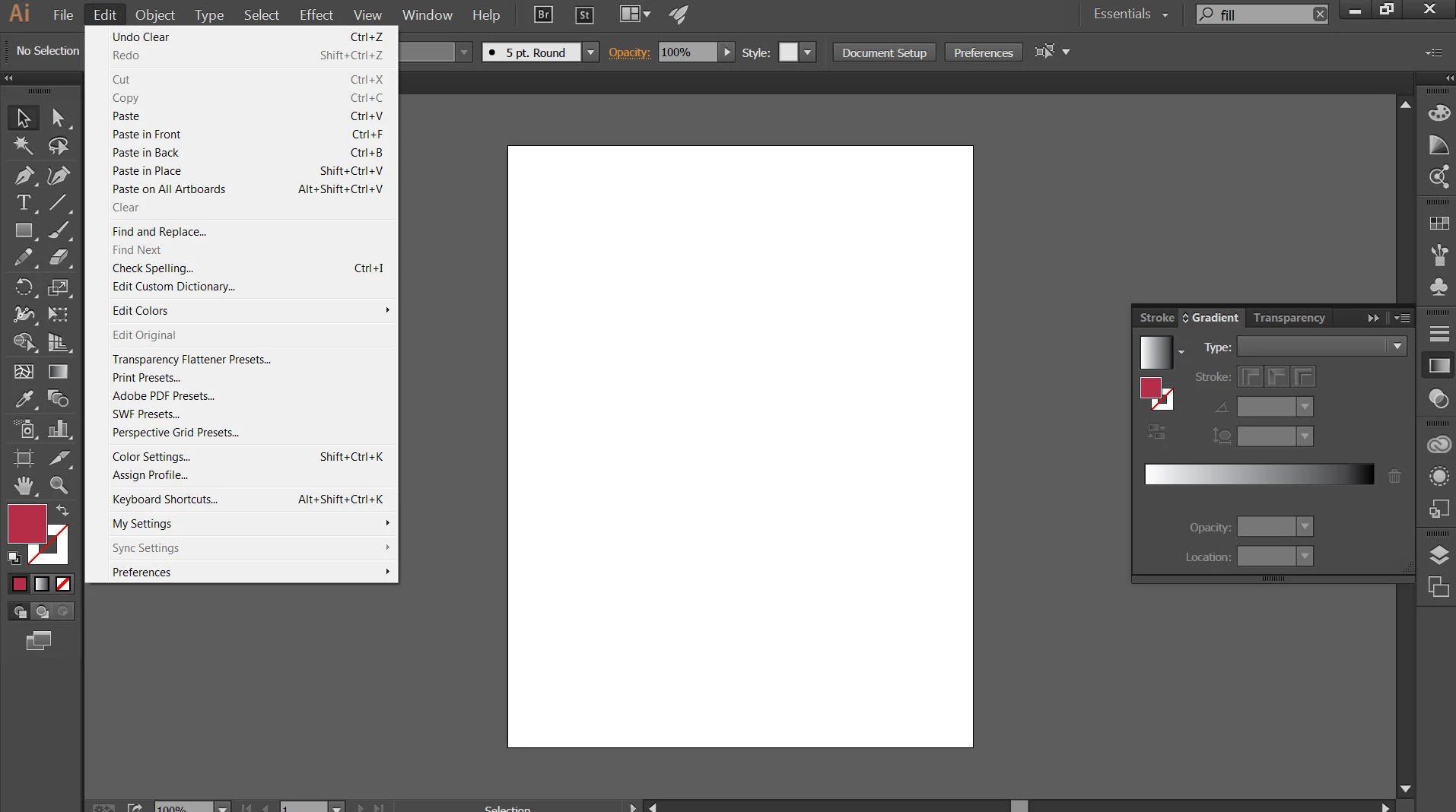
My fill tool has disappeared. I don't have the toolbars option under Edit. Tried resetting my workspace and resetting illustrator entirely. No luck. Win7, 64bit. Thanks.

This topic is closed to new replies. Start a new post to keep the conversation going.
Mike_Gondek10189183
Mike_Gondek10189183Correct answer
Community Expert
Nov 15, 2016 11:38 PM UTC

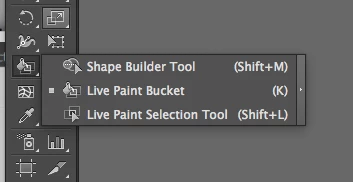
By fill tool, would you be referring to the  live paint bucket, which si hidden under the shape builder tool. You can hit "k" to get to that as long as you are not typing in text.

3 replies

Mike_Gondek10189183
Community Expert
Mike_Gondek10189183Community ExpertCorrect answer
Community Expert
Nov 15, 2016 11:38 PM UTC

By fill tool, would you be referring to the  live paint bucket, which si hidden under the shape builder tool. You can hit "k" to get to that as long as you are not typing in text.

Translate
zfdhsdfhsfghdfj
Participant
Nov 15, 2016 11:56 PM UTC

Ah yes, long day. I kept thinking it should be where paint bucket is in photoshop...

Translate
Monika Gause
Community Expert
Community Expert
Nov 15, 2016 11:38 PM UTC

Nothing missing in your Edit menu.

Are you sure you're not talking about Photoshop?

Translate