
Participant
October 22, 2023
Answered

Flattening Transparency with raster and vector objects

  • October 22, 2023
  • 1 reply
  • 1476 views

Hi everyone!


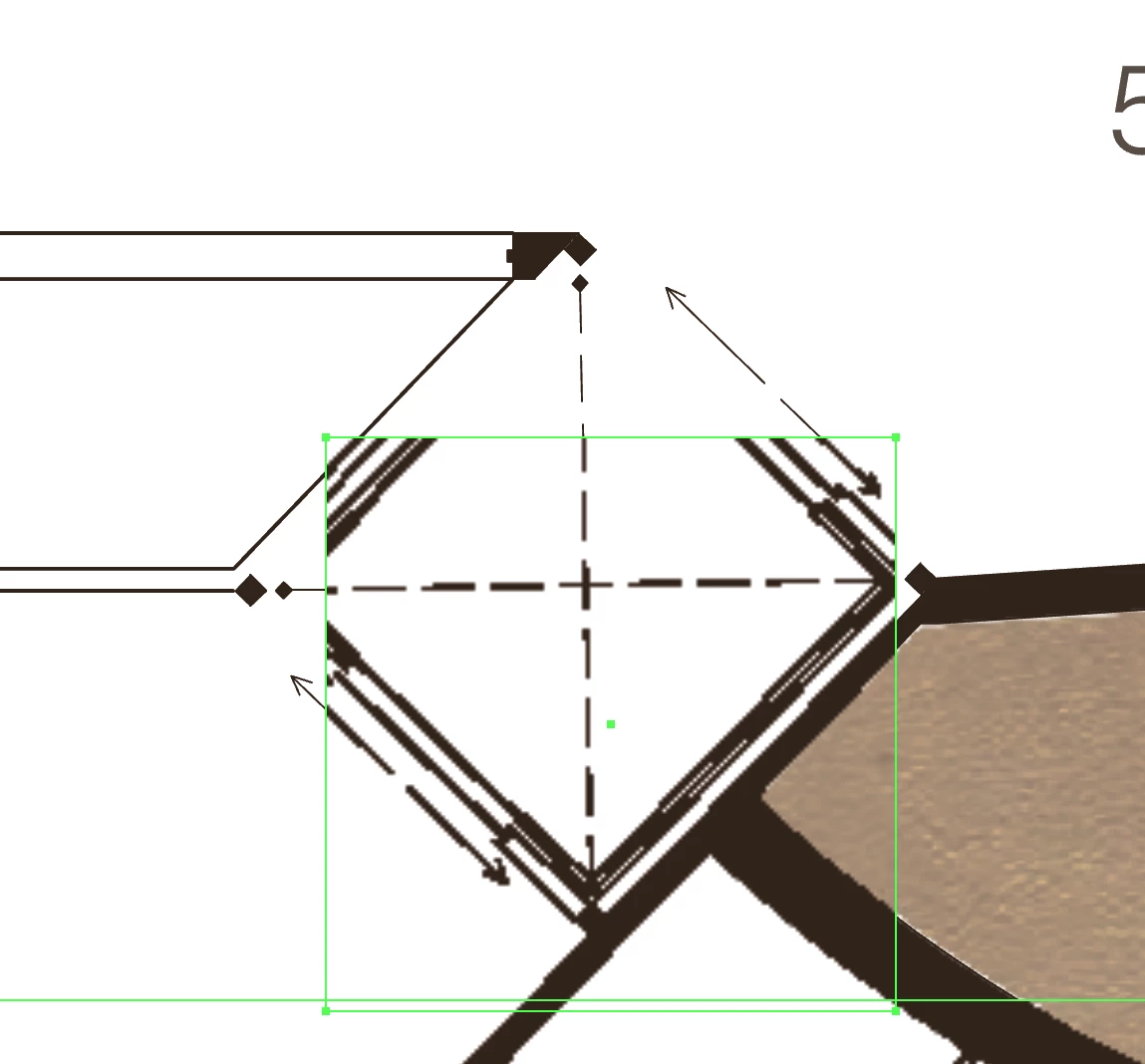
I am creating floor plans which are vector PDF linework. To that, I am adding raster images created in Photoshop to add different textures. I have to flatten the transparency of the file, for the printer to be able to even process the print. However, when I do it, all the images turn out messed up. You can see the photo below how it looks like after flattening transparency.
And that is how it is supposed to look like :
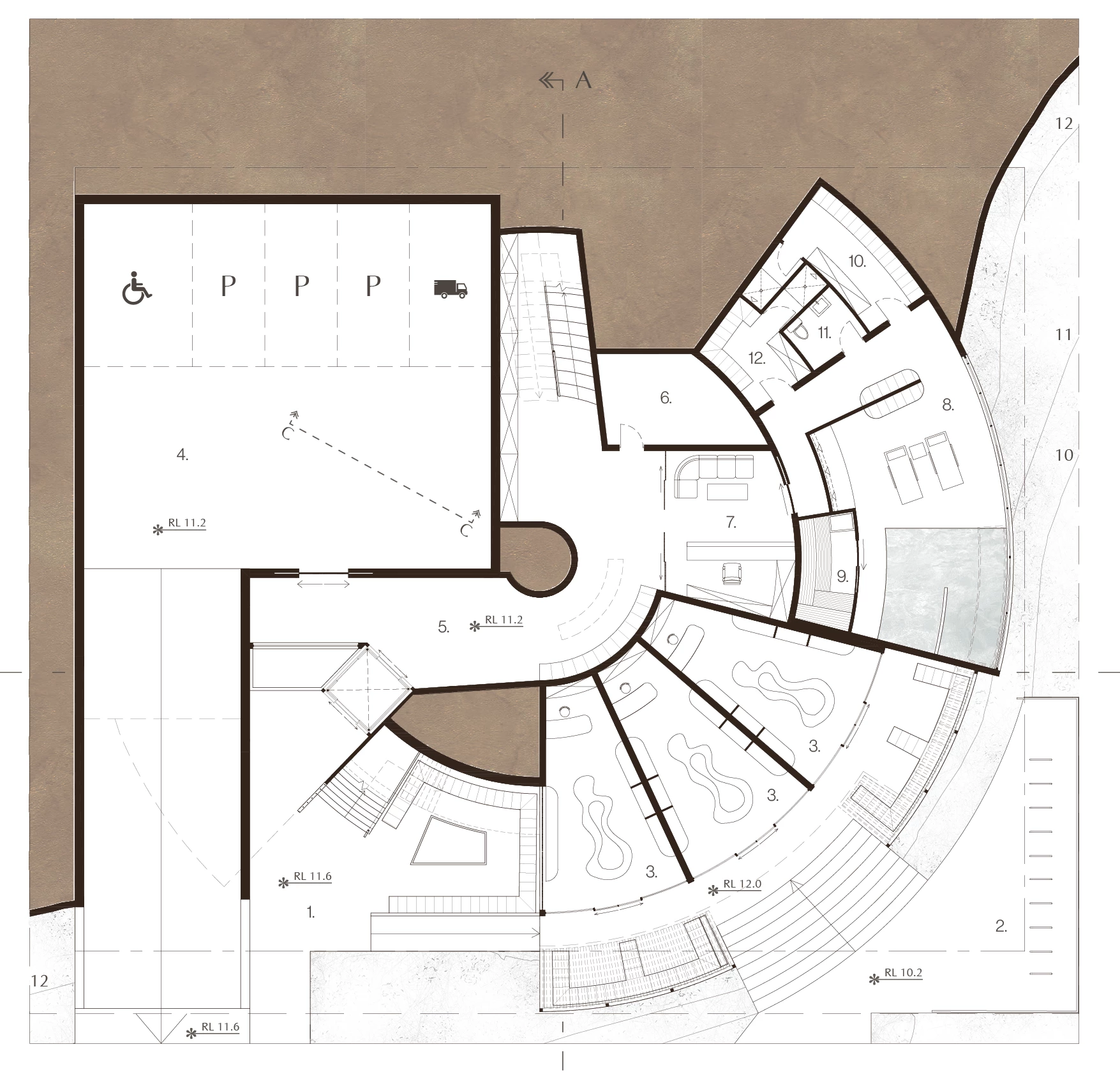
Flattening transparency of only raster images lets the printer process and print, but that sends the floor plan to the back, and I need it to be at the front of raster images. I would appreciate any help, since I am getting lost in that.


The matter is urgent, and I can send any files that could be useful.

This topic has been closed for replies.
Correct answer Ton Frederiks

Rasterizing a layer with images without transparent background can be done in Illustrator (Object > Rasterize). If you keep your vector layer above the rasterized image layer, no further flattening is needed and you vectors will be crisp and clear.

1 reply

Ton Frederiks
Community Expert
Community Expert
October 22, 2023

If you can keep your vector elements in a layer above the images (without applying raster effects), you can rasterize the layer with the images to flatten the transparency.

Participant
October 22, 2023

So rastering images from Photoshop will act the same as flattening the transparency, correct?

Also, so far I didn't have to flatten the transparency of the linework (floor plan) for it to print correctly, but to make the file ready for print properly, it should be flattened too. Do you maybe know any solutions, why the floor plan is getting messed up like that after flattening ? It is an AutoCad PDF.

Ton Frederiks
Community Expert
Ton FrederiksCommunity ExpertCorrect answer
Community Expert
October 22, 2023

Rasterizing a layer with images without transparent background can be done in Illustrator (Object > Rasterize). If you keep your vector layer above the rasterized image layer, no further flattening is needed and you vectors will be crisp and clear.