Participant
March 8, 2020
Answered

Font Favorite Star not available in Illustrator

  • March 8, 2020
  • 2 replies
  • 11205 views

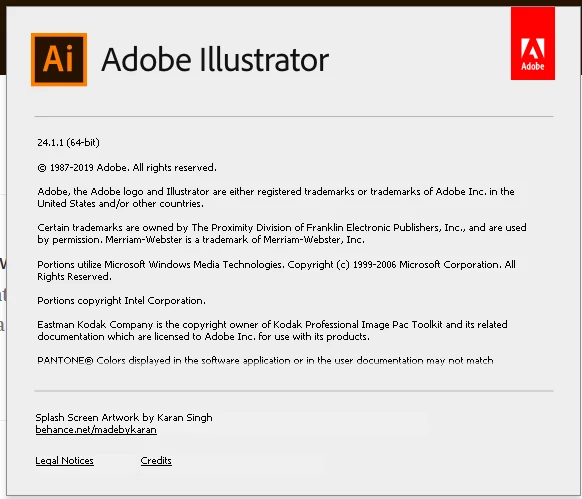
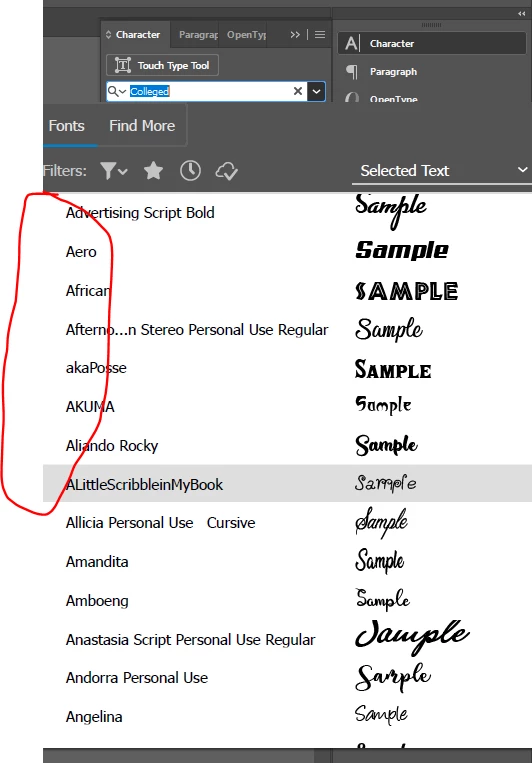
I am using Illustrator v24.1.1 and do not see a star option next to the font names in order to star a font as a favorite.  Is there a setting to turn on to be able to see this?  I am able to see it in Photoshop, just not in Illustrator.  Screen shots attached..Any help appreciated.


    This topic has been closed for replies.
    Correct answer Brenen34

    Thank you for the information, I assumed it was on the left like in photoshop.  Even after looking for it on the right I could not see it, however it looks like that was due to my system display settings for scale and layout being at 125%.  Once I changed back to 100% then the extra columns on the right were visible and I could toggle the favorite.  I would think that the applicaiton should scale but does not appear too and I must change back to 100% in display settings whenever I want to set/change a favorite.  Thank you again for your help.

    2 replies

    Participant
    April 29, 2022

    I am a new learner to Illustrator and have been having this same issue for a few months. I need to be able to save the company fonts as Fave's so I can acces them easier and quicker. 


    I saw someone mentioned changing the screen settings to 100%. How would I do this? Im using 26.0.3


    thanks

    Monika Gause
    Community Expert
    Community Expert
    March 9, 2020

    Should be on the right, not on the left.


    Brenen34AuthorCorrect answer
    Participant
    March 9, 2020

    Thank you for the information, I assumed it was on the left like in photoshop.  Even after looking for it on the right I could not see it, however it looks like that was due to my system display settings for scale and layout being at 125%.  Once I changed back to 100% then the extra columns on the right were visible and I could toggle the favorite.  I would think that the applicaiton should scale but does not appear too and I must change back to 100% in display settings whenever I want to set/change a favorite.  Thank you again for your help.

    Karthik Rai
    Participant
    September 4, 2021

    On the screen, it's right there! It's a little tricky to find, and I almost got lost looking for it! I hope this helps