Participant
May 9, 2024
Answered

Font Favorites missing after Illustrator upgrade

  • May 9, 2024
  • 1 reply
  • 356 views

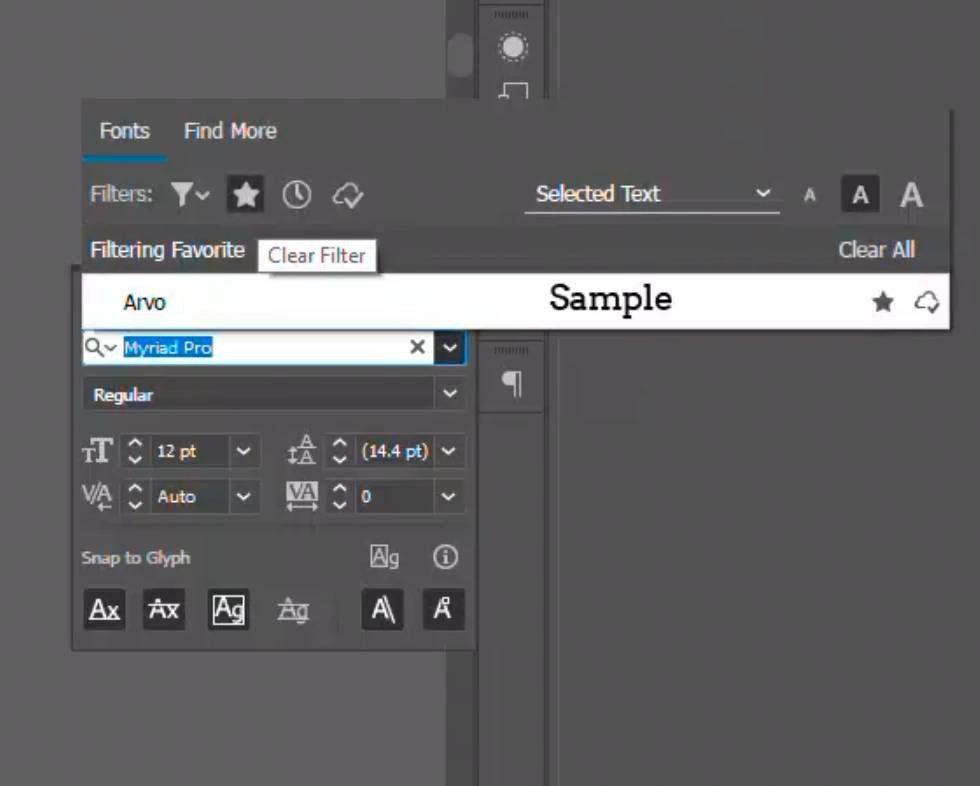
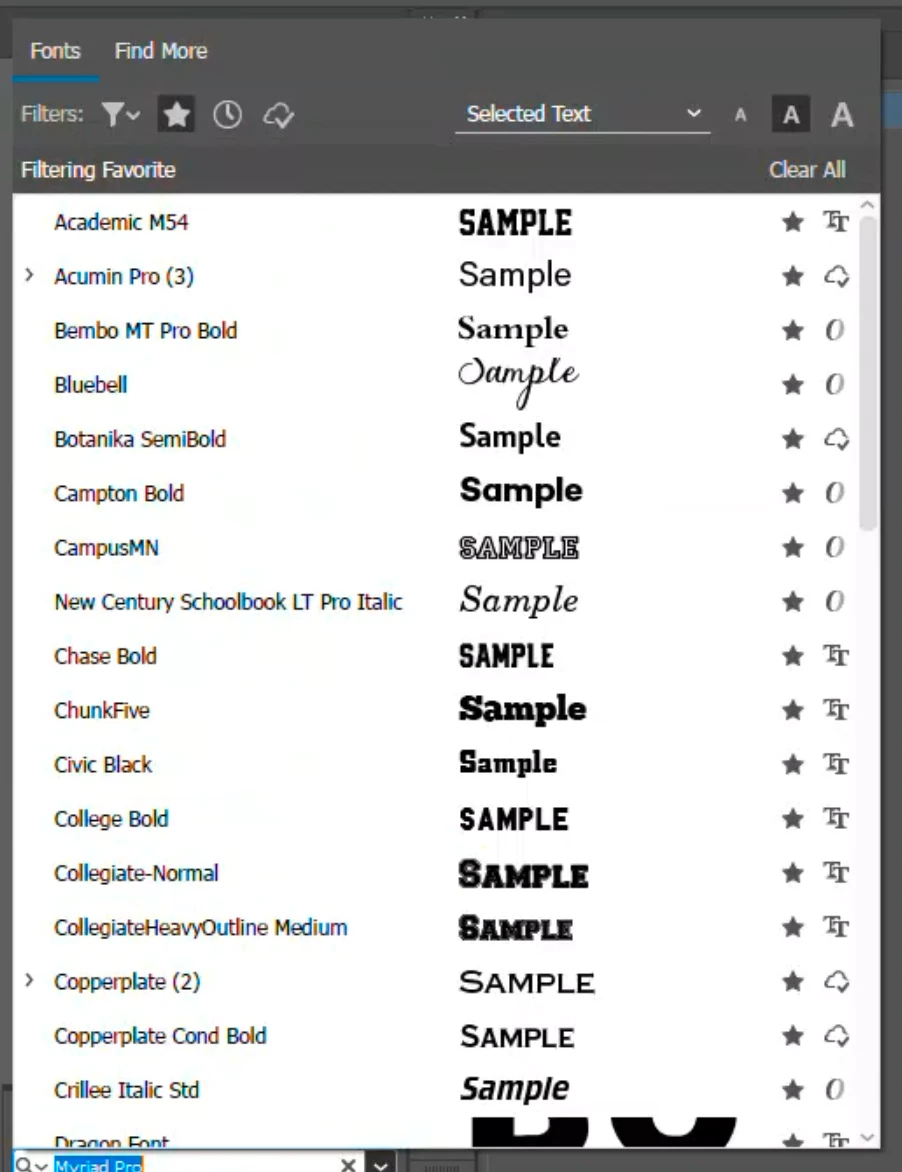
Hi. I recently upgraded from Ai 2022 to 2024. I set it to move preferences but my Font Favorites were not moved over. Anyone know how I can get them back? I'll attach the favorites from 2022/2024. Thank you!

This topic has been closed for replies.
Correct answer Anubhav M

Hello @Helen36086108x6ey,

Thanks for reaching out. Would you mind checking if the preferences ("Adobe Illustrator Prefs" file) from the previous version of Illustrator are still saved?


For macOS

• ~/Library/Preferences/Adobe Illustrator 27 Settings/en_US*/Adobe Illustrator Prefs


Note: Location starting with this "~" sign indicates the User Library, which is hidden. So, you need to copy & paste the exact path in spotlight search or from Finder Menu > Go > Go to Folder > Paste the location in the dialog box like this:


Image


For Windows

- Go to Location C:\Users\%USERPROFILE%\AppData\Roaming\Adobe\Adobe Illustrator 27 Settings\en_US\x64


If yes, open the file in Notepad, copy the following lines from it, paste them into the Illustrator 28 preferences ("Adobe Illustrator Prefs" file), and relaunch Illustrator to check if it helps:

/FavoriteFamily {
  /1 {
   /Name [ 13
    4e69616761726120536f6c6964
   ]
  }
  /0 {
   /Name [ 7
    4e617574696361
   ]
  }
  /FavoriteFamilyCount 2
 }


Looking forward to hearing from you.


Thanks,

Anubhav

1 reply

Anubhav M
Community Manager
Anubhav MCommunity ManagerCorrect answer
Community Manager
May 10, 2024

Hello @Helen36086108x6ey,

Thanks for reaching out. Would you mind checking if the preferences ("Adobe Illustrator Prefs" file) from the previous version of Illustrator are still saved?


For macOS

• ~/Library/Preferences/Adobe Illustrator 27 Settings/en_US*/Adobe Illustrator Prefs


Note: Location starting with this "~" sign indicates the User Library, which is hidden. So, you need to copy & paste the exact path in spotlight search or from Finder Menu > Go > Go to Folder > Paste the location in the dialog box like this:


Image


For Windows

- Go to Location C:\Users\%USERPROFILE%\AppData\Roaming\Adobe\Adobe Illustrator 27 Settings\en_US\x64


If yes, open the file in Notepad, copy the following lines from it, paste them into the Illustrator 28 preferences ("Adobe Illustrator Prefs" file), and relaunch Illustrator to check if it helps:

/FavoriteFamily {
  /1 {
   /Name [ 13
    4e69616761726120536f6c6964
   ]
  }
  /0 {
   /Name [ 7
    4e617574696361
   ]
  }
  /FavoriteFamilyCount 2
 }


Looking forward to hearing from you.


Thanks,

Anubhav
Participant
May 11, 2024

Thanks Anubhav. I will try this next week when I'm in the office.