Participant
October 23, 2017
Answered

Font Filter not working

  • October 23, 2017
  • 1 reply
  • 3094 views

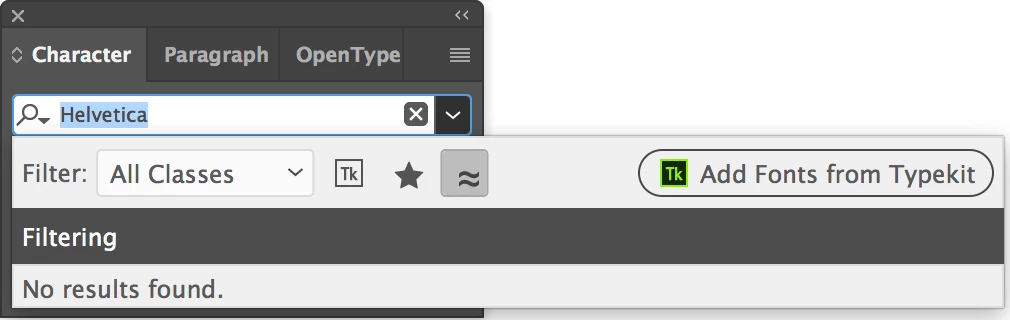
I recently installed the new CC 2018 and the font filtering isn't working. Keeps showing no results found, even for Arial and Helvetica fonts. How do I correct this issue?

Correct answer Barb Binder

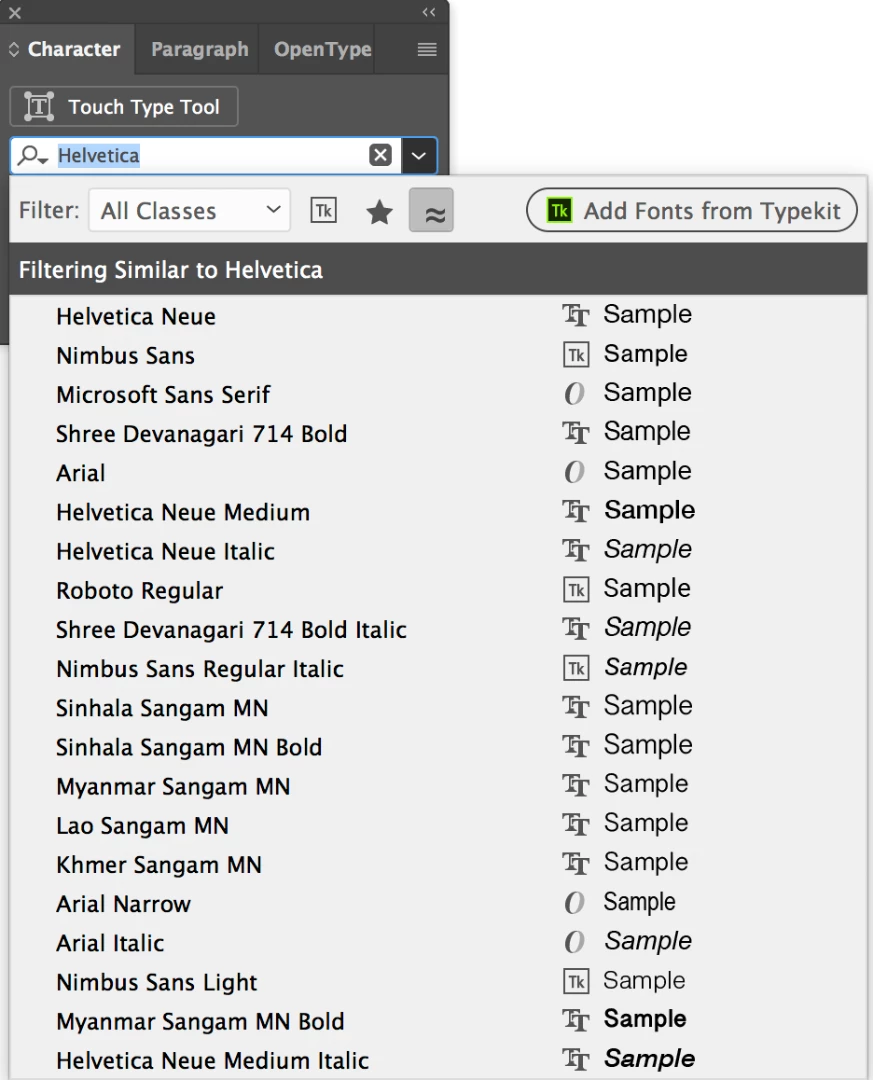
I understand that, but, Gotham, Arial and Helvetica all do. None come up when searching for similar fonts.


You are right. You can report it here and reference this thread:

Adobe Illustrator Feedback

Illustrator CC 2018:

Illustrator CC 2017:

1 reply

Steve Werner
Community Expert
Community Expert
October 23, 2017

You need to tell us what application you're using so we can send this to the proper forum. Font filtering exists (at least) in Photoshop, Illustrator and InDesign. Which are you using?

Participant
October 23, 2017

I am using Illustrator. I have the filter on all classes but when I click the similar fonts icon "No results found" comes up.

[Here is the list of all Adobe forums... https://forums.adobe.com/welcome]

[Moved from CS6 and earlier Creative Suites to specific Program forum... Mod]

Barb Binder
Community Expert
Community Expert
October 23, 2017

Try a different font. Not all installed fonts will have similar options in your font list.

~Barb at Rocky Mountain Training