



Fonts not showing in Character panel, nor in Character or in Find/Replace Fonts
Hi,
Tech details:
Win11 - licensed with all updates
Adobe Creative Cloud subscriptions. Adobe Illustrator has all the updates.
Issue:
I received an Adobe Illustrator document. I opened it and received no missing fonts warning.
I extracted the text into an Ms Word file in order to translate the document.
The Illustrator does not display what font is used and whether it is Normal, Light, Bold, etc.
I opened the PDF provided with the Illustrator file, and I discovered that the font Rubik is used in Adobe Illustrator.
I went back to Illustrator and manually selected the Rubik font, as it is already installed. However, there are 44 pages. I do not want to do it manually for each paragraph or sentence.
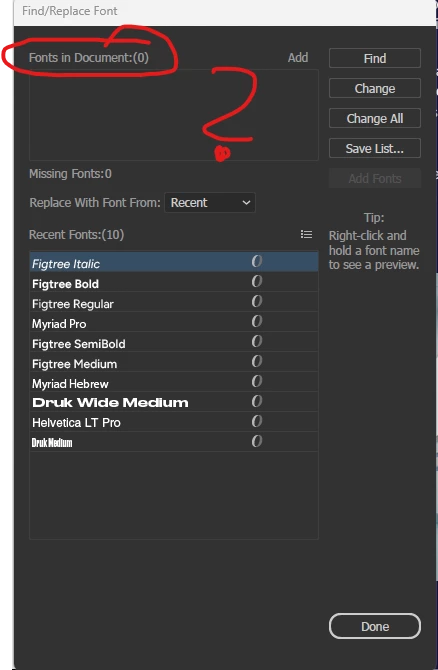
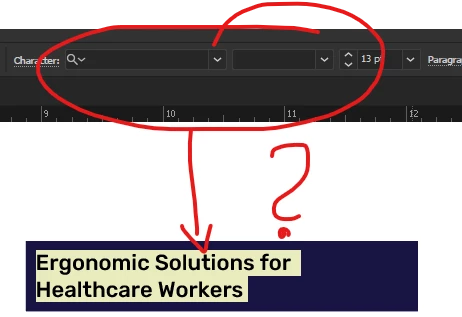
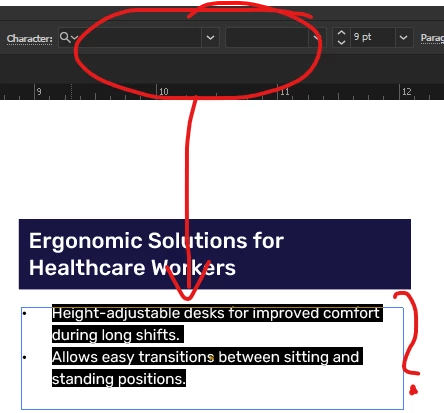
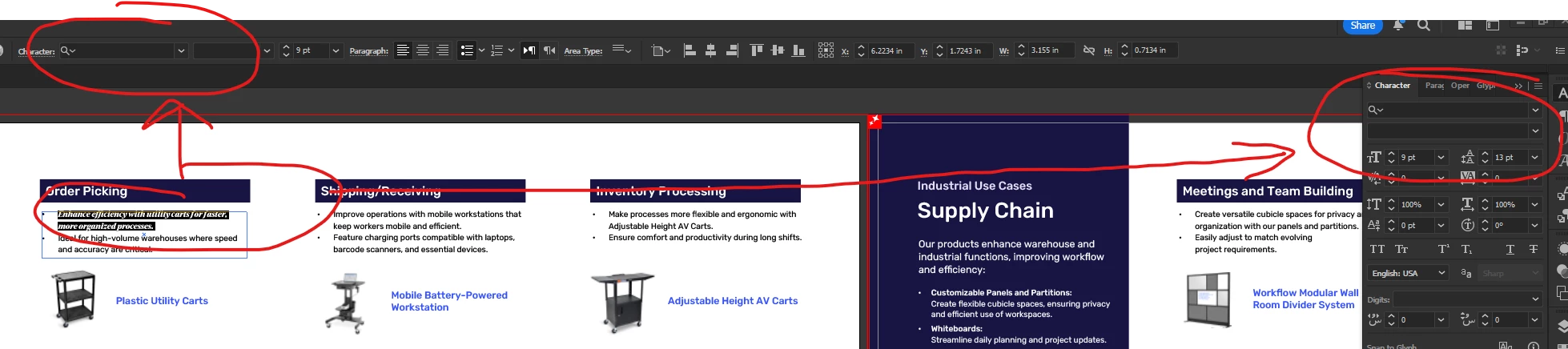
What happened? Why does Illustrator not display the font used in the document?
Regards,
Sebastian
 AdChoices