

miched
Inspiring
October 17, 2023
Answered

Freeform gradient is show black and white colours at the edges of the gradient.

  • October 17, 2023
  • 2 replies
  • 785 views

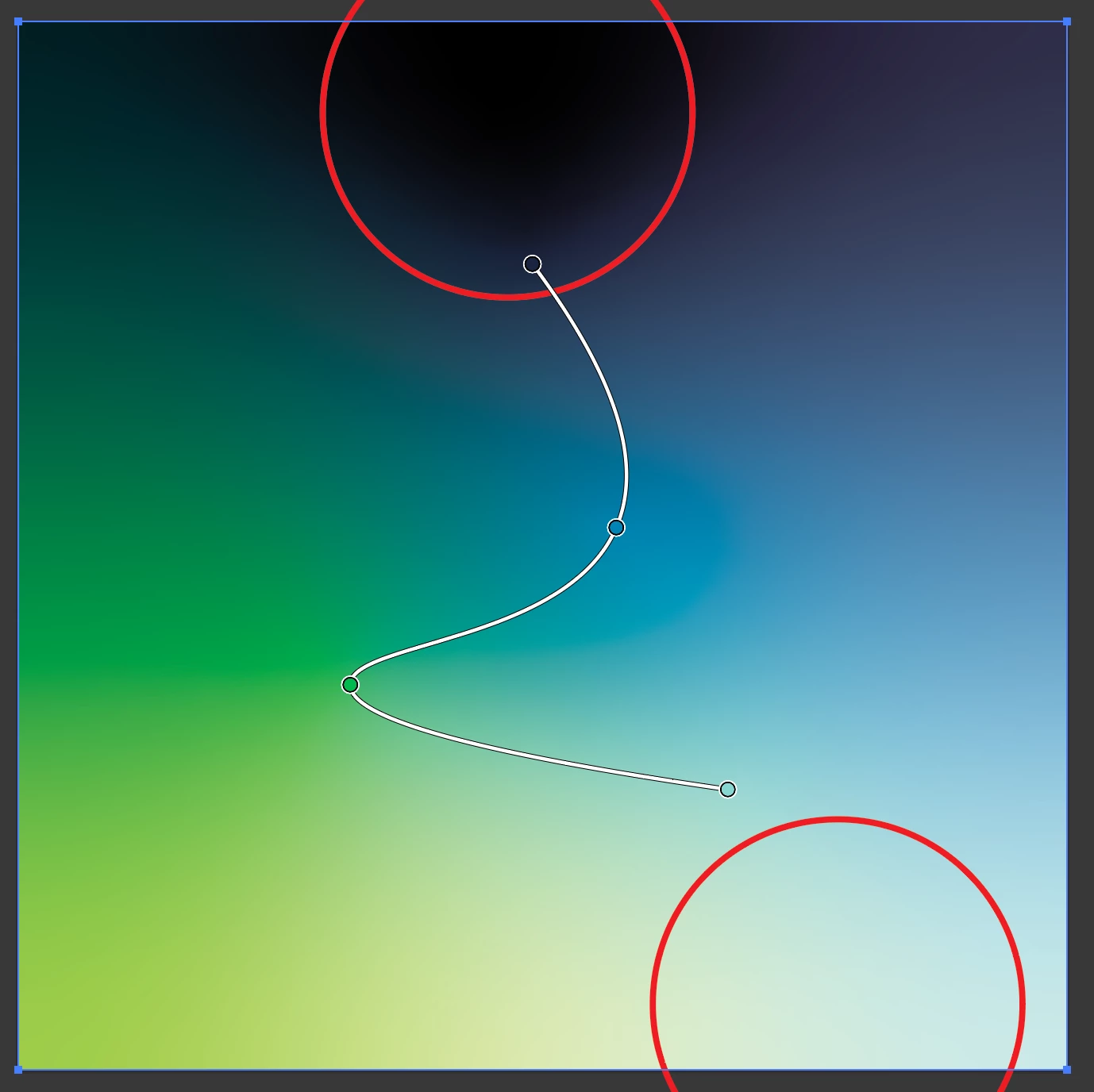
Very recently I have run into an issue with freeform gradients showing black & white as additional colours on the edges of a shape.  This is happening in both CMYK & RGB files.
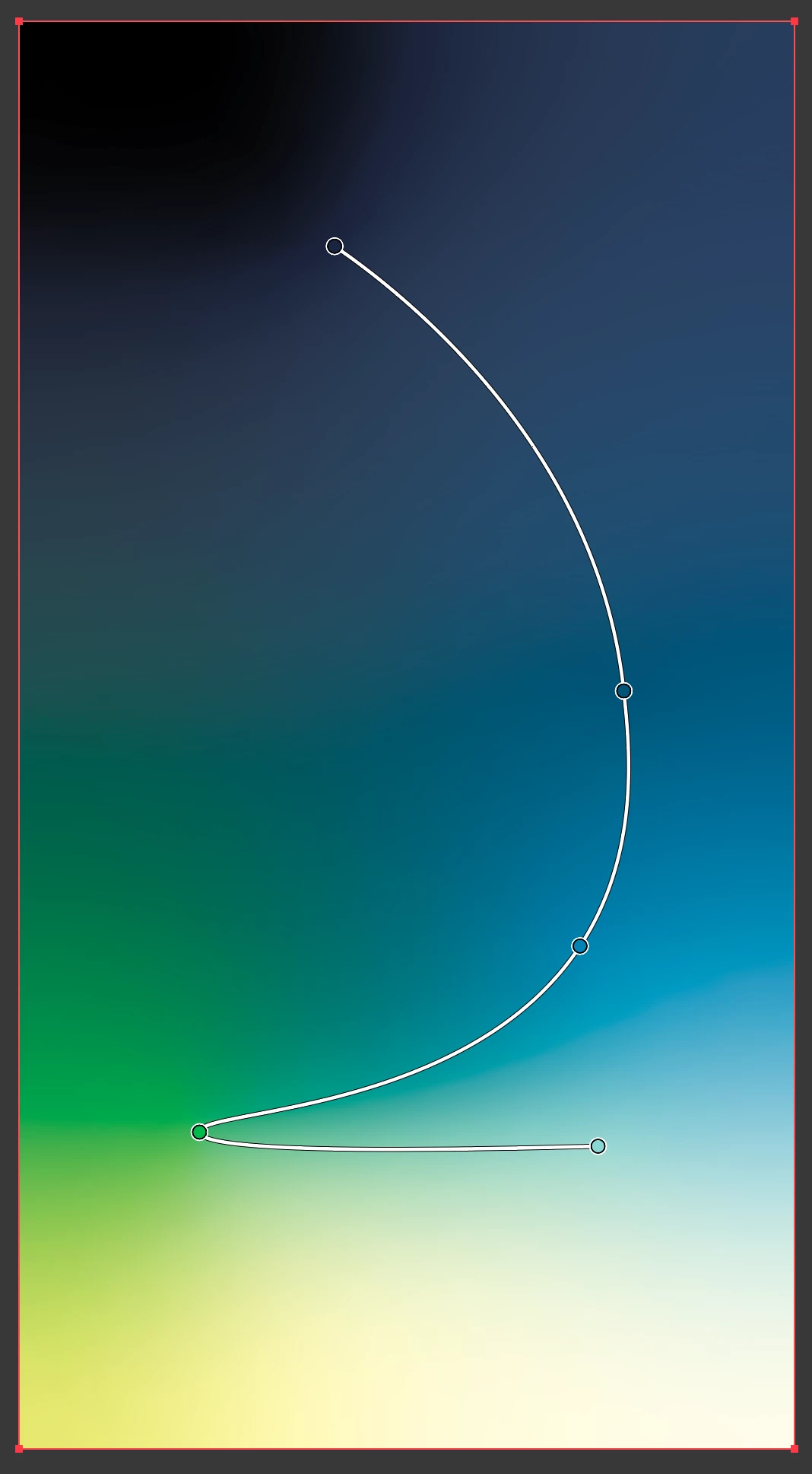


Illustrator recently updated and so did my Mac so not sure if it's related to either of those but I'm hoping someone has seen this before and can confirm whether or not it's something I am doing wrong or simply a new bug.  Thank you in advance to anyone that can provide some insight!


System/Program info

MacBook Pro 2019 - macOS Sonoma 14.0
Illustrator v 28.0
This topic has been closed for replies.
Correct answer miched

Sorry, the frame in my image is just the canvas behind the artboard.


The colours I'm talking about are within the shape and most noticable at the top when I pull the dark blue inward.  I used to be able to pull that colour inward and that entire area would fill in with the appropriate colour (dark blue in this case), but now it fills in black (and white at the bottom though less noticeable in my example).


I think I figured it out.  I'm using process colours and I think that is the issue, when I change the colour type to Spot Color it fills in as expected.

2 replies

Kurt Gold
Community Expert
Community Expert
October 17, 2023

Can you share a sample Illustrator file with that anomaly?


miched
michedAuthor
Inspiring
October 17, 2023

It won't let me post the file directly so here is a wetransfer: https://we.tl/t-AAcJdzoxDy


I moved the ends of the gradient to exagerate the effect.

Kurt Gold
Community Expert
Community Expert
October 17, 2023

Thanks for the sample file. When opening it in Illustrator I see this:


There is no additional frame as per your screenshot above.


Monika Gause
Community Expert
Community Expert
October 17, 2023

You could try and turn off the content aware settings in Preferences > General

miched
michedAuthor
Inspiring
October 17, 2023

Thanks for such a quick response. I tried this with no luck.

Monika Gause
Community Expert
Community Expert
October 17, 2023

It won't change the result when done afterwards.