MahaB82A
April 19, 2024
Answered

Frequently Crash

  • April 19, 2024
  • 1 reply
  • 2073 views

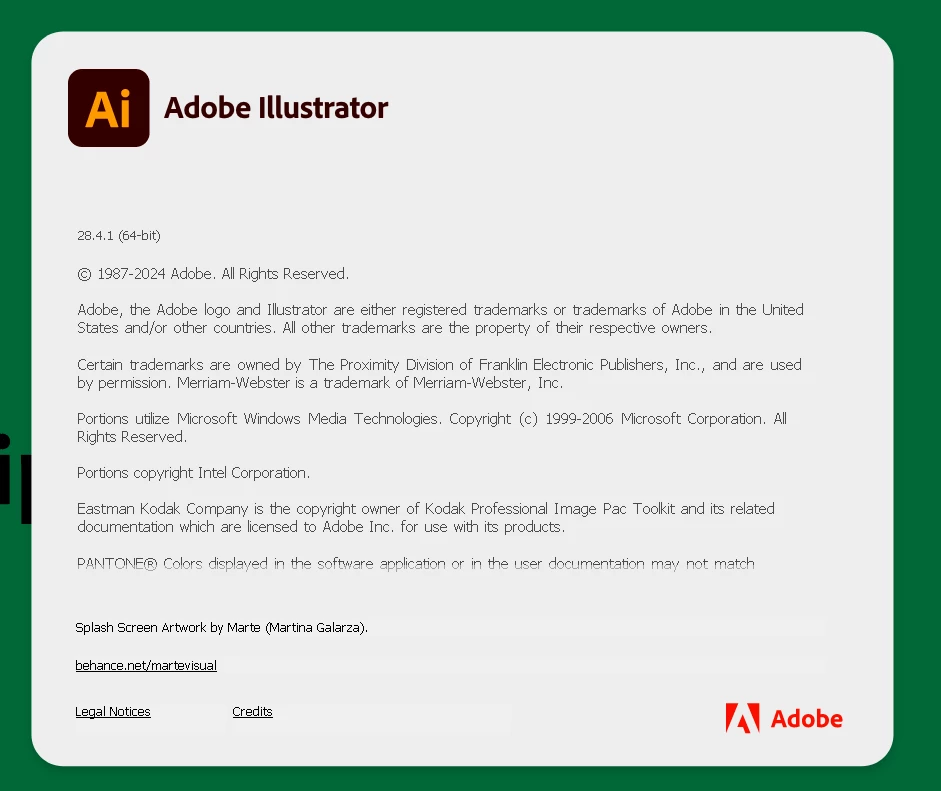
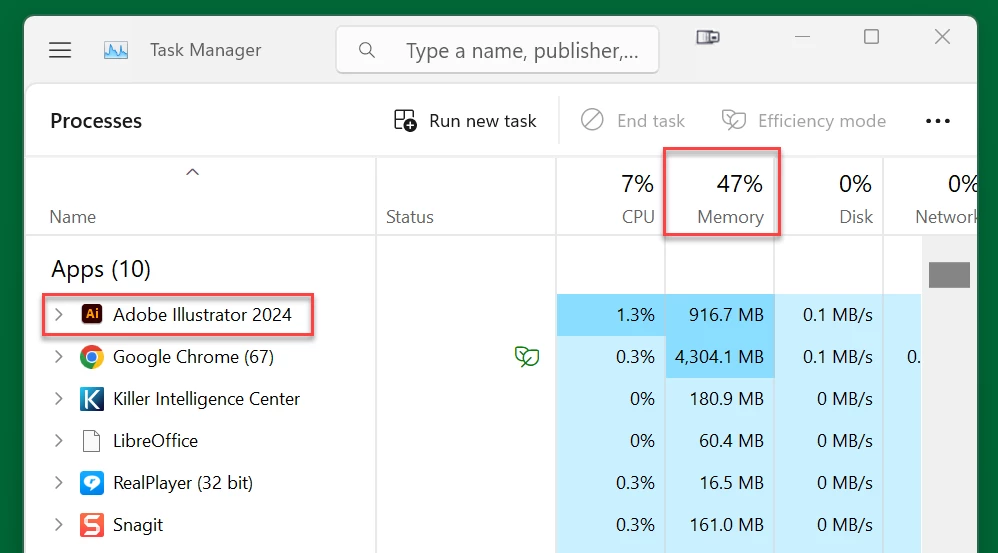
I use latest version of Ai in Windows 11. My Ai frequently crash. How to fix it? I have enough RAM as well.


This topic has been closed for replies.
Correct answer Anubhav M

Hello @MahaB82A,

Hey there, we understand how frustrating it can be to encounter crashes in the middle of work. I hope the suggestions Monika shared helped resolve the problem. If not, would you mind trying the suggestions shared in this help article (https://adobe.ly/3JKqx0N) and checking if they help? Also, kindly submit the crash report using your Adobe email address and share it here for quick tracking. Steps are shared here: (https://adobe.ly/3JuXZYE). We appreciate your time and patience in helping us resolve this issue.

Thanks,
Anubhav

1 reply

Monika Gause
Community Expert
Community Expert
April 19, 2024

Does it crash when you are doing certain things?

What else is running on your computer?

Do you reboot regularly?

Did you already reset the preferences (will erase all your settings)?

Where do you store files?

Are all your fonts OK?

Do you use third party plugins?

Do you use font management?

Is a printer connected, set up as default printer and turned on? If not a physical printer, then the default PDF printer?


Oh, and how much RAM is installed?

Anubhav M
Community Manager
Anubhav MCommunity ManagerCorrect answer
Community Manager
April 19, 2024

Hello @MahaB82A,

Hey there, we understand how frustrating it can be to encounter crashes in the middle of work. I hope the suggestions Monika shared helped resolve the problem. If not, would you mind trying the suggestions shared in this help article (https://adobe.ly/3JKqx0N) and checking if they help? Also, kindly submit the crash report using your Adobe email address and share it here for quick tracking. Steps are shared here: (https://adobe.ly/3JuXZYE). We appreciate your time and patience in helping us resolve this issue.

Thanks,
Anubhav

MahaB82A
MahaB82AAuthor
April 25, 2024

Thanks for the help.
