
Participant
January 24, 2024
Question

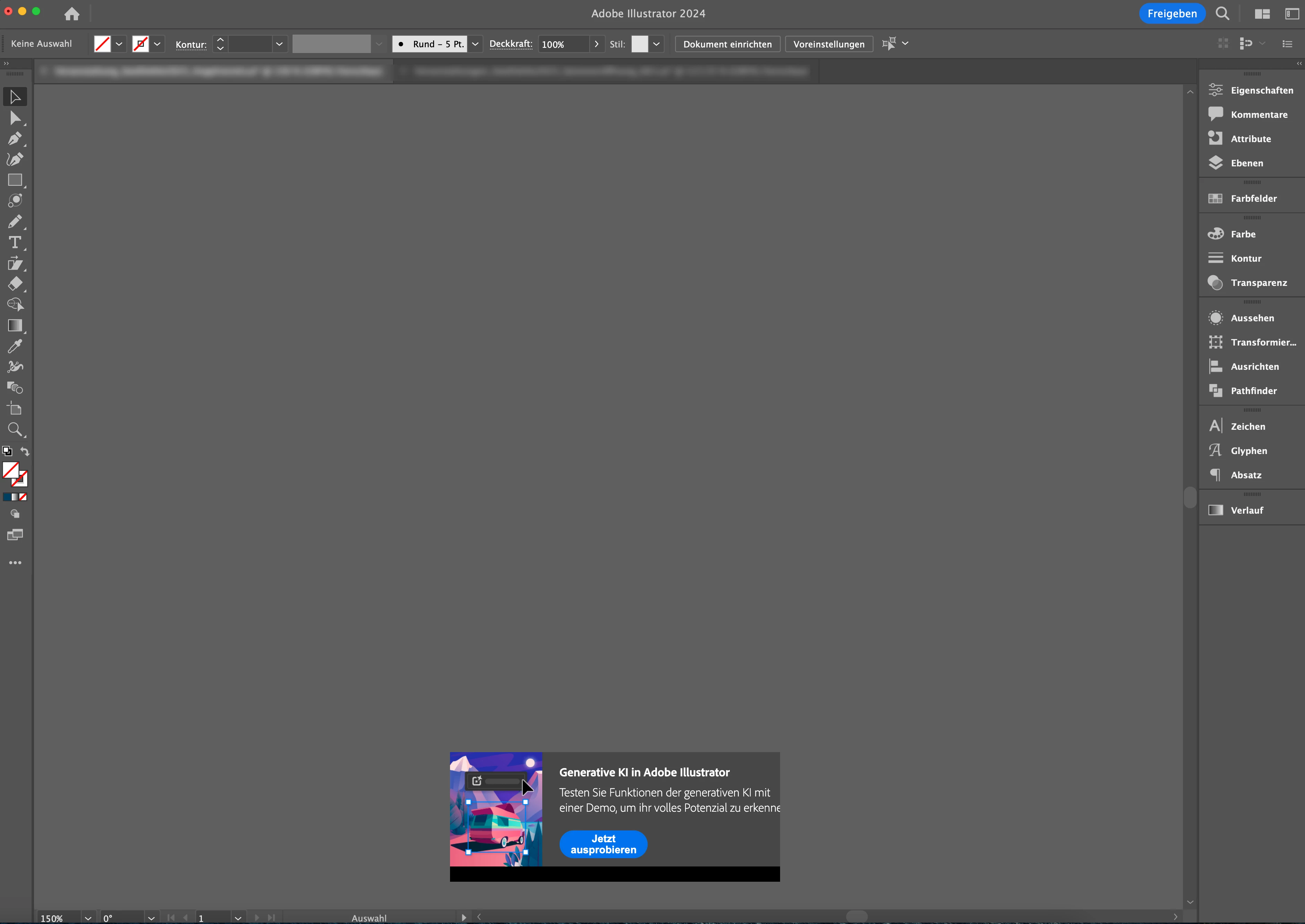
Generative KI in Illustrator Fenster entfernen

  • January 24, 2024
  • 2 replies
  • 935 views

Hallo zusammen, seit einiger zeit habe ich dieses Fenster in meiner Arbeitsfläche und ich bekomme es nicht weg. Es stört mich bei der Arbeit. Kann mir jemand helfen, wie ich das ausschalten kann?

Danke.
This topic has been closed for replies.

2 replies

Anubhav M
Community Manager
Community Manager
January 28, 2024

Hello @Pamela231717539iak,


Sorry to hear about your experience. As suggested by Monika, the popup should go away after using it a few times. If the problem persists, kindly try to manually reset Illustrator's preferences and check if they help:


For macOS

• Close all Adobe applications.

• Go to the following locations

• ~/Library/Caches

• ~/Library/Application Support/Adobe

• ~/Library/Preferences

• Rename Adobe Illustrator, com.adobe.illustrator and Adobe Illustrator 28 Settings folders to Adobe Illustrator.old, com.adobe.illustrator.old and Adobe Illustrator 28 Settings.old

• Launch Illustrator from the Creative Cloud.


Note: Location starting with this "~" sign indicates the User Library, which is hidden. So, you need to copy & paste the exact path in spotlight search or from Finder Menu > Go > Go to Folder > Paste the location in the dialog box like this:


Disclaimer: Please note that renaming preferences folders will remove all the custom settings, and Illustrator will launch with default settings. You can also save a backup of the folders in case you want to. The location is mentioned above.


Looking forward to hearing from you.


Thanks,

Anubhav

Monika Gause
Community Expert
Community Expert
January 24, 2024

Das geht nicht wirklich gut weg. Es sollte eigentlich verschwinden, wenn man es einmal weggeklickt hat, aber das macht es nicht. Vielleicht geht es besser wenn die "Inhaltssensitiven Standardeinstellungen" in Voreinstellungen > Allgemein deaktiviert sind. Aber vielleicht auch nicht.