
jan7517409
Participant
March 24, 2021
Answered

GPU glitch in Illustrator 25.3.1 weird corners/ jagged lines/ weird artifacts

  • March 24, 2021
  • 13 replies
  • 19669 views

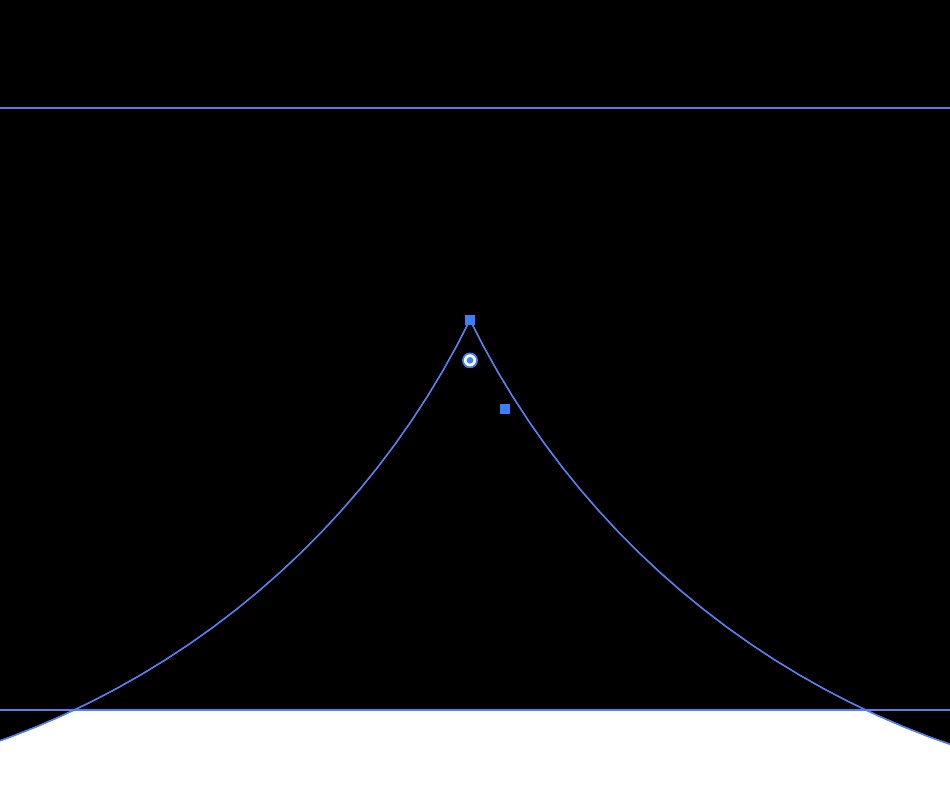
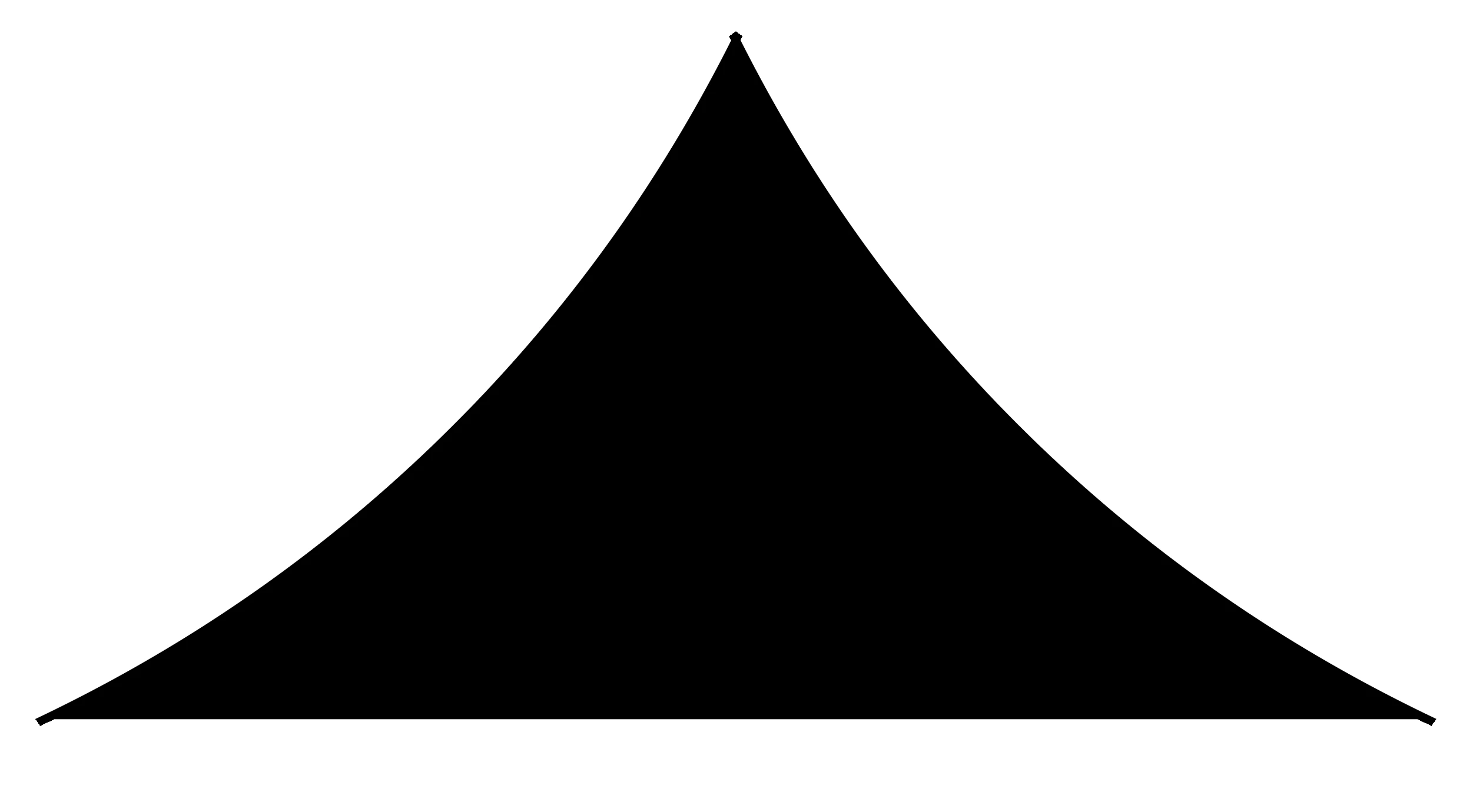
Since the latest update I get weird effects when using pathfinder (trim/divide) for instance. Is there any know issues? Se attachements. The object when using divide gets weird corners, what am I doing wrong? Never seen this before. Any suggestions? Thanks.


{Renamed by MOD}
This topic has been closed for replies.
Correct answer Srishti_Bali

Hi all, 


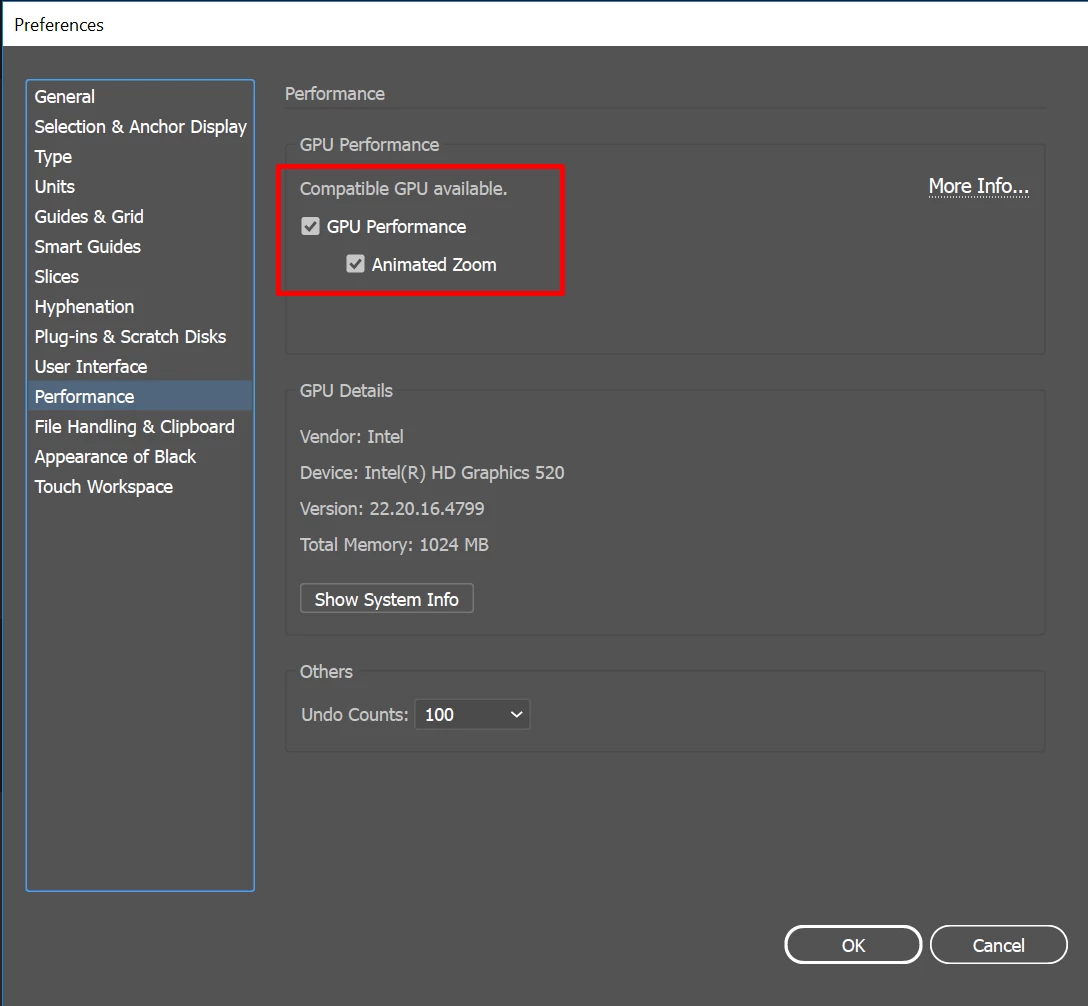
Sorry about the inconvenience this issue has caused. We are currently investigating this issue. Till the time it is fixed, please try the workaround shared by @pixxxelschubser 
Turn off GPU performance from Illustrator Preferences (CMD+K > Preferences > Uncheck GPU Performance).


I would also request you to upvote this issue here ( https://illustrator.uservoice.com/forums/601447-illustrator-desktop-bugs/suggestions/43599609-sharp-corner-edge-displaying-wrong ) and stay tuned for updates.


Regards,

Srishti

13 replies

carlosgarro
Community Expert
Community Expert
March 24, 2021

Hi.

I think something changed in the code of the boolean functions. There is an example that I have used in my classes for more than ten years, and last Thursday, the result was disastrous. I had to stop the class and record a video after I discovered how to solve the problem.

pixxxelschubser
Community Expert
Community Expert
March 24, 2021

Without seeing Layers Panel, Stroke Panel Appearance Panel and object selected it is very hard to say.

  • Are there strokes involved?
  • Are these real paths? Check it with [Strg/Ctrl]+[Y]  (Outline View)
  • Is this a problem with GPU? Try to toggle with [Strg/Ctrl]+[E]  (Preview on CPU/GPU)
jan7517409
Participant
March 24, 2021

Thanks a lot. It was in GPU Preview, had no idea that would mess with the geometry like that. Anyways, thanks a lot for the quick reply!

Ton Frederiks
Community Expert
Community Expert
March 24, 2021

Does settting the Precision to something small like 0,001 in the Pathfinder Options help?