
samc54067484
Participant
February 4, 2021
Question

Gradient on wavy lines

  • February 4, 2021
  • 2 replies
  • 572 views

I have several 'wiggly' line elements in a project I'm working on. I'd like to add a slight gradient, but I realize that the gradient tool does not 'adapt' to the curvature of the lines, creating a uneven fluctuation of the gradient's colors throughout the length of the line as the shape changes. Screenshot below for reference. Anyone know any cool tricks that might be able to help?
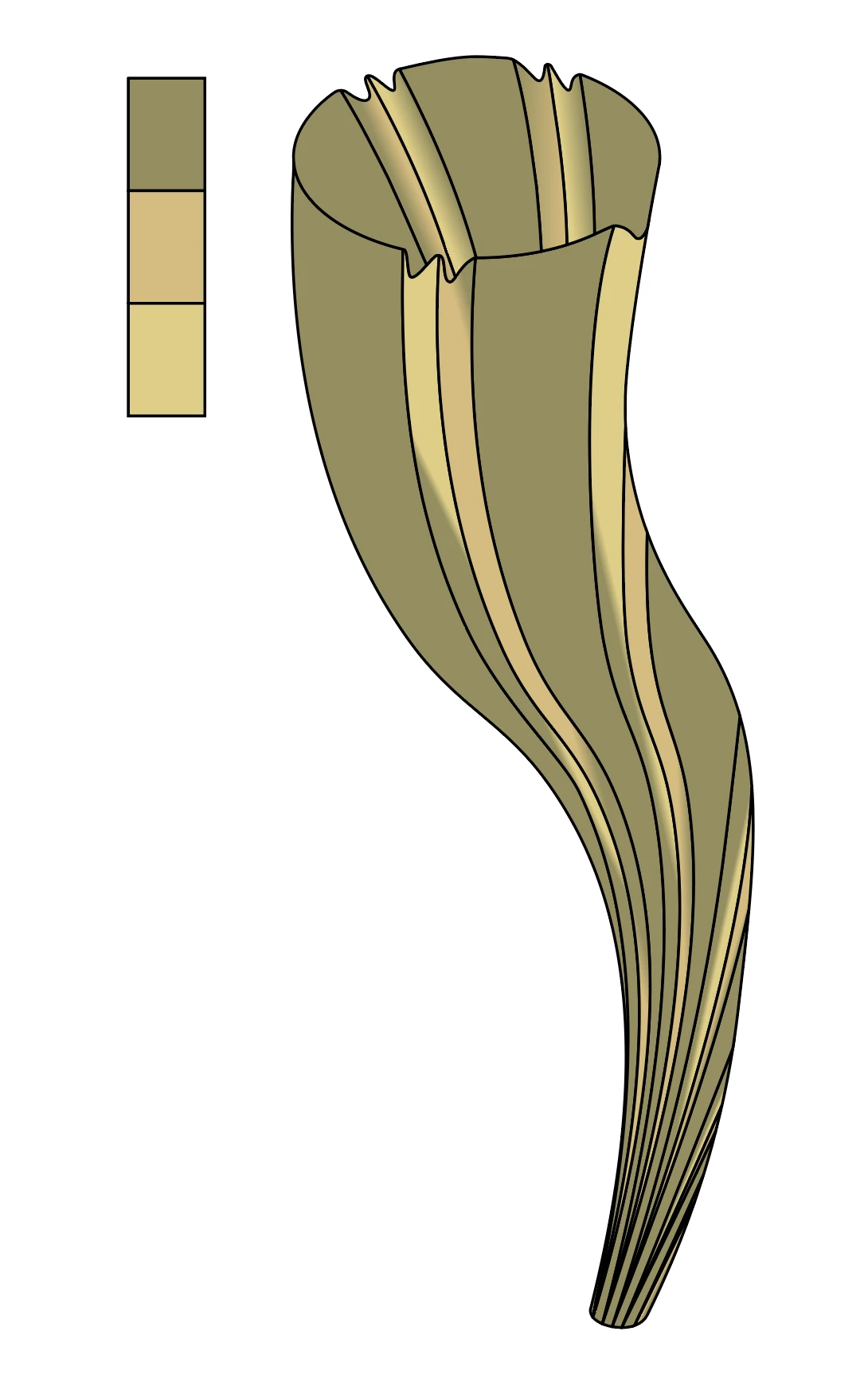
 

This topic has been closed for replies.

2 replies

Kurt Gold
Community Expert
Community Expert
February 4, 2021

You could also use gradient meshes or Art brushes. There are other ways as well.


Keep in mind that freeform gradients, at least currently, can be pretty unstable and they are not reliable at all for various reasons.


Monika Gause
Community Expert
Community Expert
February 4, 2021

You could try blends or a freeform gradient

samc54067484
Participant
February 4, 2021

Potential progress! Both these techniques are new to me, so I'm kind of bumbling through it all. I was unable to achieve the desired effect using blends, but as we can see in the left-most line segment, I was able to make something work using two freeform gradient lines!