
Participant
October 29, 2018
Question

gradient tool bug & default open app

  • October 29, 2018
  • 4 replies
  • 816 views


After I updated the latest version 23.0, I have a problem choosing and modifying the gradients.

I tried to switch to another tab, then go back to the gradient tab, tried to reload my workspace, but still, it is no working properly.

I cannot choose the color dot, cannot select the exact color anchor in the gradient.

The only way to fix it is to resize the whole application, (click ) then expand the app to full size again.

This caused me a lot of trouble... a great lot. Please fix it.....

----

here's another question, why is it all my illustrator files are labeled to be opened by XD by default?

I reset the default in windows right click (screenshot below)
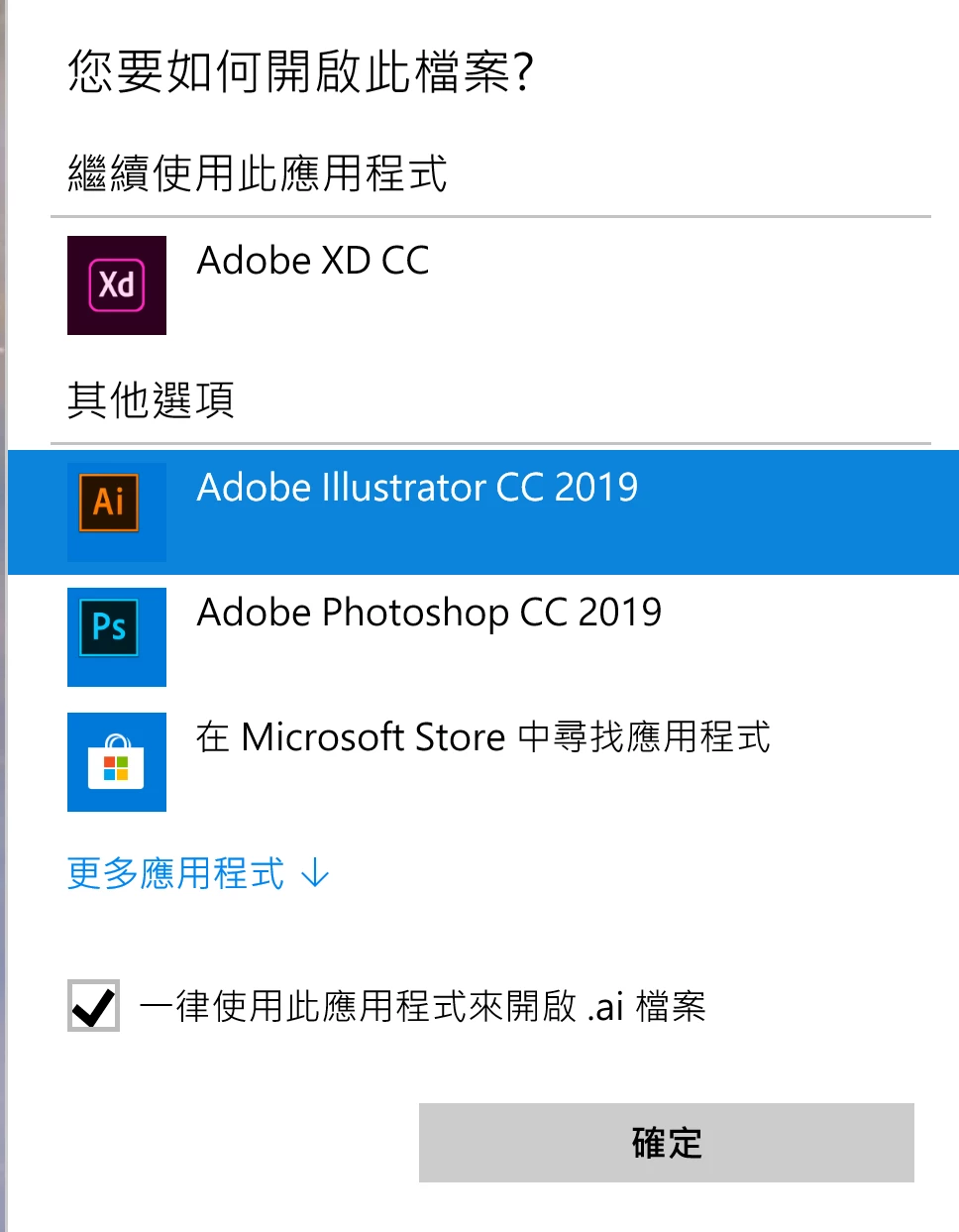
still it is opened in XD by default.......................all the time.

it's like i cannot change the default app to open the file!

    This topic has been closed for replies.

    4 replies

    Omar.Fathy
    Community Expert
    Community Expert
    June 1, 2019

    It was a bug reported.

    Try to update to Adobe Illustrator 23.2.

    CuriousKid
    Participant
    June 1, 2019

    Same here but only for a few days. Idk what I did but that's solved now.

    I think is "4k" Screen Bug. Do you all have 4K Monitors?

    y92217130Author
    Participant
    June 3, 2019

    Yes I'm using a 4K monitor.

    Also the app window size sometimes is messed up if i double click a file to open it.

    It says the default window size is too small to open the file, and the app window size will shrink to a tiny bit.

    It only works fine if i open a file with the app menu File > Open...

    JulienDelenclos
    Participant
    May 31, 2019

    Same bug here…

    ryan_edwards
    Inspiring
    October 29, 2018

    not to certain on the first part.. maybe you resolution/screen scaling is messing it up a bit.

    the second part of your question on pc... use this to assign what file types open with what app

    y92217130Author
    Participant
    October 31, 2018

    Thanks, Ryan.

    I tried to change the default app to Illustrator for .ai file, but the settings app just froze for like 3 seconds, and still show XD...

    I can change the default app for other file types, just not .ai it seems....