Participant
November 8, 2021
Answered

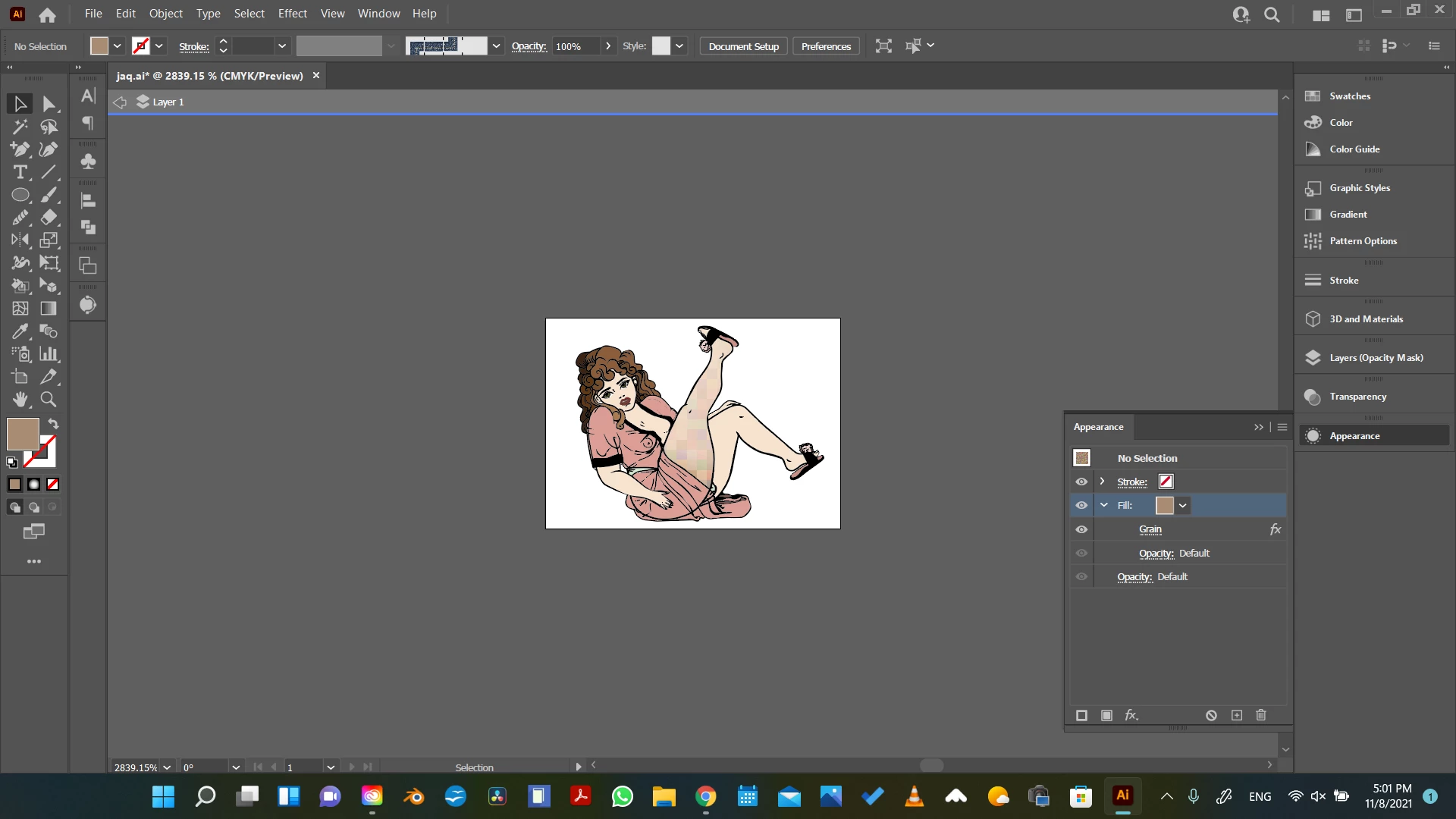
Grain effect on Illustrator is pixelated and the pixels are large
  • November 8, 2021
  • 1 reply
  • 2961 views


As you can see in the imge when I applied the grain effect on the mask (the mask already had a gradient on) it looks weird. The pixels are large and the colors are off. I have the settings in 300 ppi. So I don't understand what's going on here :(. If anybody could help me, I'd greatly appreciate it.

This topic has been closed for replies.
Correct answer Monika Gause

You are zoomed in at 2000%. That image is tiny.

You need to either enlarge the artwork or increase the document raster effects resolution.

1 reply

Monika Gause
Community Expert
Monika GauseCommunity ExpertCorrect answer
Community Expert
November 8, 2021

You are zoomed in at 2000%. That image is tiny.

You need to either enlarge the artwork or increase the document raster effects resolution.

Elena JPAuthor
Participant
November 9, 2021

That makes a lot of sense. Thank you. I will englarge the artwork and see it it gets solved. The resolution is on high. So it's probably the size of the image as you point out.