Participant
June 16, 2020
Question

Gray outlines around shapes

  • June 16, 2020
  • 1 reply
  • 195 views

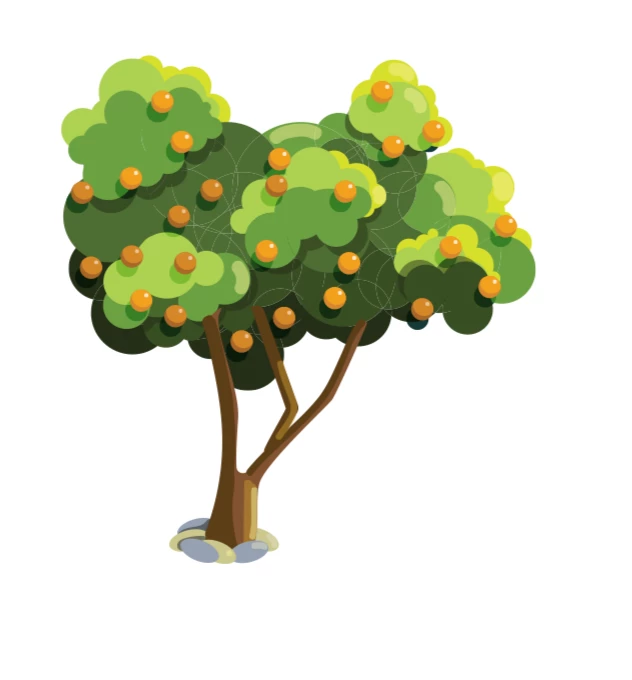
I put together multiple overlapping shapes to make one larger shape. When I view the item in ai it looks fine, but when saved as a pdf at the highest resolution it creates gray outlines around each individual shape. I checked and unchecked the anti-aliasing box and tried setting the file to CMYK too just in case but they are still there.
This topic has been closed for replies.

1 reply

Monika Gause
Community Expert
Community Expert
June 17, 2020

This is live paint?

It's automatically expanded in the PDF. What you're seeing is antialiasing artifacts. Usually they don't print.


What you can do to unite the shapes: expand the live paint in Illustrator and then apply the pathfinder "Merge" from the pathfinder panel.