
zavalajd
Participant
March 15, 2018
Answered

Grayscale to single color scale?

  • March 15, 2018
  • 3 replies
  • 1071 views

Hello,

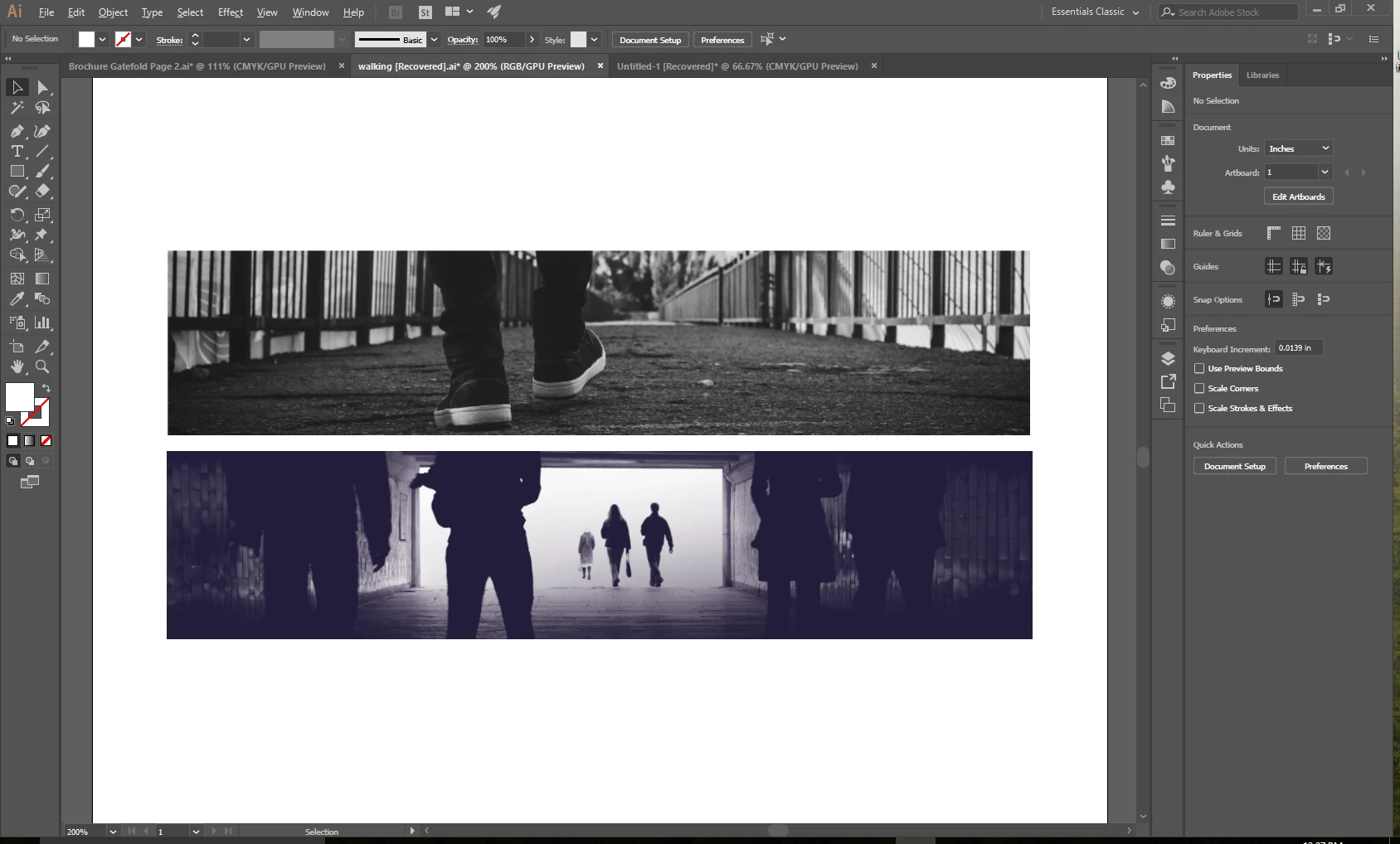
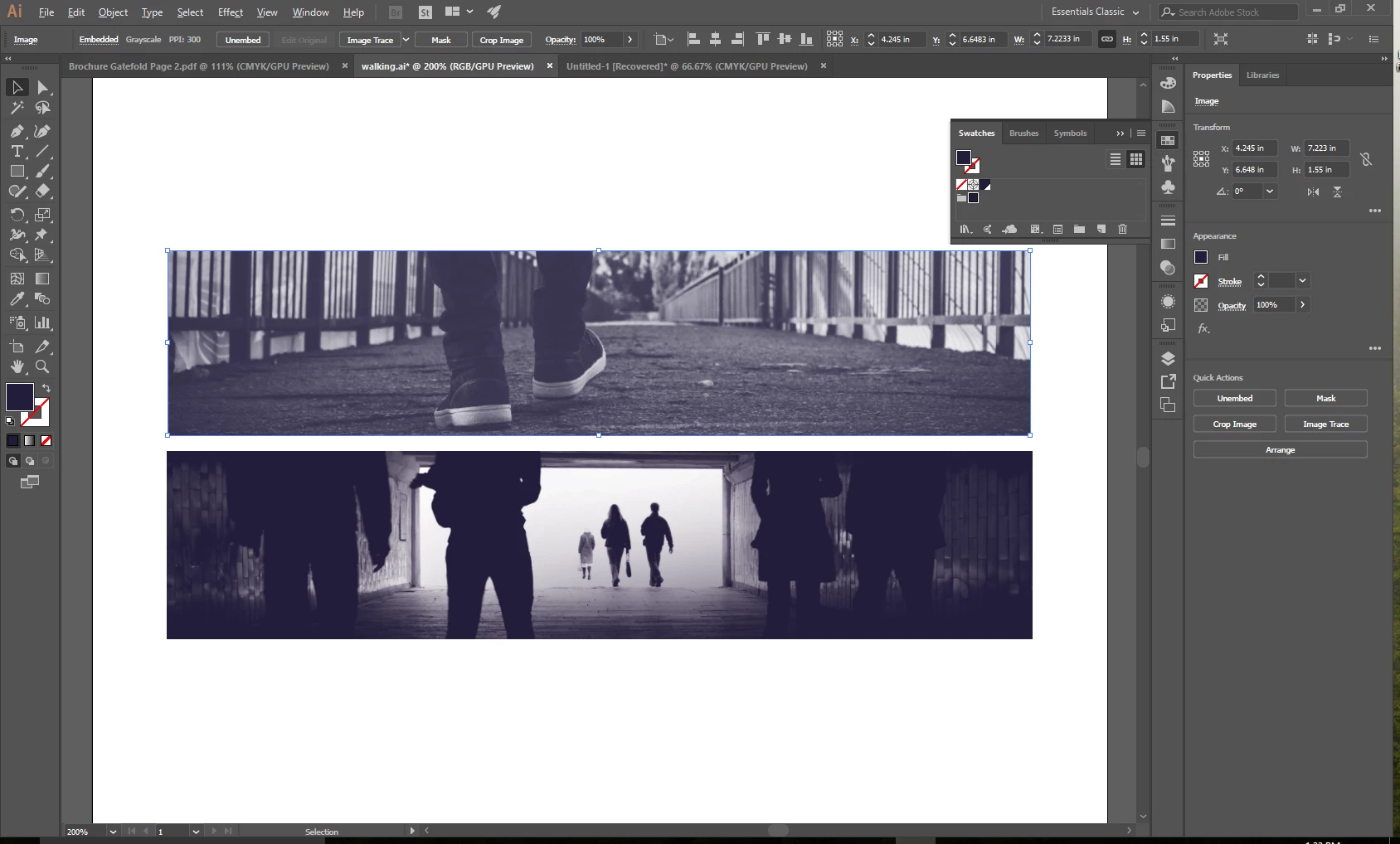
I want to change the top image to look like the bottom image; as far as the grayscale being changed to a purple scale. I can't figure out how to do this after scouring through google searches, youtube videos and forums. Thank you for your help.
    This topic has been closed for replies.
    Correct answer zavalajd

    Somehow after toiling for a couple of hours it just worked. The custom swatch wouldn't apply when I selected it; it would remain gray. Went to lunch, came back, tried it again and it worked.

    3 replies

    zavalajd
    zavalajdAuthorCorrect answer
    Participant
    March 15, 2018

    Somehow after toiling for a couple of hours it just worked. The custom swatch wouldn't apply when I selected it; it would remain gray. Went to lunch, came back, tried it again and it worked.

    Ton Frederiks
    Community Expert
    Community Expert
    March 15, 2018

    If it is a greyscale file, you can add a fill color in Illustrator.

    twaritar3263062
    Participating Frequently
    March 15, 2018

    Hi Juve,

    Have you applied the grayscale feature to both the images in Illustrator only? Would you mind sharing both the files so that we can check it at our end?

    Regards

    Twarita

    zavalajd
    zavalajdAuthor
    Participant
    March 15, 2018

    If I wanted to share the .ai with the forum entry or anyone in general is it up to me to find a solution such as dropbox or google drive?

    tromboniator
    Community Expert
    Community Expert
    March 15, 2018

    Yes, that is correct.