asdaftasabrush,
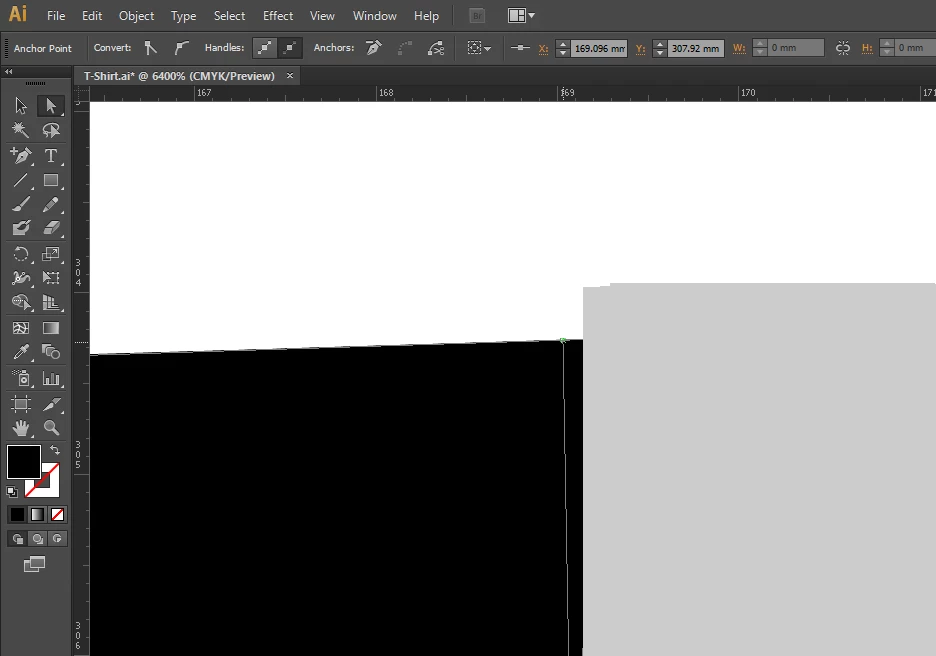
You may try toggling between GPU and CPU with Ctrl/Cmd+E to see the difference.
You may try disabling the GPU Performance by clicking the Rocket Icon in the App bar, or on the top of the menu bar, and deselecting the GPU Performance check box; you may also uncheck GPU Performance in your Preferences.
There are some issues with GPU, and Adobe are working on them. They should be solved with the 19.0.1 patch, but some are not.
Link to the release notes of 19.0.1:
https://helpx.adobe.com/illustrator/kb/illustrator-cc-2015-crash-bug-fixes-19-0-1.html
You may also have a look here,
https://helpx.adobe.com/illustrator/kb/gpu-performance-preview-improvements.html
to see what it is all about and more about how to enable/disable, as well as what is needed to get it to work if possible, including requirements and driver updating,

 AdChoices