
Grey or washed out images displaying in Illustrator.
Here's the run-down...
Images are displaying as washed out or greyed out on the Illustrator artboard. Color profile on the saved images, as well as the document, are RGB, so I know it's not that (I tried all sorts of combinations to see if it helped). Fortunately the file exports most of the images as normal—how they appear as PSDs or JPGs, but they display as washed out on the file (not all, just some). Another bizarre occurrence is that some images export too dark, but they appear normal on the artboard when imported. Again, there are no apparent color profile issues on them.
Because the project I'm working on is confidential, I'm limited on screen shots, soI'll show a less-than-desirable example of what's happening...
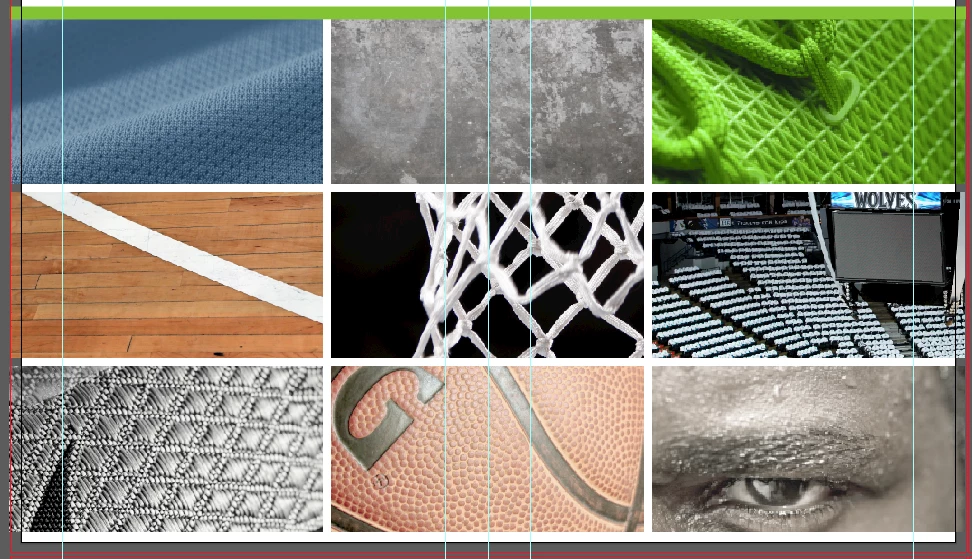
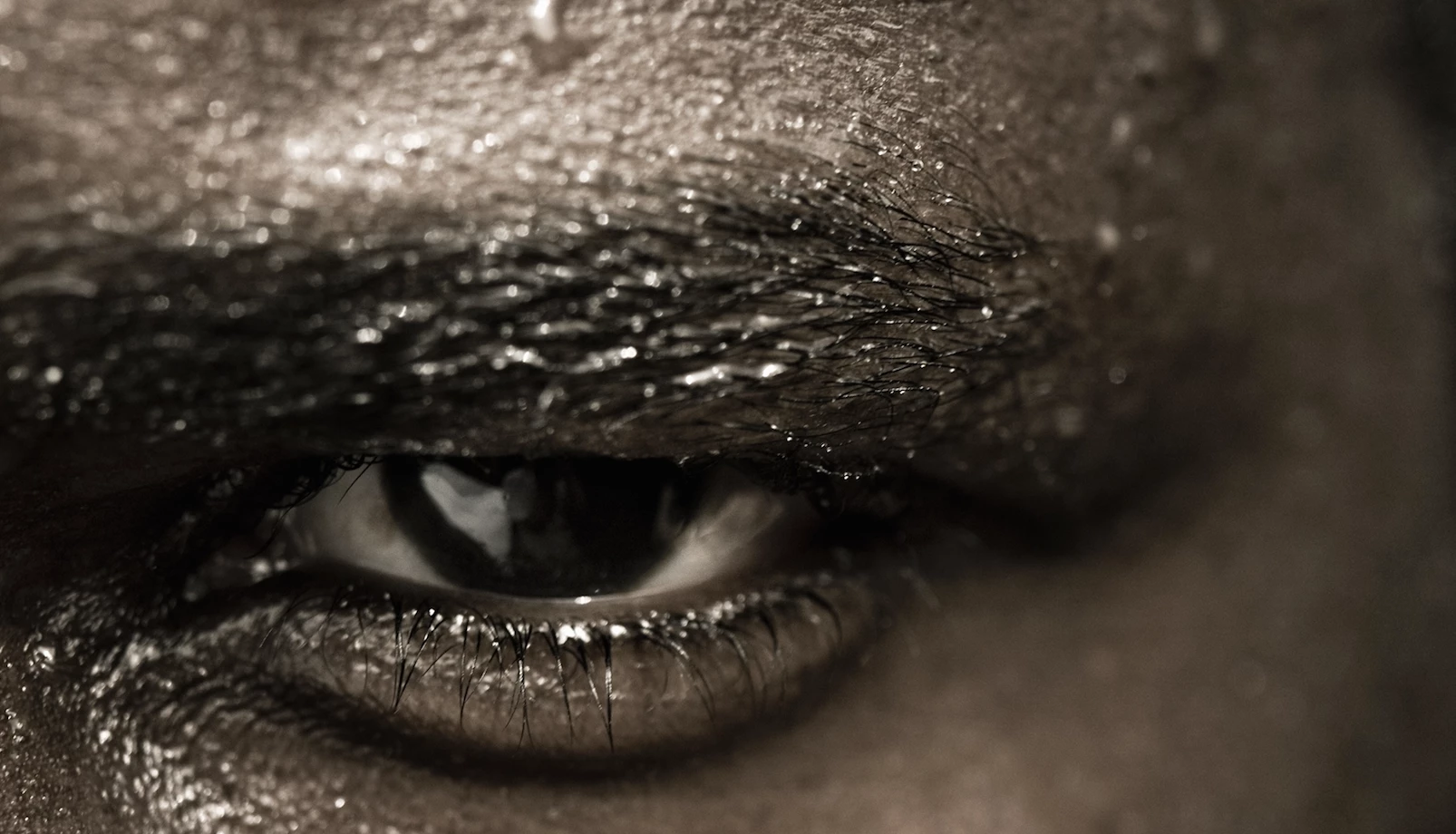
Image in the upper left hand should look like this... Bottom right should look more like this...

And the basketball more like this...
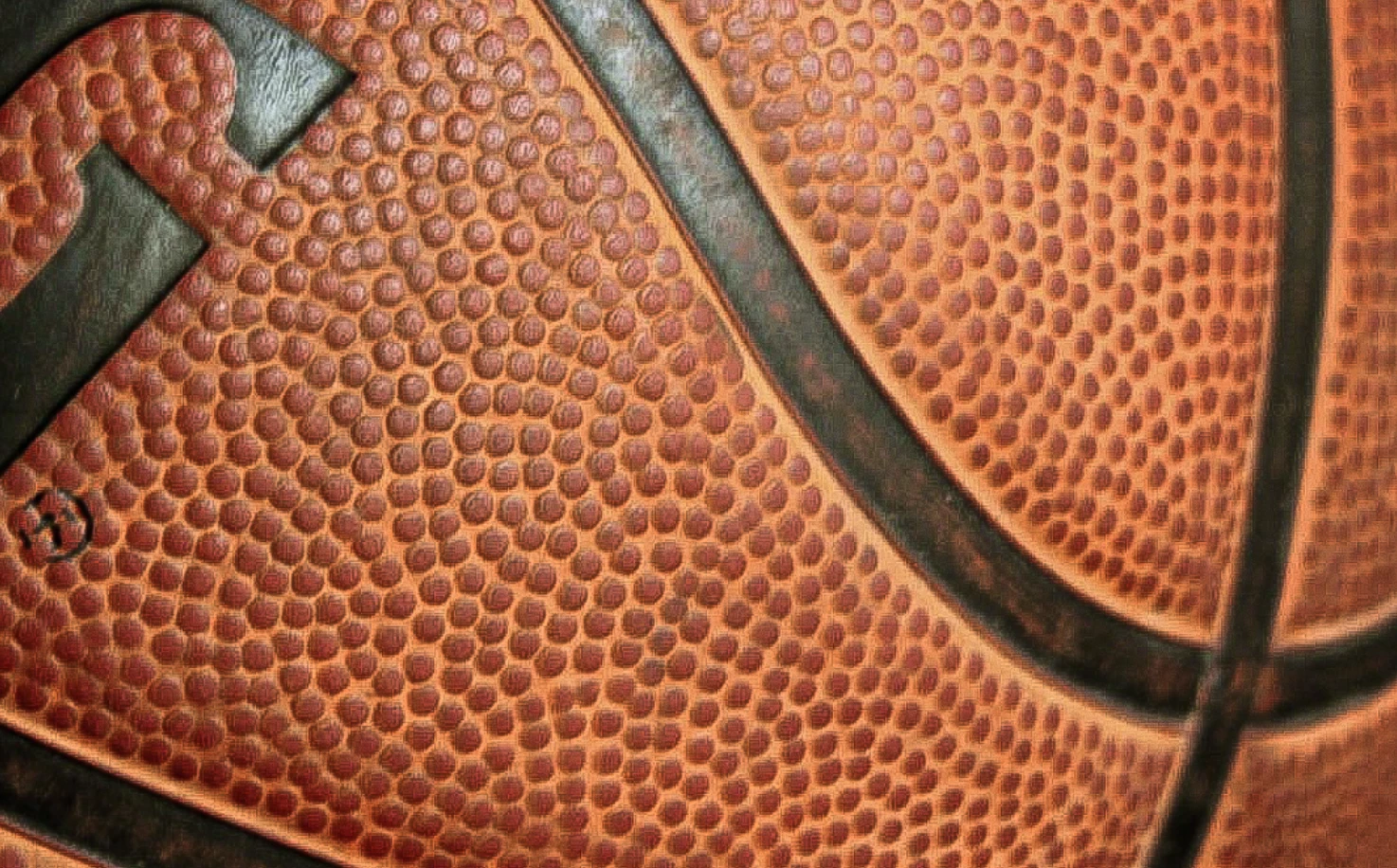
This image appears normally colored...
and then ends up like this upon PDF export...
I really hope others have come across this, I've tried everything within my understanding to fix this.
 AdChoices