I would create a simple pattern using a few lines and spheres.
Object > Pattern > Make
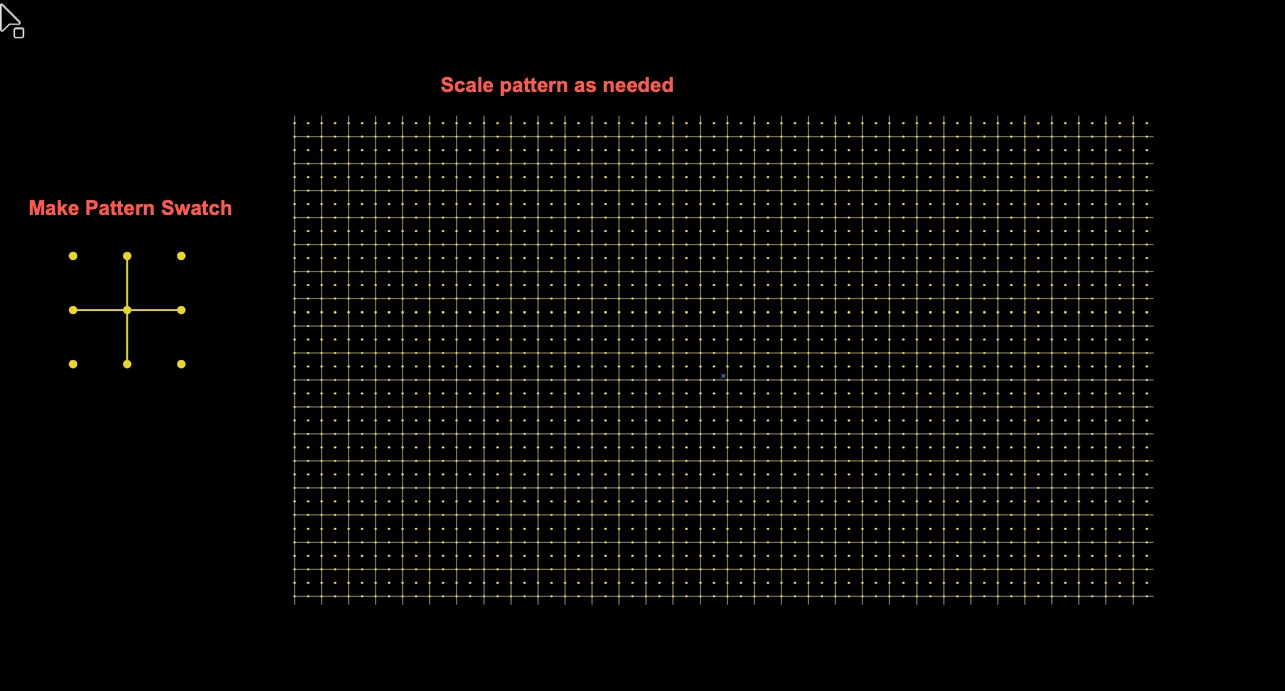
I made one to show you how I'd handle this... Here's what mine looks like:
Then, simply create a rectangle and fill it with the swatch of your pattern and use it as the background "grid". Note: It would help to lock this layer.
Another note: You can adjust the size of the pattern to get it exactly how you'd like it!
Select the rectangle filled with your pattern and then click Object > Transform and use the following settings:
Here is an example of my result, but the size of the grid could be adjust as needed:

 AdChoices