Inspiring
August 11, 2018
Answered

Grid tool creates inaccurately sized grid

  • August 11, 2018
  • 3 replies
  • 1320 views

Hey everyone, I have been trying to make a mathematical drawing grid in illustrator, but I'm having issues with the grid tool. To simplify my problem I've simulated it with simple numbers.

I have a 300x300mm artboard which I want to fill with two grids: one with 10x10 squares, and the other with 5x5 squares.

So in the grid tool I entered these values:
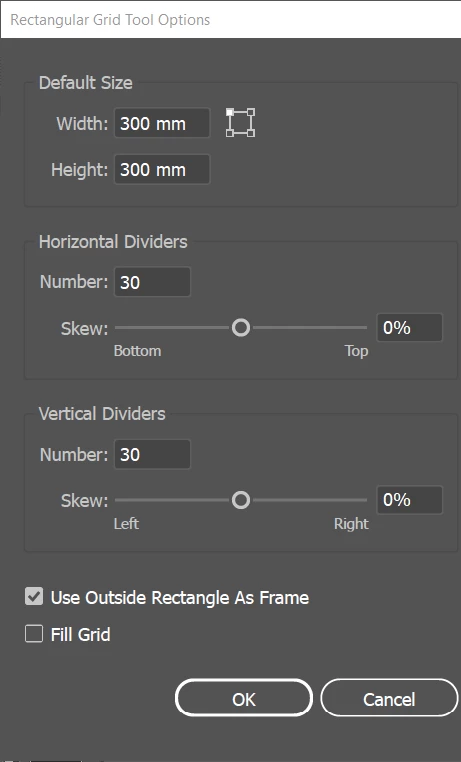
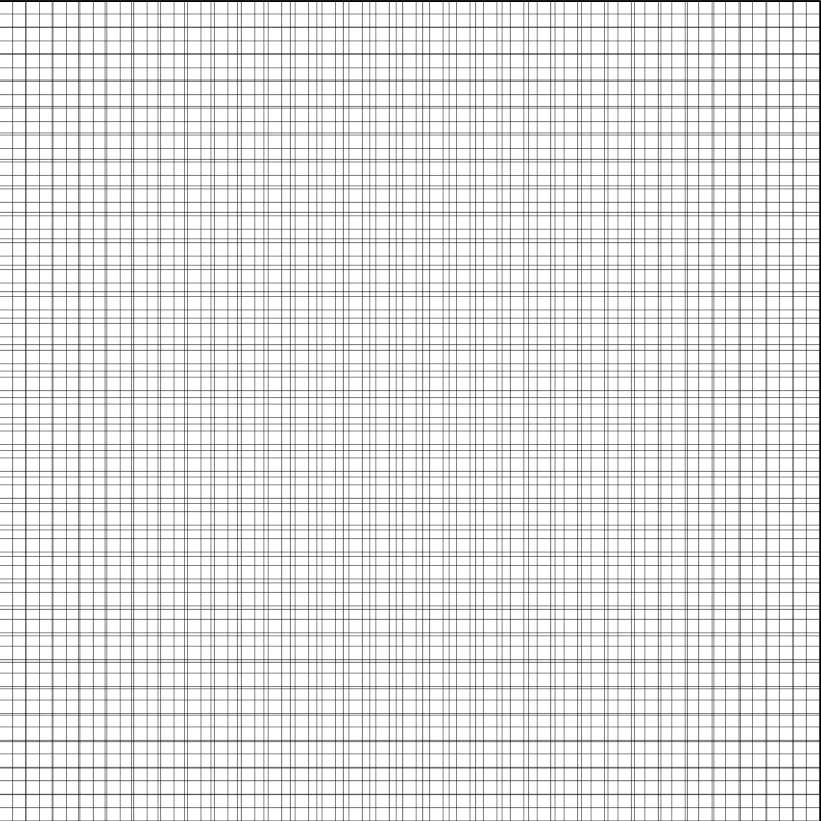
You'd expect the above mentioned grids to appear perfectly, but they did not. Instead, the two grids together looked like this:
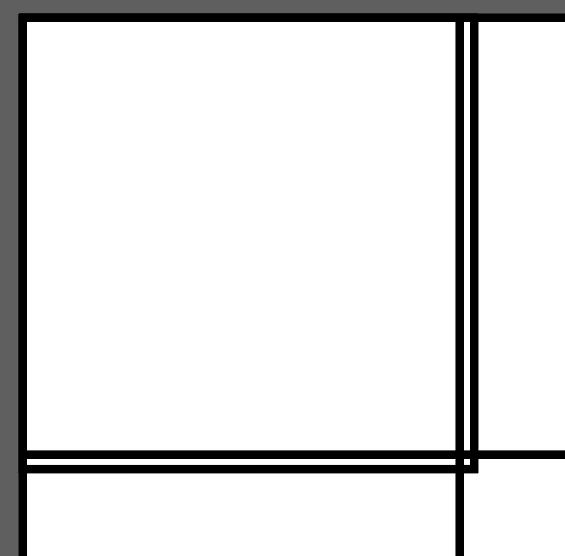
When I make an actual 10x10 square and compare it to the big grid, it looks like this (the 5x5 one gives a similar result):
Does anybody have any idea why this is happening and how I might be able to fix it?

Thanks in advance!

This topic has been closed for replies.
Correct answer Jacob Bugge

Timejs,

Each of the divider numbers must be one less the desired number of squares in that direction: the side of the grid forms the closing divider.

3 replies

Myra Ferguson
Community Expert
Community Expert
August 11, 2018

The number entered is the number of dividers, not the number of boxes. So enter 29 and 59, and then they'll line up.

Inspiring
August 11, 2018

That fixed it, thanks!    I really didn't think of that!

Jacob Bugge
Community Expert
Community Expert
August 11, 2018

You are welcome, Timeijs.

And as Myra said.

Jacob Bugge
Community Expert
Jacob BuggeCommunity ExpertCorrect answer
Community Expert
August 11, 2018

Timejs,

Each of the divider numbers must be one less the desired number of squares in that direction: the side of the grid forms the closing divider.