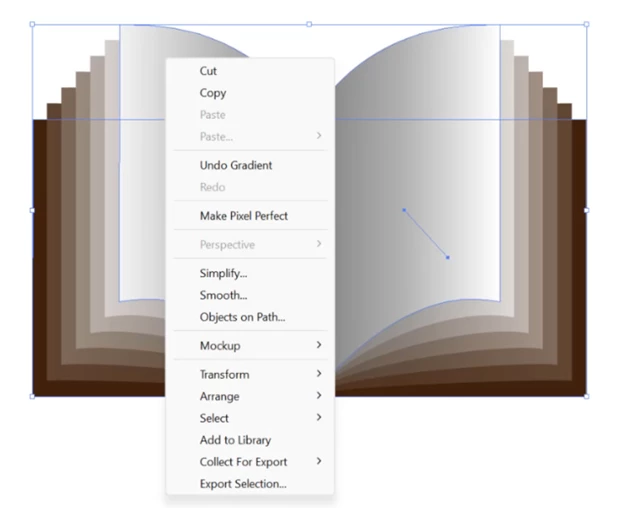
Flyout menus are context sensitive. Different options are listed based on the object that is selected. Group is a common command; the Ctrl+G keyboard shortcut is easy to remember.
Flyout menus are context sensitive. Different options are listed based on the object that is selected. Group is a common command; the Ctrl+G keyboard shortcut is easy to remember.




 AdChoices