


Grouped Text Not Scaling
I've never had an issue working in Illustrator like this before, I have Illustrator 28.5, macOS Sonoma 14.4.1:
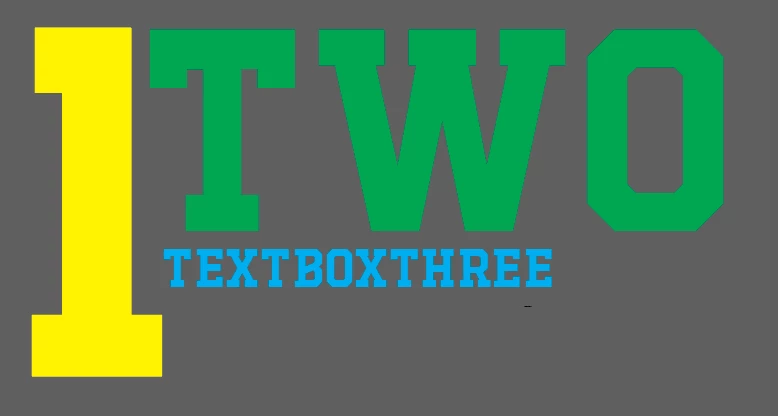
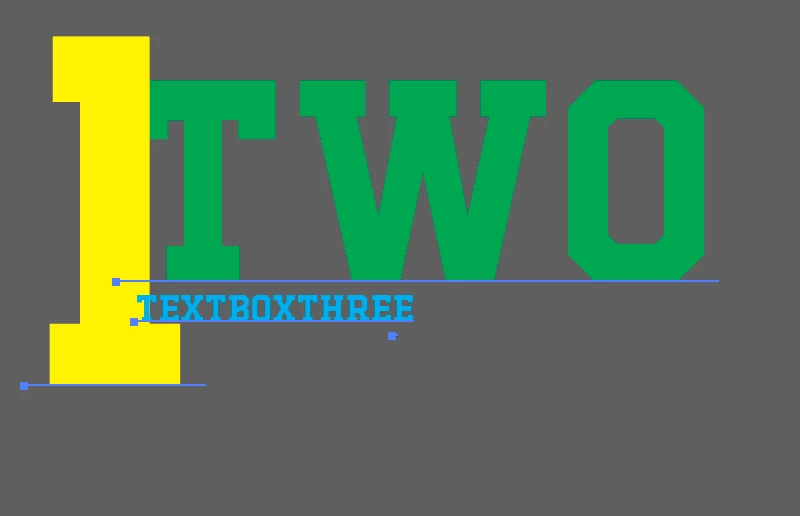
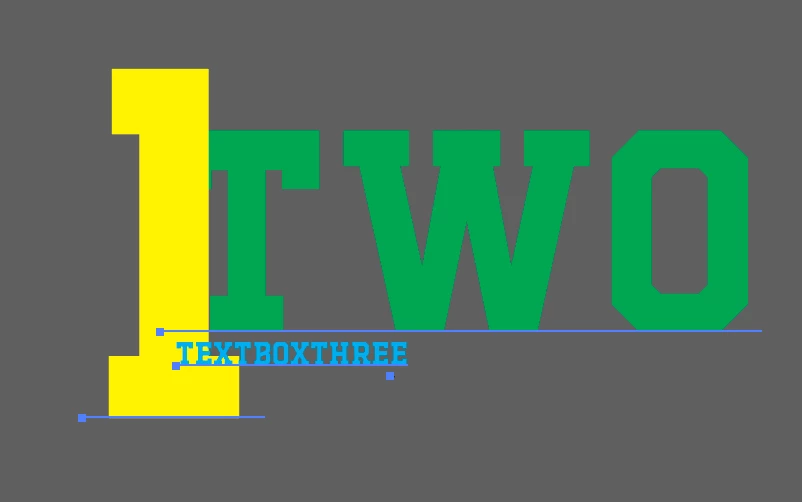
Usually when I group items together, I'm able to scale them proportionally when I’m using Selection Tool (V) and clicking Shift to scale, or I would make the entire thing smaller proportionally by using Option+Shift to scale from both sides at once. Now, I’m in Illustrator and my items are grouped, but the font boxes are just pushing into each other in a weird way that makes no sense rather than scaling together.
I saw feedback on some other posts to reset their preferences, and I already did that and restarted. I also tried to turn off smart scaling, and nothing changed. I also have my bounding box on.
Here's some screenshots of what's happening when I try to scale either of those ways I listed above while these are grouped
 AdChoices