
Participant
April 14, 2023
Question

Have Illustrator Toolbar set to stacked when opening files

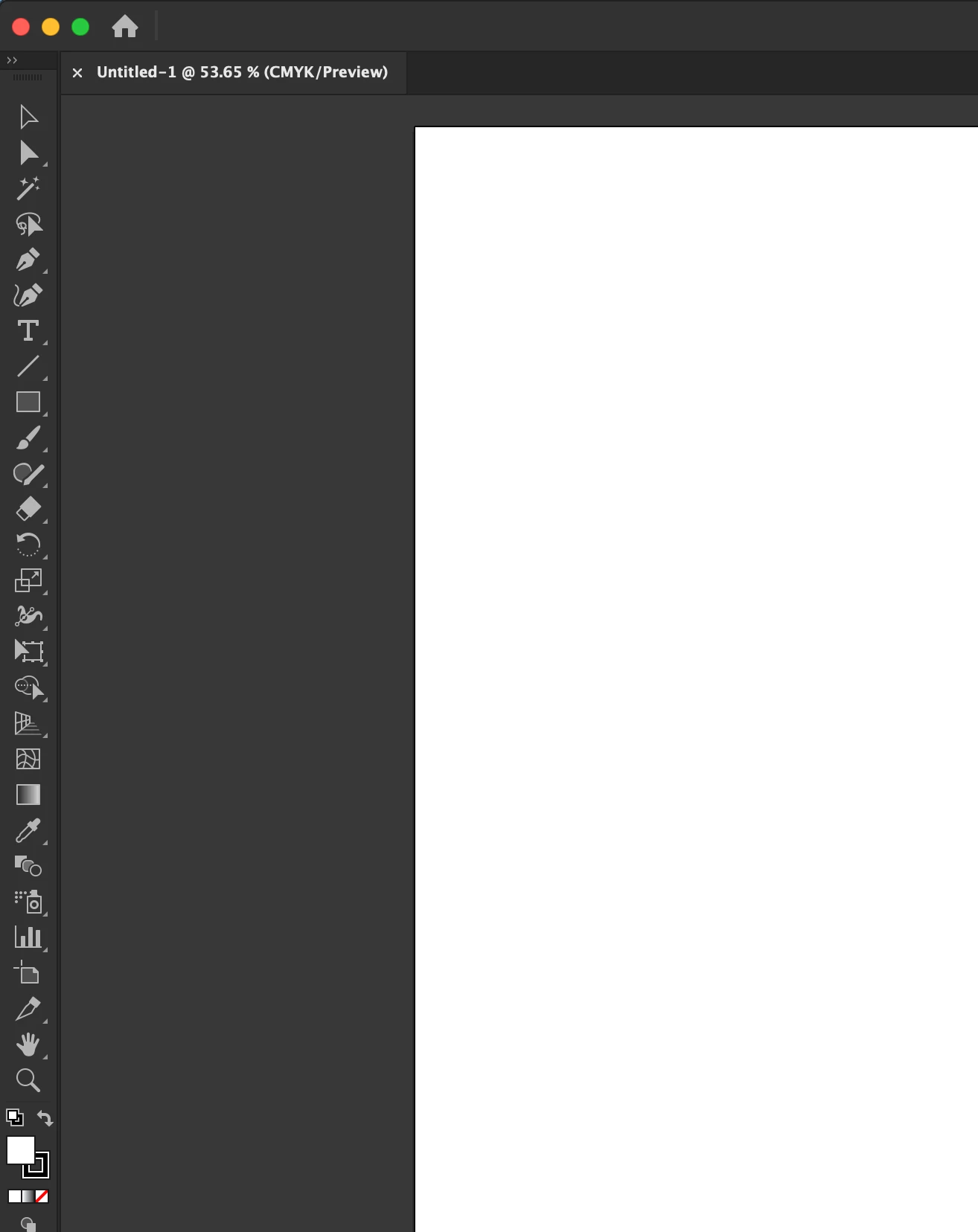
The toolbar is laid horizontally when I open Illustrator, like in the current example photo below.
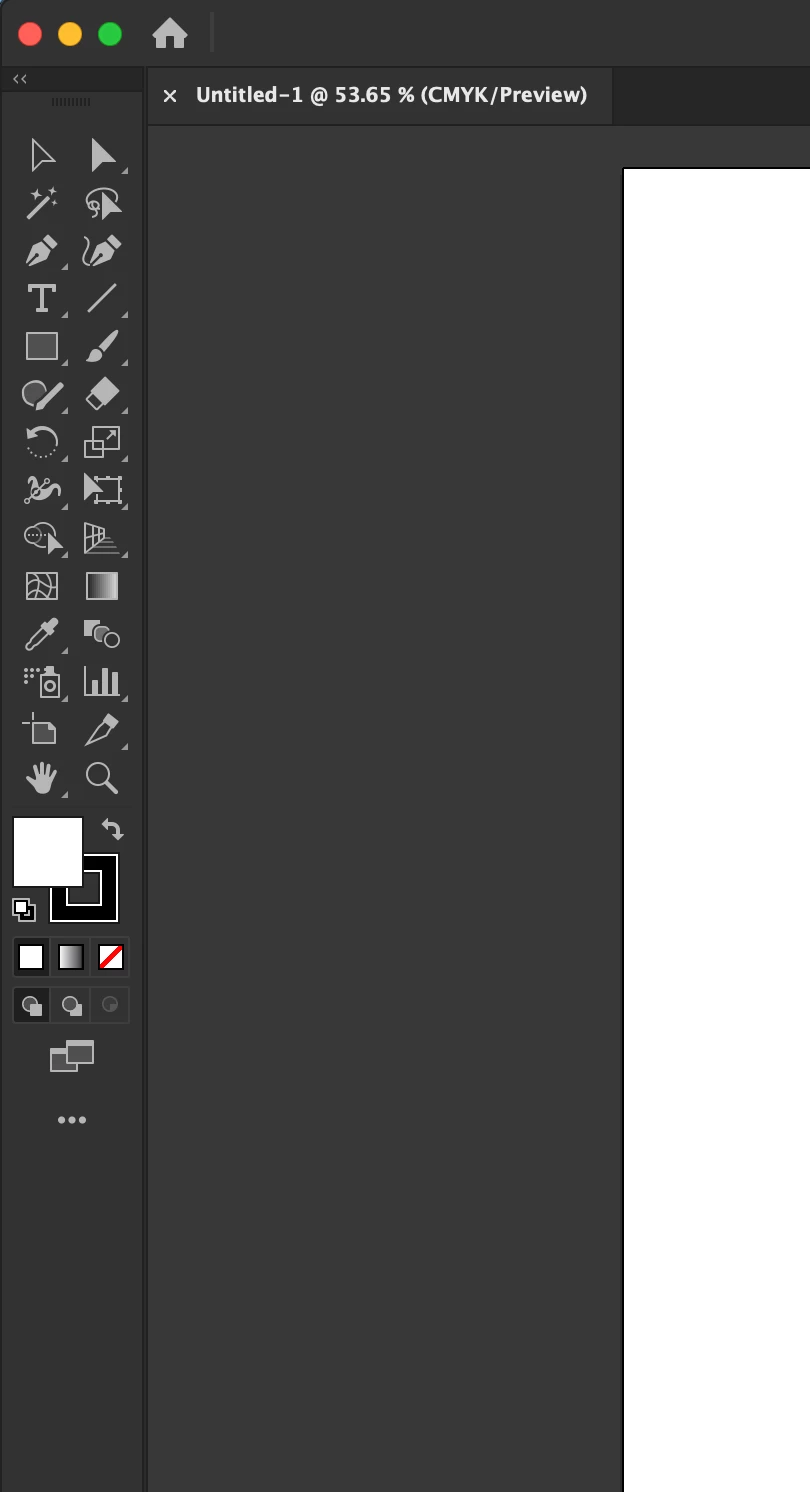


I want to have the toolbar set to stacked (see image below) every time I open Illustrator instead of changing it manually from the previous example. Is there a setting or workspace trick I can use to accomplish this?
 

Ce sujet a été fermé aux réponses.

2 commentaires

Anshul_Saini
Community Manager
Community Manager
April 14, 2023

Hi @Luke5CE5,


Thanks for reaching out. I achieved this by opening a new document and clicking on the inward arrow, then closing the document and quitting Illustrator. The next time I opened Illustrator, the toolbar was stacked. I had to do this twice with Essential & essential classic workspace, which stayed the same even with other workspaces. Please try this and let me know if that helps!


Thanks,

Anshul Saini

Luke5CE5Auteur
Participant
April 14, 2023

I tried that, but it didn't work.

Anshul_Saini
Community Manager
Community Manager
April 21, 2023

Hi @Luke5CE5,


Thanks for trying. Please try resetting preferences and then try this procedure. Let us know how it goes.


Best,

Anshul Saini

Monika Gause
Community Expert
Community Expert
April 14, 2023

You can set it up as 1 column and then save that as a workspace.

Luke5CE5Auteur
Participant
April 14, 2023

I've tried that option, but it doesn't work. I would start from scratch for a new workspace but keep running into the same issue.