
Question
having problem with extra pixels lines on the edges of the artboard when exporting on Illustrator
hey guys, I couldn't find any answer to my problem online. Hopefully, here, someone might help me.
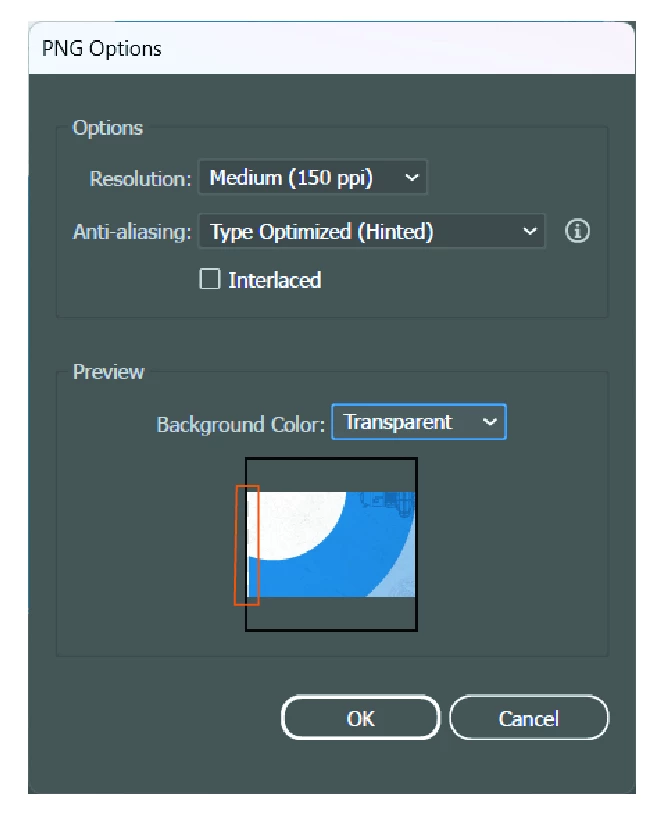
When I'm exporting my files on Illustrator (jpg or png), I'm getting a line usually on the left and bottom edge, kinda an extra pixel.
I'm attaching an image with this line that I'm talking about it. I already tried getting the inside content bigger than the artboard (as a bleed), but even with this, the line is there. I've also tried the alignment. This problem is bad when I'm adding something behind (for example, when I do a social post on Instagram, and when I repost on stories, you can see the line since the image is on top of a solid background)
Let me know if anyone can help! I appreciate it! 🙂
Thank you!



 AdChoices