

Help! How do I fix an "illegal or misplaced operator" error in Adobe Illustrator?
I'm working in a very large file in Adobe Illustrator, around 3GB in size. I've been able to save successfully, close and reopen - UNTIL - I moved the file over to an external drive. Upon doing so, whenever I try to re-open the file I get the following error:
Adobe Illustrator Error Message:
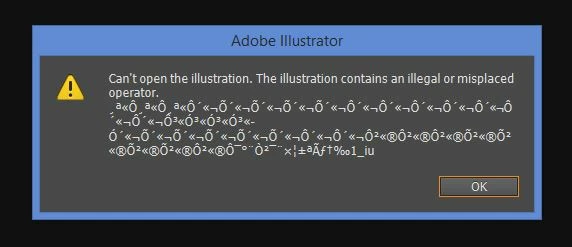
I'm able to see a preview of all of my art boards with the associated work when I go to File/Open..and click on the file in question:
Adobe Illustrator thumbnail preview of my corrupted file:
However, when I click open, most of the art boards are blank. 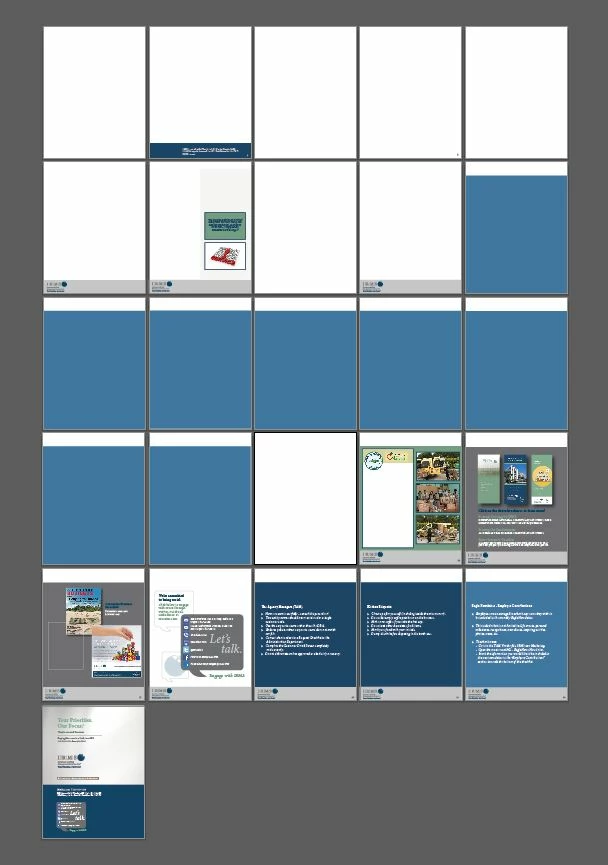
I've searched up and down the Adobe forums and other places on the internet for a solution. I tried three suggestions, all with no success:
1. I've tried the trick where you save the document as an .EPS and try to insert it into a new Illustrator document.
2. I've tried "placing" each page into a new document inside of Illustrator, Photoshop and InDesign.
3. I've tried changing my Illustrator preferences /enableContentRecovery from 0 to 1.
I downloaded a text editor that's able to read very large files. I tried searching for the error inside of the code, but was unable to find that string of text from the
error message, I searched for "1_iu" the last characters in the error message.
Details:
Computer: 64 bit, PC.
AI Version: CS6
System: Windows 8.1 Pro.
Problem: .AI file saved successfully, and I was able to reopen it on my desktop. I had to move the file over to a different drive, and when I tried to open again received the illegal or misplaced operator error.
None of the solutions I'm finding have fixed my problem. I'd like to understand why the error occurred so I don't repeat the mistake, and I'd like to find out a solution to recover my file. I don't understand how if Illustrator can show me a preview of all of the pages...why the actual document comes in as blank pages? Please help!
 AdChoices